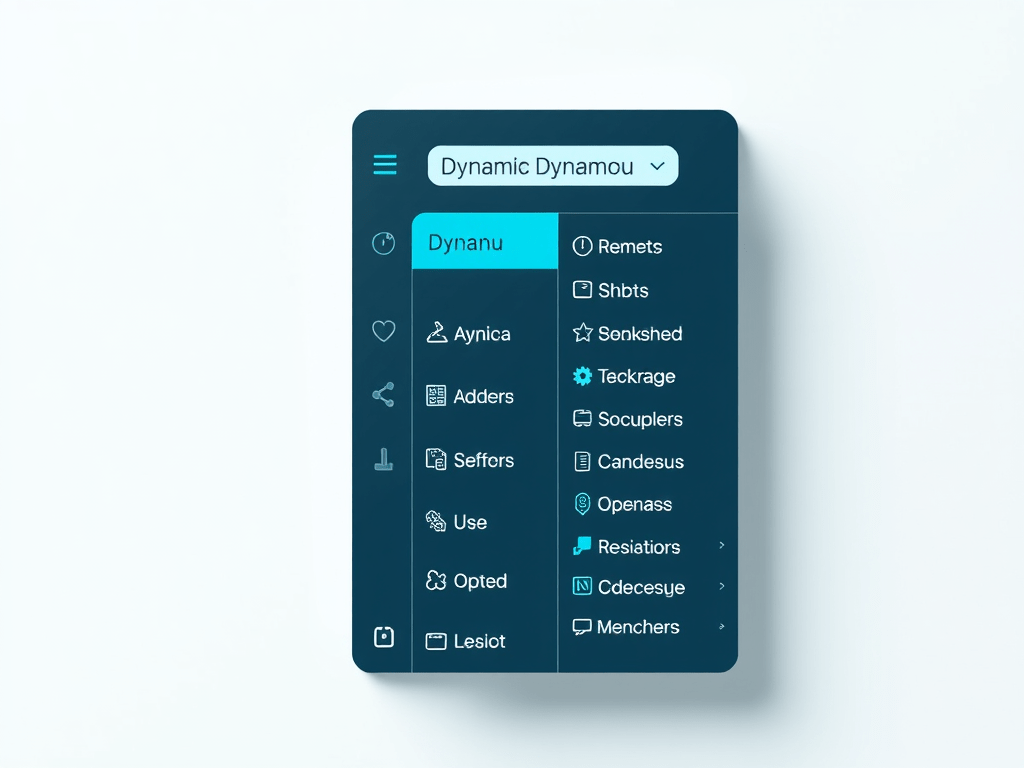
Technical Article: Understanding the Navigation Menu Component in React
Introduction
In this article, we will explore a React component that creates a dynamic navigation menu. This component uses TypeScript for type safety and SCSS for styling. We will break down the code to understand its structure and functionality.
Code Breakdown
import styles from './AppCustomizer.module.scss';
import * as React from 'react';

interface INavigationProps {
  menus: { name: string; subMenus: string[] }[];
}

const NavigationMenuDefault: React.FC<INavigationProps> = ({ menus }) => {
  return (
    <div className={styles.topnav}>
      <div className={styles.dropdown}>
        <button style={{ cursor: "pointer" }} className={styles.dropbtn}>Home Dynamic</button>
      </div>
      {menus.map((menu, index) => (
        <div key={index} className={styles.dropdown}>
          <button style={{ cursor: "pointer" }} className={styles.dropbtn}>{menu.name}</button>
          {menu.subMenus.length > 0 && (
            <div className={styles.dropdownContent}>
              {menu.subMenus.map((subItem, subIndex) => (
                <a key={subIndex} href="#">{subItem}</a>
              ))}
            </div>
          )}
        </div>
      ))}
    </div>
  );
};

export default NavigationMenuDefault;
Explanation
- Imports and Interfaces:
stylesis imported from an SCSS module to apply styles to the component.Reactis imported to use React functionalities.INavigationPropsinterface defines the shape of themenusprop, which is an array of objects. Each object has anameand an array ofsubMenus.
- Component Definition:
NavigationMenuDefaultis a functional component that takesINavigationPropsas props.- The component returns a JSX structure that represents the navigation menu.
- JSX Structure:
- The outer
divuses thetopnavclass from the SCSS module. - A static “Home Dynamic” button is created first.
- The
menusarray is mapped to create a dropdown for each menu item.- Each menu item is wrapped in a
divwith thedropdownclass. - A button is created for each menu item using the
dropbtnclass. - If the menu item has submenus, another
divwith thedropdownContentclass is created to hold the submenu links.
- Each menu item is wrapped in a
- The outer
- Styling:
- The component uses CSS classes defined in the
AppCustomizer.module.scssfile to style the navigation menu.
- The component uses CSS classes defined in the
Conclusion
This React component demonstrates how to create a dynamic navigation menu with dropdowns using TypeScript and SCSS. By understanding the structure and functionality of this component, you can customize and extend it to fit your application’s needs.
Feel free to ask if you have any questions or need further clarification on any part of the code!

 edvaldo b. guimarães filho