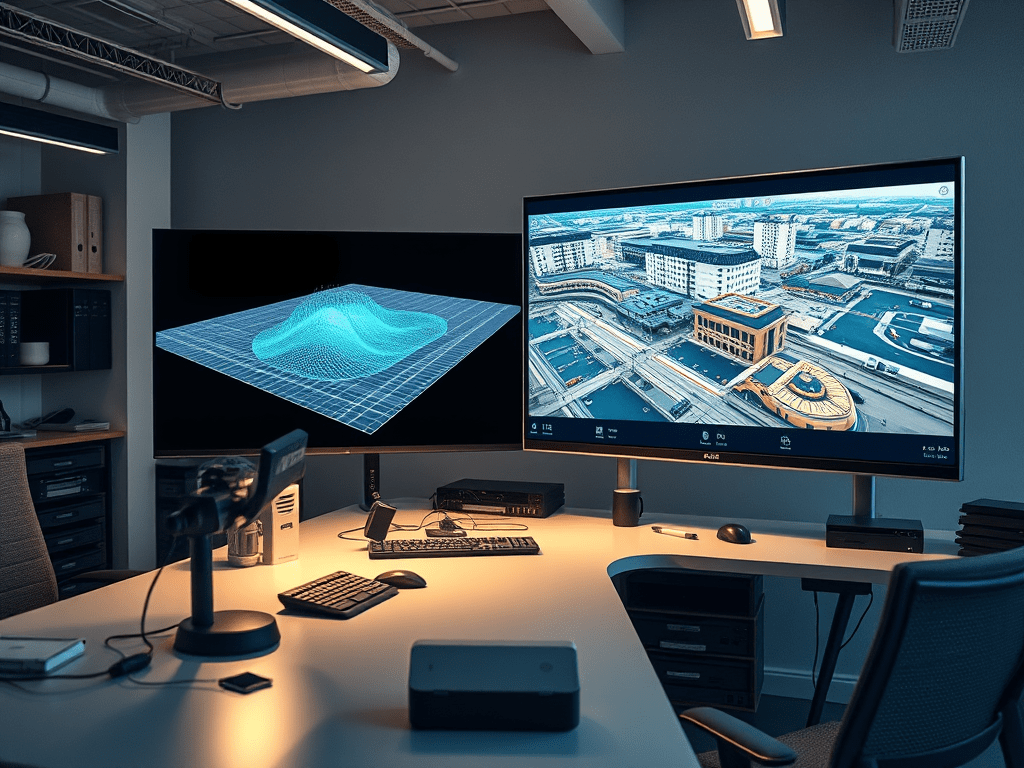
Hybrid Workflow: Integrating 360° Imaging and LiDAR for Engineering Digital Twins
Digital twins in engineering are virtual replicas of physical assets, synchronized through data and continuously updated for lifecycle management. A robust digital twin must provide both geometric accuracy (for structural reliability) and visual realism (for human interpretation). This is where the hybrid integration of 360° imaging and LiDAR scanning becomes a strategic solution.
1. Motivation for Hybrid Models
- 360° Imaging delivers visual context with low storage and cost but lacks geometric depth.
- LiDAR delivers precise spatial geometry, but datasets are heavy and visually sparse without RGB overlays.
- Combined Approach: Align 360° images with LiDAR point clouds to create digital twins that are both accurate and navigable.
2. Workflow Architecture
Step 1 – Data Acquisition
- LiDAR Scans: Capture 3D point clouds (LAS, E57).
- 360° Images: Capture geotagged panoramic images (JPEG/PNG equirectangular).
- Optional: Use drones for aerial LiDAR + ground-level 360° cameras for interiors.
Step 2 – Spatial Alignment
- Use camera pose estimation to align 360° images with LiDAR coordinates.
- Techniques:
- Feature Matching (SIFT, ORB) between image textures and LiDAR reflectivity.
- ICP (Iterative Closest Point) algorithm for refining registration.
Step 3 – Fusion and Data Linking
- Store point cloud geometry as the backbone.
- Map 360° images as spherical textures onto the cloud or as hotspot references.
- Metadata (GPS, timestamp, orientation) ensures synchronization with BIM models.
Step 4 – Integration with Digital Twin Platforms
- Import fused datasets into platforms such as:
- Autodesk Forge / Revit / Navisworks
- Bentley iTwin
- Trimble Connect
- Data served via REST APIs or WebGL/Three.js for browser visualization.
Step 5 – Lifecycle Management
- Updates from IoT sensors (temperature, vibration, flow rates) are bound to georeferenced positions in the hybrid twin.
- Engineers can visually navigate with 360° imagery while performing quantitative analysis on LiDAR geometry.
3. Technical Benefits
- Accuracy + Realism: Millimeter precision from LiDAR plus real-world textures from 360° imaging.
- Data Reduction: Instead of storing terabytes of point clouds for all views, 360° imagery reduces reliance on heavy LiDAR rendering.
- Remote Collaboration: Teams access hybrid twins via browsers, making field visits less necessary.
- Predictive Maintenance: IoT overlays on georeferenced twins enable simulation of equipment failures.
4. Market Adoption
- AEC Industry: Used for construction progress validation.
- Oil & Gas: Remote facility inspection with hybrid visualization.
- Transportation Infrastructure: Tunnel and bridge lifecycle monitoring.
- Utilities: Substation and water plant asset management.
Companies such as Autodesk, Bentley, and Trimble are embedding hybrid workflows into their platforms, creating a market shift towards multi-source digital twins.
5. Technical Example
Below is a simplified pseudocode workflow using Python + open libraries (Open3D + OpenCV) to fuse 360° imagery and LiDAR:
import open3d as o3d
import cv2
import numpy as np

# Load LiDAR point cloud
pcd = o3d.io.read_point_cloud("site_scan.las")

# Load 360° image (equirectangular projection)
img_360 = cv2.imread("site_image.jpg")

# Camera intrinsics (example values)
K = np.array([[1000, 0, 960],
              [0, 1000, 540],
              [0, 0, 1]])

# Estimate camera pose relative to LiDAR cloud (placeholder function)
pose_matrix = estimate_pose(img_360, pcd, K)

# Project LiDAR points into 360° image space
points = np.asarray(pcd.points)
projected, _ = cv2.projectPoints(points, pose_matrix[:3, :3], pose_matrix[:3, 3], K, None)

# Overlay visualization (e.g., colorize point cloud with 360° image pixels)
colors = []
for pt in projected.reshape(-1, 2):
    x, y = int(pt[0]), int(pt[1])
    if 0 <= x < img_360.shape[1] and 0 <= y < img_360.shape[0]:
        colors.append(img_360[y, x] / 255.0)
    else:
        colors.append([0, 0, 0])

pcd.colors = o3d.utility.Vector3dVector(colors)

# Save hybrid point cloud
o3d.io.write_point_cloud("hybrid_twin.ply", pcd)
This simplified code flow:
- Loads LiDAR and 360° datasets.
- Estimates pose alignment.
- Projects LiDAR points into the image frame.
- Colorizes point cloud with 360° imagery for photo-realistic geometry.
Summary Table
| Step | 360° Imaging Role | LiDAR Role | Output in Digital Twin |
|---|---|---|---|
| Capture | Spherical RGB textures | High-precision geometry | Multi-source datasets |
| Alignment | Pose estimation, EXIF metadata | Point cloud reference frame | Registered spatial dataset |
| Fusion | Visual overlays, hotspot navigation | 3D geometry backbone | Hybrid model |
| Integration | WebGL/SharePoint viewers, VR simulations | CAD/BIM workflows, clash detection | Digital twin platforms |
| Lifecycle Mgmt | Visual context for IoT monitoring | Quantitative structural analysis | Predictive maintenance & asset optimization |
For deeper background on hybrid digital twins:

 edvaldo b. guimarães filho