Azure DevOps Boards Menu — What Each Item Means (Blog Article)
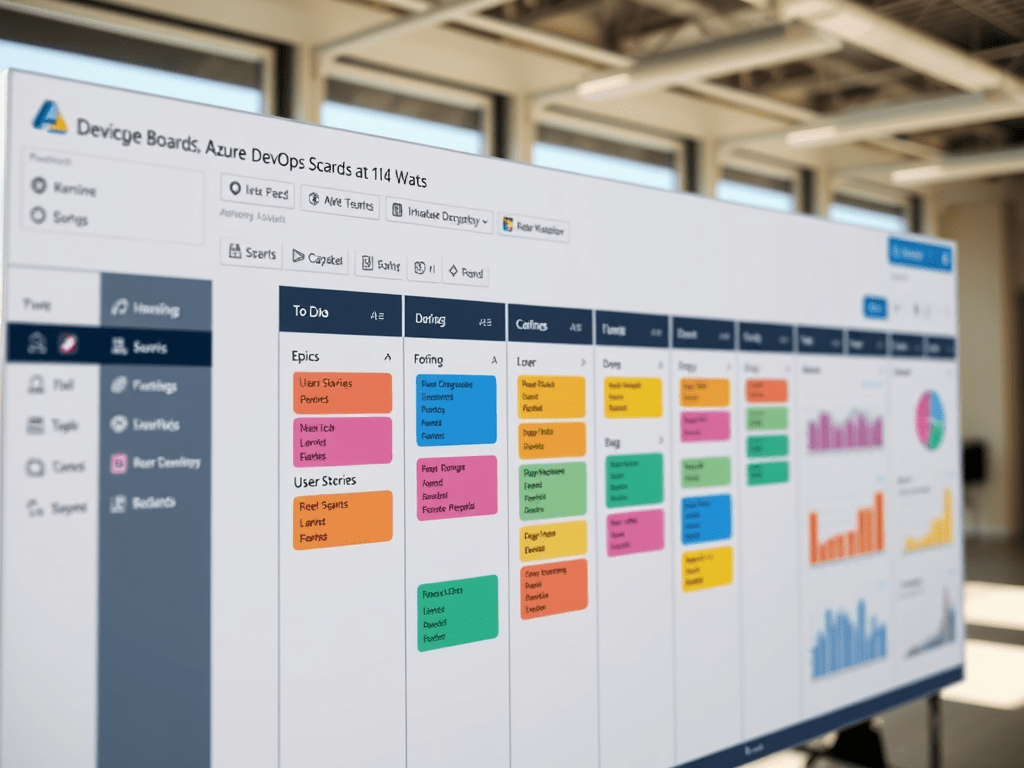
Azure DevOps “Boards” is the part of the platform where teams plan work, track progress, and measure delivery. Depending on your organization, you’ll see a mix of built-in features (Microsoft) and extensions (installed from the Azure DevOps Marketplace). The screenshot you shared shows both.
Below is a practical guide to each item in that left menu, what it is for, and when you should use it.
Overview
What it is: A summary page for the project/team area (varies by configuration).
Why you’d use it: Quick visibility into what’s happening—links, dashboards, recent activity, or key widgets.
Typical scenario: You land here to orient yourself before jumping into work items, sprint boards, or analytics.
Boards (group)
This is the main navigation area for work tracking.
Work items
What it is: The “database” view of all items you track: Epics, Features, User Stories, PBIs, Tasks, Bugs, etc.
What you do here:
- Create/edit work items
- Assign owners
- Add descriptions, acceptance criteria, attachments
- Link items (parent/child, related, duplicates)
- Track state changes (New → Active → Done)
Use this when: You need to manage a specific item in detail.
Boards
What it is: A Kanban board (columns like To Do / Doing / Done).
What you do here:
- Move cards across columns to represent flow
- Apply WIP limits
- Filter by assignee, tags, area path, iteration, etc.
- Use swimlanes for priority or classes of service
Use this when: You want a visual “flow” view of work in progress.
Backlogs
What it is: A prioritized list of upcoming work (often Stories/PBIs, plus the hierarchy above them).
What you do here:
- Rank items by priority
- Break down Features into Stories, Stories into Tasks
- Estimate effort
- Plan what will be pulled into a sprint
Use this when: You’re preparing the next sprint or managing priorities.
Sprints
What it is: Iteration-based planning and execution (Scrum-style). Usually includes:
- Sprint Backlog view
- Sprint Board
- Capacity planning
- Sprint Taskboard
Use this when: You run time-boxed iterations and need execution control.
Queries
What it is: Saved searches for work items (like “Bugs in Active”, “My tasks”, “Blocked items”).
What you do here:
- Build query filters (fields, states, tags, dates)
- Save/share queries with the team
- Export results
- Power dashboards and charts using query results
Use this when: You need repeatable reporting or targeted lists.
Delivery Plans
What it is: A timeline-like view across multiple teams/backlogs, showing planned work over iterations.
What you do here:
- See Features/Epics across sprints for different teams
- Spot conflicts or overloaded schedules
- Align cross-team initiatives
Use this when: You coordinate delivery across multiple teams (program-level view).
Analytics views
What it is: Views built on Azure DevOps Analytics (the reporting layer).
What you do here:
- Create curated datasets/views for reporting
- Use them in dashboards, Power BI, or Analytics widgets
- Standardize metrics definitions (lead time, cycle time, throughput)
Use this when: You want consistent reporting and advanced metrics.
Plans (group)
This section often contains either Microsoft planning features or installed planning extensions.
Personas
What it is: A planning tool oriented around who (persona/user type) your work benefits.
What you do here:
- Define target personas (e.g., Admin, Engineer, Customer)
- Align epics/features to user value
- Communicate product direction in business language
Use this when: You do product planning and want value segmentation by audience.
Portfolio++
What it is: Typically an extension (not standard in every Azure DevOps org).
What it usually provides: Portfolio/program management capabilities like:
- Cross-project portfolio views
- Roadmaps, dependencies
- Advanced scheduling/tracking
Use this when: Your org needs higher-level portfolio management beyond standard backlogs.
Tip: If you’re unsure whether something is an extension, it usually appears because someone installed it for the organization/project.
Retrospectives
What it is: A tool (often an extension) to run sprint retros.
What you do here:
- Collect “What went well / What didn’t / Actions”
- Vote and prioritize improvements
- Track retro action items
Use this when: You want structured continuous improvement inside DevOps.
Wiql Playground
What it is: A tool to write/test WIQL (Work Item Query Language).
What you do here:
- Build complex queries not easily done in the UI
- Validate query syntax
- Use WIQL for API integrations and automation
Use this when: You’re building advanced queries or scripting against Azure DevOps.
Planning Poker
What it is: A collaborative estimation tool (often an extension).
What you do here:
- Estimate stories as a team using points (Fibonacci, etc.)
- Reduce anchoring bias by voting independently
- Quickly converge on a shared estimate
Use this when: You do story point estimation as part of backlog refinement.
Calendar
What it is: A calendar view for iterations, deliveries, and sometimes work items/dates (often extension-based).
What you do here:
- Visualize sprint boundaries, key milestones
- See planned items by date (depends on configuration)
Use this when: You need date-based visualization rather than backlog rank.
Project performance
What it is: A performance/health view (often based on Analytics or an extension).
What it typically shows:
- Throughput, cycle time, lead time
- Burndown/burnup
- Trends and bottlenecks
Use this when: You want management-level signals on delivery health.
Gantt Chart
What it is: A Gantt view (almost always an extension).
What you do here:
- Visualize work items on a timeline
- Track start/end dates, dependencies (if supported)
- Communicate schedules to stakeholders
Use this when: Your audience expects classic project timeline views.
My Activity (partially visible)
What it is: A personal view of your recent actions and assigned work.
Use this when: You want a “what’s on my plate” and “what did I touch recently” page.
Practical guidance: how these fit together (real-world workflow)
Most teams use them like this:
- Backlogs → prioritize and refine work
- Planning Poker (optional) → estimate stories
- Sprints → pull items into a sprint and execute
- Boards → manage flow during sprint (Kanban-style)
- Work items → update details, links, acceptance criteria
- Queries → track specific slices (bugs, blockers, my work)
- Delivery Plans / Gantt / Calendar → communicate timelines
- Analytics views / Project performance → measure delivery health
- Retrospectives → improve process and track action items
Final summary tables
Table 1 — “Steps” (how to use this menu day-to-day)
| Step | Where to go | Goal | Output |
|---|---|---|---|
| 1 | Backlogs | Prioritize upcoming work | Ranked list |
| 2 | Work items | Write good requirements + links | Clean work item data |
| 3 | (Optional) Planning Poker | Estimate items as a team | Story points/effort |
| 4 | Sprints | Commit work to iteration | Sprint backlog |
| 5 | Boards | Manage flow and WIP | Visual execution |
| 6 | Queries | Track slices (bugs, blockers, my work) | Saved lists |
| 7 | Delivery Plans / Calendar / Gantt | Communicate plans | Roadmap/timeline |
| 8 | Analytics views / Project performance | Measure and improve | Metrics and trends |
| 9 | Retrospectives | Capture improvements | Action items |
Table 2 — Technical cheat sheet (what each item “is”)
| Menu item | Category | Primary object | Best for |
|---|---|---|---|
| Overview | Landing | Project/team summary | Navigation & status |
| Work items | Tracking | Work item records | Detailed editing |
| Boards | Execution | Kanban board | Flow/WIP control |
| Backlogs | Planning | Ranked backlog | Prioritization/refinement |
| Sprints | Agile execution | Iterations & sprint backlog | Scrum delivery |
| Queries | Reporting/search | Query definitions | Repeatable views |
| Delivery Plans | Cross-team planning | Roadmap timeline | Multi-team alignment |
| Analytics views | Reporting layer | Analytics datasets/views | Metrics consistency |
| Personas | Product planning | Persona definitions | Value segmentation |
| Portfolio++ | Portfolio (extension) | Program/portfolio views | Exec-level planning |
| Retrospectives | Process improvement | Retro notes/actions | Continuous improvement |
| Wiql Playground | Advanced querying | WIQL queries | Complex queries & APIs |
| Planning Poker | Estimation | Voting sessions | Story points |
| Calendar | Time view | Dates/iterations | Milestones & schedule |
| Project performance | Metrics | Delivery KPIs | Health & trends |
| Gantt Chart | Timeline (extension) | Scheduled items | Traditional PM view |
| My Activity | Personal | User’s items/actions | Personal productivity |

 edvaldo b. guimarães filho