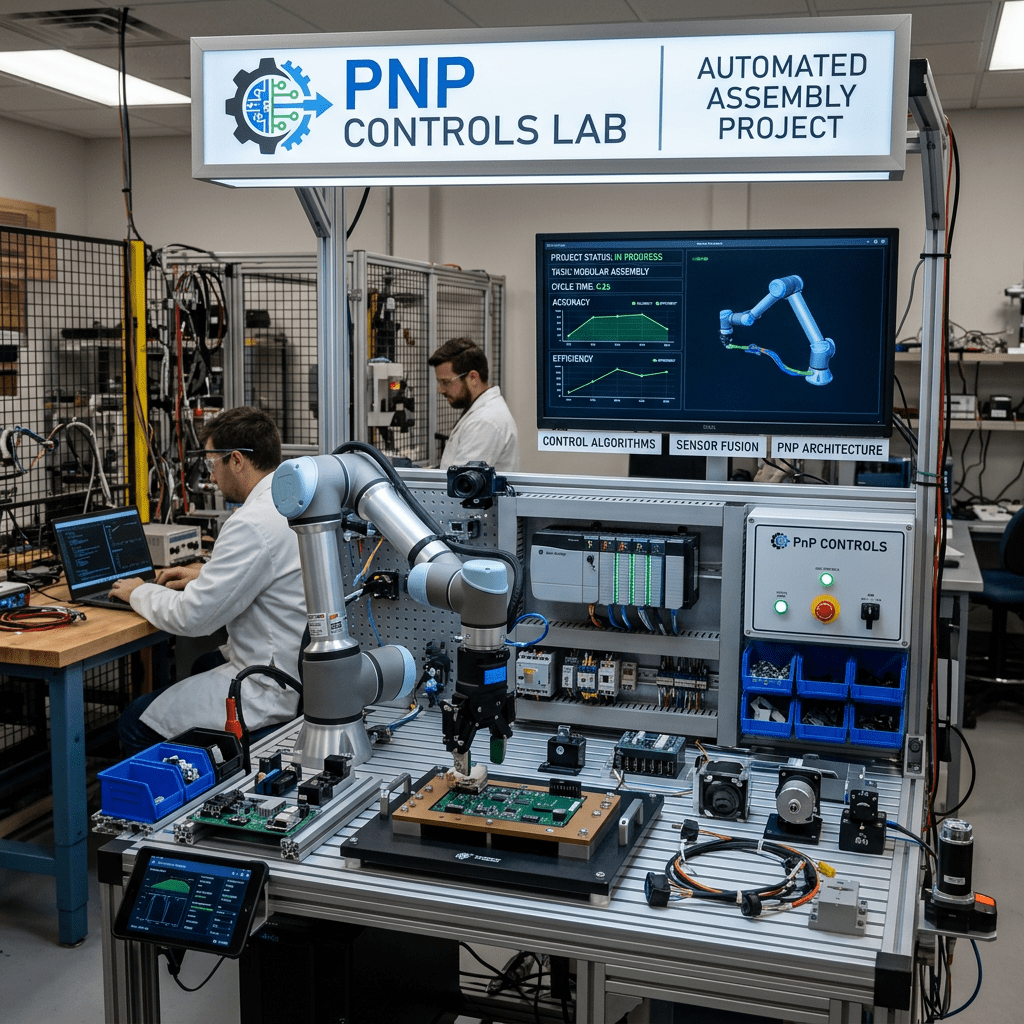
The PnP Controls Lab is a long-term educational and technical project designed to explore, validate, document, and demonstrate every control available in the PnP SPFx React Controls library.
PnP Controls Lab – Building 100 SharePoint Framework Applications with PnP React Controls
Introduction
The PnP Controls Lab is a long-term educational and technical project designed to explore, validate, document, and demonstrate every control available in the PnP SPFx React Controls library.
The objective of the project is not simply to create examples. The goal is to build a complete learning path that starts with a single control and gradually evolves into a full enterprise-grade SharePoint Framework solution containing dozens of integrated controls.
Each application in the laboratory introduces one new control while preserving all controls previously implemented. This cumulative approach allows developers to understand each control individually before learning how controls interact within larger business solutions.
The project also serves as the foundation for a technical article series covering every documented control available in the PnP SPFx React Controls library.
Project Objectives
The laboratory was created with the following goals:
- Learn every documented PnP SPFx React Control.
- Build practical SharePoint Framework solutions.
- Create reproducible examples.
- Validate all implementations through testing.
- Publish detailed technical articles.
- Develop a reusable enterprise showcase solution.
- Create a long-term reference library for SharePoint developers.
The project prioritizes accuracy, reproducibility, and documented behavior over assumptions and undocumented features.
Project Methodology
The project follows a strict workflow.
For each control:
- Study the official documentation.
- Reproduce the official sample.
- Compile and validate the solution.
- Perform testing.
- Receive validation from the project owner.
- Create additional examples only when supported by documented functionality.
- Produce the final technical article.
This methodology ensures that every published article is based on validated results and official documentation.
Progressive Learning Model
The laboratory follows a cumulative learning model.
Application 001 introduces the first control.
Application 002 introduces a second control while preserving the first.
Application 003 introduces a third control while preserving the first two.
This pattern continues until all documented controls have been implemented.
The result is a natural progression from simple demonstrations to complex enterprise applications.
Why a Story Behind Every Application?
Rather than creating isolated technical samples, every application is based on a realistic business scenario.
Examples include:
- Employee onboarding portals
- Human resources solutions
- Project management dashboards
- Document management systems
- Knowledge management portals
- Team collaboration solutions
- Search experiences
- Taxonomy governance platforms
This approach makes every control easier to understand because it is presented within a practical business context.
Project Architecture
The laboratory is divided into two phases.
Phase 1 – Control Discovery
Applications 001 through 082 introduce new controls one at a time.
The focus is:
- Installation
- Configuration
- Properties
- Events
- Usage scenarios
- Validation
Phase 2 – Enterprise Integration
Applications 083 through 100 combine multiple controls into larger business solutions.
The focus becomes:
- Integration
- User experience
- Information architecture
- Navigation
- Enterprise scenarios
Expected Outcomes
By the end of the project the laboratory will provide:
- 100 SharePoint Framework applications
- A complete collection of validated examples
- Technical documentation for every studied control
- Reusable source code
- Enterprise solution patterns
- A final showcase application containing all validated controls
The final application will demonstrate how the PnP SPFx React Controls library can be used to build modern SharePoint solutions using a consistent architecture.
Official Documentation Policy
This project follows a strict documentation policy.
The only approved source of information is the official PnP SPFx React Controls documentation.
No external samples, blog posts, community articles, AI-generated functionality, undocumented behaviors, assumptions, or inferred features are used as technical references.
Whenever uncertainty exists, the official documentation takes precedence.
This rule ensures that all articles remain accurate, maintainable, and aligned with the documented capabilities of the library.
Conclusion
PnP Controls Lab is more than a collection of examples.
It is a structured learning journey designed to transform individual controls into complete SharePoint solutions while maintaining strict alignment with official documentation and validated implementation results.
By progressing from a single control to a full enterprise showcase, the project provides a practical roadmap for developers who want to master SharePoint Framework development with PnP React Controls.
Application Roadmap Reference
| App | Application |
|---|---|
| 001 | Employee Welcome Portal |
| 002 | Employee Handbook Center |
| 003 | HR Policy Viewer |
| 004 | HR Policy Designer |
| 005 | Corporate Announcements |
| 006 | Vacation Calendar Portal |
| 007 | Company News Center |
| 008 | Executive Dashboard |
| 009 | Sales Analytics |
| 010 | Customer Insights |
| 011 | Revenue Distribution |
| 012 | Revenue Trends |
| 013 | Market Share Dashboard |
| 014 | Risk Assessment Center |
| 015 | Skills Matrix Portal |
| 016 | Data Science Playground |
| 017 | Product Selector |
| 018 | Content Type Manager |
| 019 | PMO Dashboard |
| 020 | Vacation Request Center |
| … | … |
| 082 | User Rendering Lab |
| 083 | HR Digital Workplace |
| 084 | IT Service Portal |
| 085 | Corporate Communications Hub |
| 086 | Legal Document Center |
| 087 | Project Portfolio Management |
| 088 | Learning Management Portal |
| 089 | Knowledge Management Center |
| 090 | Records Management Solution |
| 091 | Teams Collaboration Workspace |
| 092 | Enterprise Search Portal |
| 093 | Digital Asset Management |
| 094 | Corporate Directory |
| 095 | Taxonomy Governance Portal |
| 096 | Executive Analytics Platform |
| 097 | Global Operations Center |
| 098 | Enterprise Intranet Portal |
| 099 | PnP Controls Showcase |
| 100 | PnP Controls Enterprise Lab |
Reference Links
Project rules and documentation constraints are based on the project specification provided and maintained for this laboratory.


