
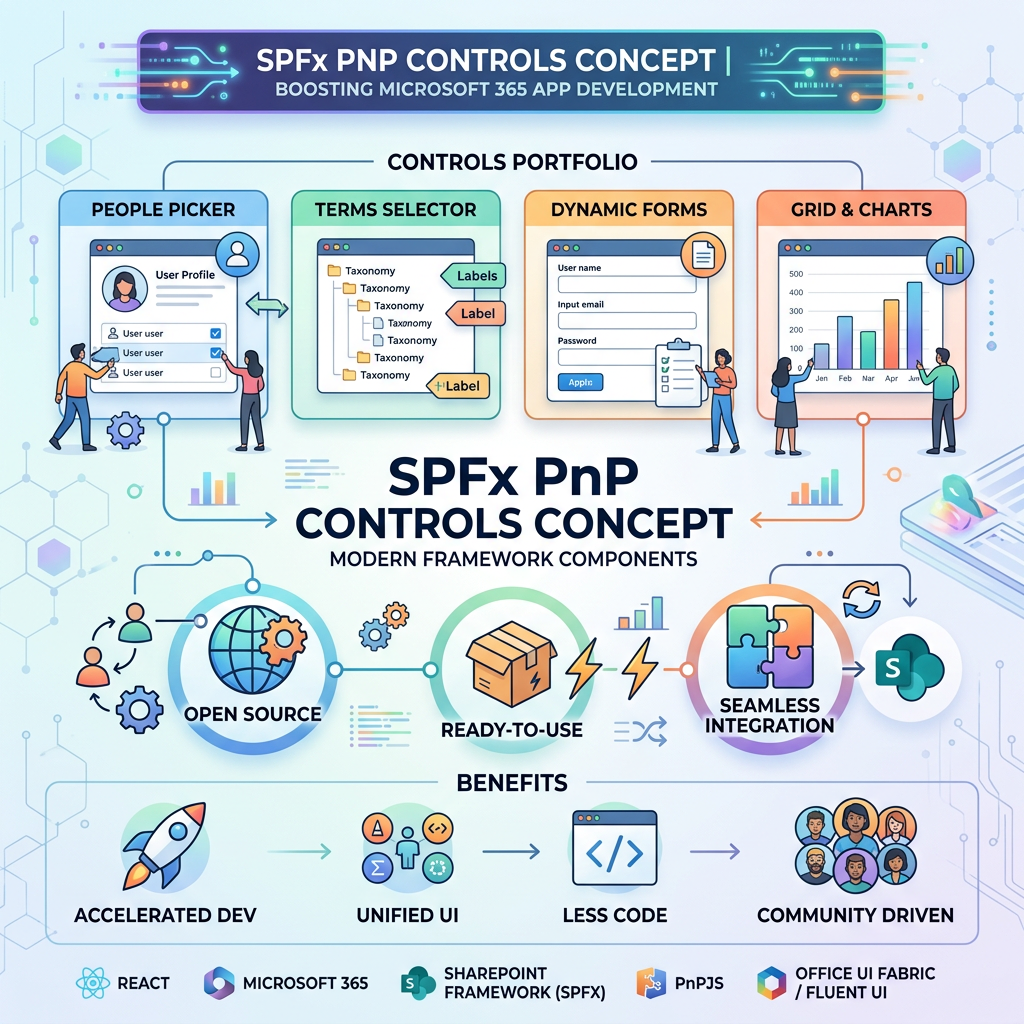
SPFx PnP IFrameDialog Control
Official documentation: https://pnp.github.io/sp-dev-fx-controls-react/controls/IFrameDialog/
Introduction
The IFrameDialog control from PnP SPFx React Controls allows an SPFx web part to open external or internal web content inside a Fluent UI dialog using an iframe.
According to the official PnP documentation, this control renders a dialog with an iframe as its content. It is useful when you need to show another page, form, document preview, or embedded experience without navigating away from the current SharePoint page. (PNP)
Install the PnP Controls Package
npm install @pnp/spfx-controls-react --save
Component Code
import * as React from 'react';import { useState, useCallback } from 'react';import { IFrameDialog } from "@pnp/spfx-controls-react/lib/IFrameDialog";import { DialogType } from '@fluentui/react';export interface IIFrameDialogWpProps { url: string;}const IFrameDialogWp: React.FC<IIFrameDialogWpProps> = ({ url }) => { const [hideDialog, setHideDialog] = useState<boolean>(true); const onIframeLoaded = useCallback(() => { console.log('Iframe carregado'); }, []); const onDialogDismiss = useCallback(() => { setHideDialog(true); }, []); return ( <> <button onClick={() => setHideDialog(false)}> Abrir Dialog </button> <IFrameDialog url={url} iframeOnLoad={onIframeLoaded} hidden={hideDialog} onDismiss={onDialogDismiss} modalProps={{ isBlocking: true, containerClassName: 'dialogContainer' }} dialogContentProps={{ type: DialogType.close, showCloseButton: true }} width={'570px'} height={'315px'} /> </> );};export default IFrameDialogWp;
Code Explanation
The component receives a url property:
export interface IIFrameDialogWpProps { url: string;}
This URL is passed directly to the iframe rendered inside the dialog:
url={url}
The dialog visibility is controlled by this React state:
const [hideDialog, setHideDialog] = useState<boolean>(true);
In this control, hidden={true} means the dialog is closed, and hidden={false} means the dialog is visible.
The button opens the dialog:
<button onClick={() => setHideDialog(false)}> Abrir Dialog</button>
When the iframe finishes loading, this callback runs:
const onIframeLoaded = useCallback(() => { console.log('Iframe carregado');}, []);
This is useful for logging, loading indicators, or custom behavior after the embedded page is ready.
The dialog is closed through the onDismiss callback:
const onDialogDismiss = useCallback(() => { setHideDialog(true);}, []);
The modalProps object configures the modal behavior:
modalProps={{ isBlocking: true, containerClassName: 'dialogContainer'}}
isBlocking: true means the user must close the dialog before interacting with the page behind it.
The dialogContentProps object configures the Fluent UI dialog content:
dialogContentProps={{ type: DialogType.close, showCloseButton: true}}
This enables a close button in the dialog header.
The iframe size is controlled by:
width={'570px'}height={'315px'}
Both width and height are required properties in the official control documentation. (PNP)
Main Properties Used
| Property | Purpose |
|---|---|
url | Defines the iframe URL. |
hidden | Controls whether the dialog is visible or hidden. |
iframeOnLoad | Runs when the iframe content finishes loading. |
onDismiss | Runs when the dialog is closed. |
modalProps | Passes Fluent UI modal configuration. |
dialogContentProps | Passes Fluent UI dialog content configuration. |
width | Defines iframe width. |
height | Defines iframe height. |
Why This Control Is Useful in SPFx
IFrameDialog is useful when you want to keep users inside the current SharePoint page while showing another experience in a modal window.
Common scenarios include:
- Opening a SharePoint form in a dialog.
- Showing an external web page.
- Embedding a document preview.
- Displaying a help page.
- Opening a small internal tool without page navigation.
Important Considerations
Not every URL can be embedded in an iframe. Some websites block iframe embedding using security headers such as X-Frame-Options or Content-Security-Policy.
For SharePoint pages and internal tenant URLs, this usually works better, but permissions and page policies still matter.
Also, avoid embedding untrusted external URLs because iframe content can introduce security and user experience risks.
Conclusion
The IFrameDialog control is a practical PnP SPFx React Control for displaying iframe-based content inside a Fluent UI dialog.
In this example, React state controls the dialog visibility, iframeOnLoad handles the iframe load event, and onDismiss closes the modal. This creates a simple and reusable SPFx pattern for opening embedded content without leaving the current SharePoint page.

 edvaldo b. guimarães filho