Edvaldo Guimrães Filho
-
How to Use an HTTP Request Result from an API Inside a Power Apps Canvas App
How to Use an HTTP Request Result from an API Inside a Power Apps Canvas App When people start working with Power Apps and APIs, one of the first assumptions is usually this: “I will call an HTTP endpoint from… Continue reading

-
Understanding MCP Servers (Model Context Protocol) — A Deep, Practical Guide (with Microsoft Learn as the backbone)
Understanding MCP Servers (Model Context Protocol) — A Deep, Practical Guide (with Microsoft Learn as the backbone) If you’re building AI agents that need to search documentation, query enterprise data, or run actions (create tickets, call APIs, read SharePoint, etc.),… Continue reading

-
SharePoint “Quick Charts” Bar Chart in a Column (PnP Sample)
SharePoint “Quick Charts” Bar Chart in a Column (PnP Sample) Render a live bar chart per list item using Column Formatting JSON + QuickChart.io (with 3 useful variations). The PnP sample generic-quick-charts-bar-chart is a clever pattern: it uses SharePoint Column… Continue reading
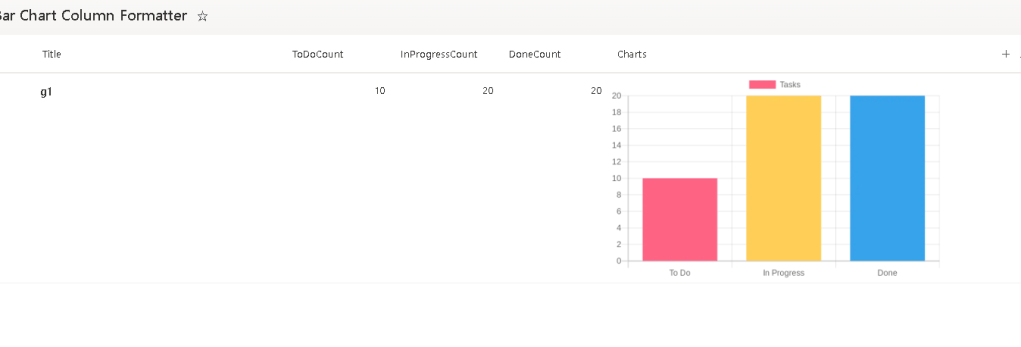
-
SharePoint Approval Status Badges with Column Formatting JSON
SharePoint Approval Status Badges with Column Formatting JSON Turn the built-in moderation status into a clean icon + color “pill” (plus 3 variations you can reuse). When you enable Content Approval on a SharePoint list or library, SharePoint exposes an… Continue reading

-
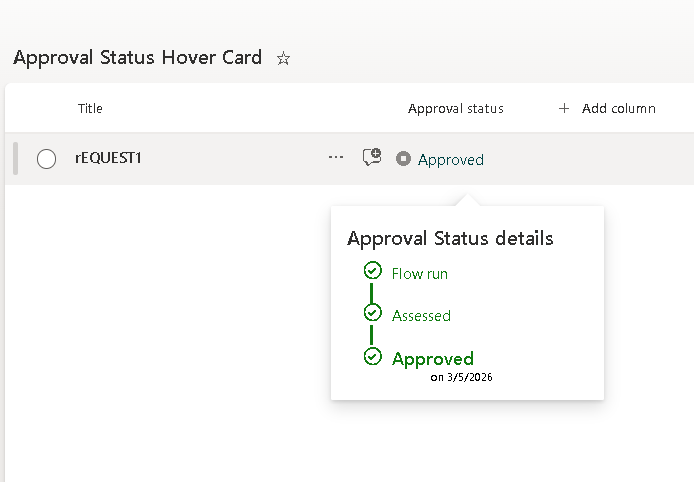
SharePoint Approval Status Hover Card (PnP Pattern) — A Publish-Ready Guide + Variations
SharePoint Approval Status Hover Card (PnP Pattern) — A Publish-Ready Guide + Variations This article shows how to implement the PnP “generic-approval-status-hover-card” pattern to transform SharePoint’s built-in Approval Status into a clean icon + label with a rich hover card… Continue reading
-
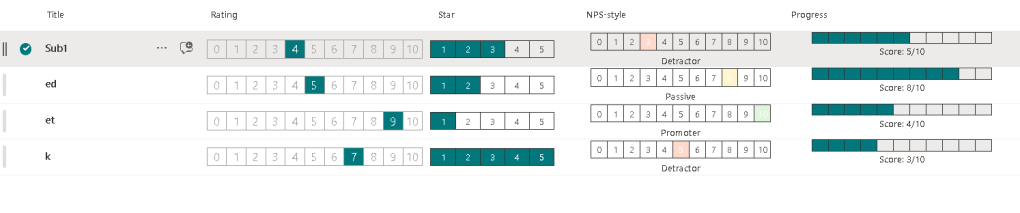
Building a 0–10 “Rating Bar” in SharePoint Column Formatting (and 3 Similar Variations)
Building a 0–10 “Rating Bar” in SharePoint Column Formatting (and 3 Similar Variations) If you’ve ever wanted a compact 0–10 score UI inside a SharePoint list view (or Microsoft Lists), the PnP sample “number-zero-to-ten-rating” is a clean pattern to learn:… Continue reading
-
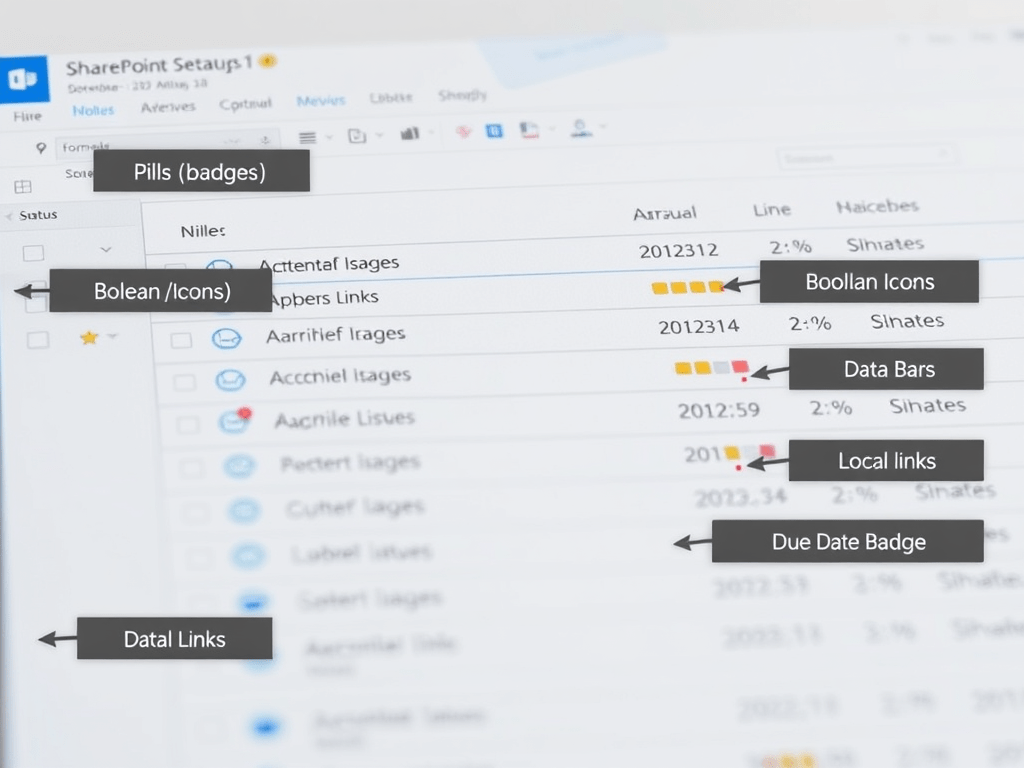
Building a Consistent SharePoint List “Design System” with PnP Column Formatting Samples
Building a Consistent SharePoint List “Design System” with PnP Column Formatting Samples The PnP List Formatting gallery is not just a collection of cool JSON snippets—it’s a pattern library you can standardize into a reusable UI design system for SharePoint/Microsoft… Continue reading
-
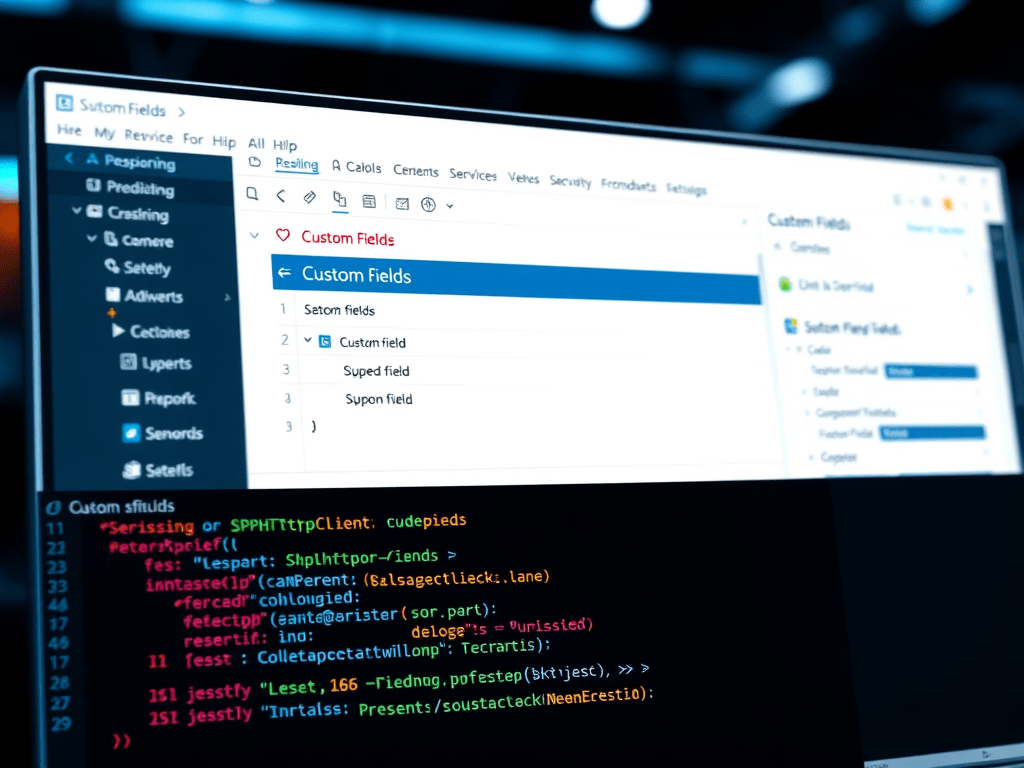
Custom Fields in SharePoint Framework (SPFx): Provisioning, Rendering, Editing, and Property Pane Controls (with PnP Examples)
Custom Fields in SharePoint Framework (SPFx): Provisioning, Rendering, Editing, and Property Pane Controls (with PnP Examples) When you say “custom fields in SPFx”, you usually mean all of these: Provision fields (columns) in a list/library (and optionally content types) Render… Continue reading
-
OLAP Deep Dive for Microsoft 365: Cubes (Multidimensional), Tabular Models, and Power BI Semantic Models — and How to Use Them with SharePoint, Power Automate, Power BI, and Power Apps
OLAP Deep Dive for Microsoft 365: Cubes (Multidimensional), Tabular Models, and Power BI Semantic Models — and How to Use Them with SharePoint, Power Automate, Power BI, and Power Apps OLAP (Online Analytical Processing) is the discipline of building analysis-optimized… Continue reading

-
OLAP in the Microsoft Ecosystem (and how to actually use it with SharePoint, Power Automate, Power BI, and Power Apps)
OLAP in the Microsoft Ecosystem (and how to actually use it with SharePoint, Power Automate, Power BI, and Power Apps) OLAP (Online Analytical Processing) is the “analytics side” of data: it’s designed for fast slicing/dicing, aggregations, and business-friendly analysis across… Continue reading

-
Adaptive Cards “for everything”: one mental model, multiple hosts (Teams, Power Automate, Copilot Studio, SharePoint/Viva)
Adaptive Cards “for everything”: one mental model, multiple hosts (Teams, Power Automate, Copilot Studio, SharePoint/Viva) Adaptive Cards are authored in JSON and rendered by a host (Teams, Bot Framework, Copilot Studio, etc.). The host controls feature support and final UI,… Continue reading

-
Adaptive Cards: an extensive introduction (with practical mental models)
Adaptive Cards: an extensive introduction (with practical mental models) Adaptive Cards are a platform-agnostic UI snippet format authored in JSON that a host app (for example, Microsoft Teams, Bot Framework channels, Copilot experiences, or your own app) can render into… Continue reading

-
Build a Power Automate Workflow to Send Microsoft Teams Messages
Step-by-step guide to build a Power Automate workflow that sends Microsoft Teams messages. I’ll cover the 3 most common patterns (chat, channel, and “post as Flow bot”), plus typical pitfalls and how to test. Context: In Power Automate, sending Teams… Continue reading

-
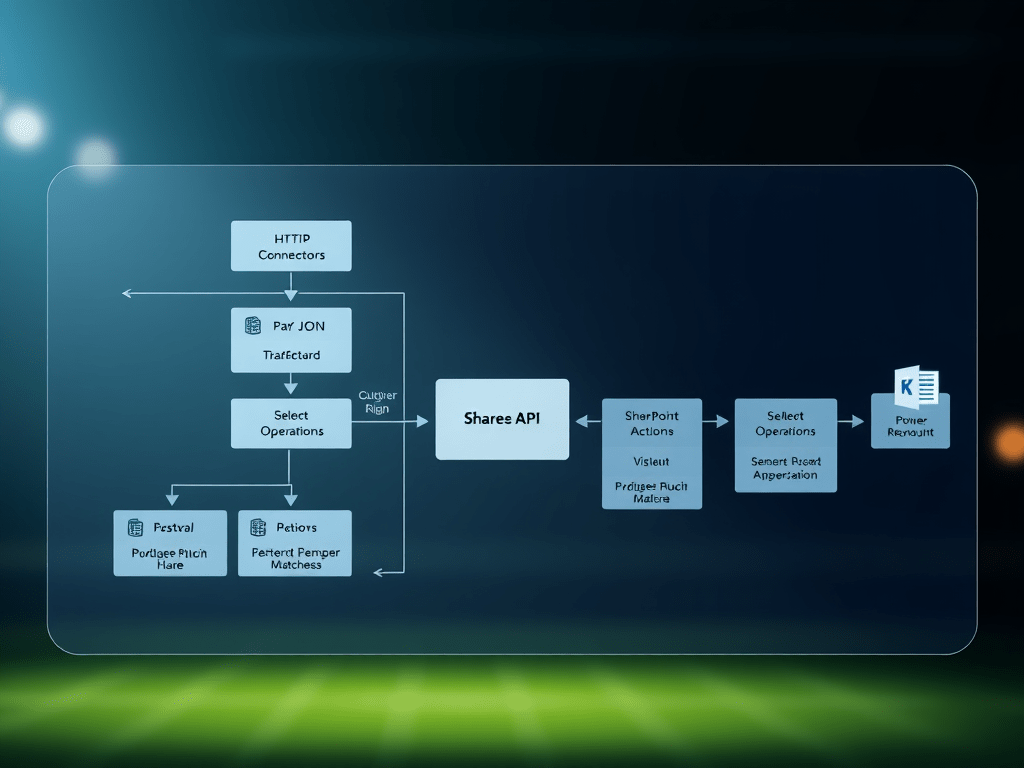
Building a Daily Football Matches Ingestion Flow (REST API → Power Automate → SharePoint)
Building a Daily Football Matches Ingestion Flow (REST API → Power Automate → SharePoint) In this post, I’m documenting a real, working pattern for ingesting daily football matches from a REST endpoint (example: /v4/matches) and persisting them into a SharePoint… Continue reading
-
Artificial Intelligence Is Not Capital Expenditure
This article argues that modern AI systems behave not as amortizable capital assets but as perpetual operating cost systems, where capital investment does not converge toward payoff but instead enforces continuous reinvestment. The misclassification of AI economics is the primary… Continue reading
-
Sorting an Array Variable by a Date Field in Power Automate (Step-by-step)
Sorting an Array Variable by a Date Field in Power Automate (Step-by-step) In Power Automate, an array variable doesn’t have a native “Sort” action. The standard pattern is: Convert your array into a “safe sortable” structure (usually adding a sortable… Continue reading

-
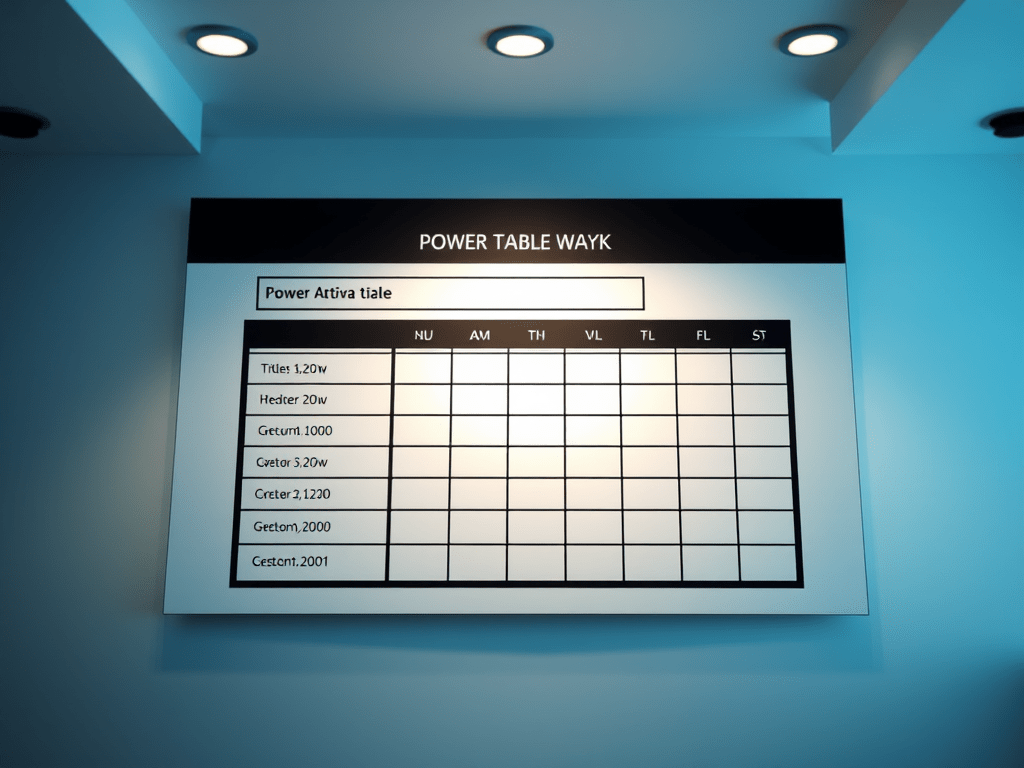
Power Automate → “Pretty” HTML Email Table (Header Row + Grid) for Daily SharePoint Comment Capture
Power Automate → “Pretty” HTML Email Table (Header Row + Grid) for Daily SharePoint Comment Capture Right now your flow is producing valid HTML, but it’s unstyled, so Outlook renders it as plain text-like lines with minimal spacing. The fix… Continue reading
-
Build a Generic Copilot Prompt Hub SPFx Web Part for SharePoint
Interaction 1 (Baseline v1.0.0): Build a Generic Copilot Prompt Hub SPFx Web Part for SharePoint Why this exists Most organizations try Copilot in SharePoint and quickly hit the same issue: People ask inconsistent questions. Outputs vary wildly depending on how… Continue reading

-
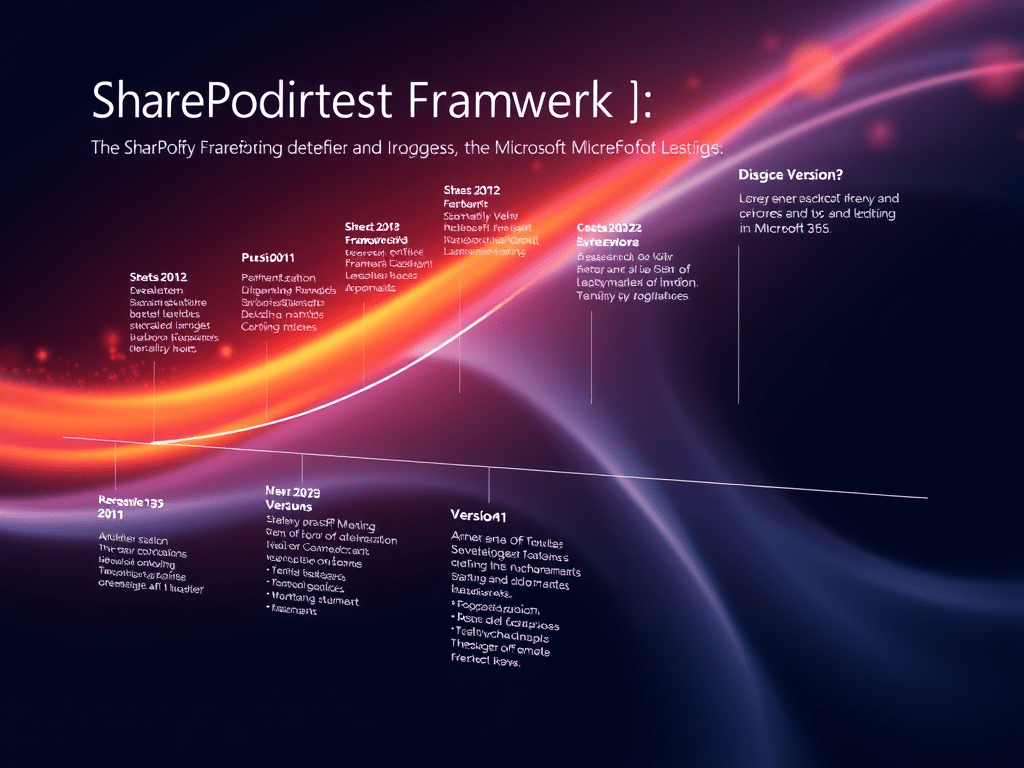
Webhooks, End-to-End
Webhooks, End-to-End: Power Automate, Power Apps, Power BI, Azure Functions, and SharePoint (Microsoft 365) A webhook is a lightweight, event-driven integration pattern where System A notifies System B by sending an HTTP request (usually POST) to a pre-registered URL whenever… Continue reading
-
Counting Document Library Items in Power Automate
Counting Document Library Items in Power Automate (and fixing “Folder Not Found” 404) — the right way When you need to compare the number of items in a document library across two SharePoint sites, you have two common options: Use… Continue reading

-
Using a SharePoint Choice Column as the “Workflow Engine” for a Modern List (SharePoint Online + Power Automate + Power Apps + Azure DevOps)
Using a SharePoint Choice Column as the “Workflow Engine” for a Modern List (SharePoint Online + Power Automate + Power Apps + Azure DevOps) In SharePoint Online (Microsoft Lists), a Choice column is one of the simplest—and most powerful—ways to… Continue reading
-
SharePoint + Power Automate + Power BI + Power Apps
SharePoint + Power Automate + Power BI + Power Apps The corporate integration suite for transactional and non-transactional systems Modern organizations don’t win just by running “systems of record” (ERP/CRM/HRIS). They win by connecting them to the day-to-day reality of… Continue reading
-
“Sync Site Pages” (Copy pages from Source site to Target site) — list-driven with Power Automate
Flow Blueprint: “Sync Site Pages” (Copy pages from Source site to Target site) — list-driven with Power Automate Below is a ready-to-build blueprint you can reproduce in Power Automate. The flow is triggered by one specific SharePoint list item (a… Continue reading

-
Copying SharePoint Online Pages Between Sites with Power Automate
Copying SharePoint Online Pages Between Sites with Power Automate (List-Driven “Sync Pages” Pattern) This article shows a repeatable, list-driven way to copy pages from one SharePoint Online site to another using Power Automate. The key idea is simple: You maintain… Continue reading

-
Building a “Comments Created Today” Digest for SharePoint Online with Power Automate (REST) — Including Clickable Item Links
Building a “Comments Created Today” Digest for SharePoint Online with Power Automate (REST) — Including Clickable Item Links This article documents a mature, production-ready pattern to collect SharePoint item comments created today, format them into a clean HTML email, and… Continue reading
-
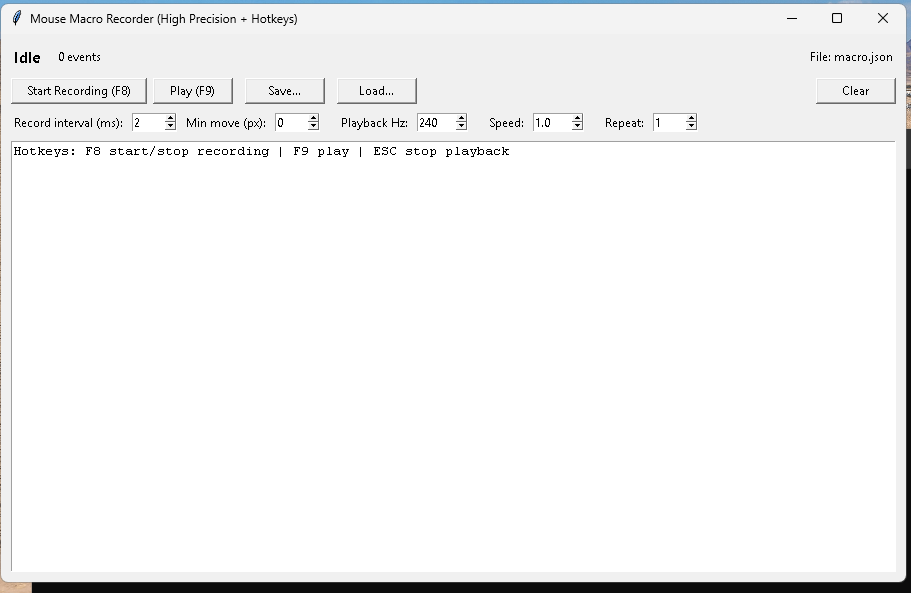
Building a High-Precision Mouse Macro Recorder in Python (GUI + Hotkeys + Repeat + Speed)
Building a High-Precision Mouse Macro Recorder in Python (GUI + Hotkeys + Repeat + Speed) This post documents a practical “desktop macro” tool in Python that can: Record global mouse movement + clicks Repeat N times Speed multiplier (faster/slower playback)… Continue reading
-
Azure DevOps: “I can’t paste my PAT in the command line” — and what to do when PAT creation is restricted
Azure DevOps: “I can’t paste my PAT in the command line” — and what to do when PAT creation is restricted If you’re trying to automate Azure DevOps tasks (like creating a Git repository) via command line, you’ll often end… Continue reading

-
Azure DevOps PATs Restricted by Organization: What It Means, Why It Happens, and How to Fix It (Safely)
Azure DevOps PATs Restricted by Organization: What It Means, Why It Happens, and How to Fix It (Safely) If you’ve tried to create a Personal Access Token (PAT) in Azure DevOps and hit this message: “Your ability to create and… Continue reading

-
Scheduled polling + REST /comments + state list
Below is a copy/paste, click-by-click build recipe for a Power Automate flow that detects new modern SharePoint list item comments and sends notifications without duplicates. This design is based on the fact that modern Comments are not a normal column… Continue reading

-
Scheduled flow that detects new comments and sends notifications
There is no first-class SharePoint connector trigger that reliably fires “when a comment is added” for modern list item comments, so the stable pattern is: run on a schedule, query comments via REST, compare state, notify only for new ones.… Continue reading

-
SharePoint Online (Modern) List Item Comments: How They Work, How They’re Stored, and How to Automate Notifications
Modern SharePoint Online and Microsoft Lists introduced an experience where list items behave more like “collaboration objects” than just rows in a table. One of the clearest examples is Comments in modern list item forms. SharePoint Online (Modern) List Item… Continue reading

-
SharePoint Online Modern List Item Comments: How They Work (and Why They’re Not “Just a Column”)
SharePoint Online Modern List Item Comments: How They Work (and Why They’re Not “Just a Column”) This article explains how Comments behave in SharePoint Online / Microsoft Lists modern forms, how they differ from normal list columns, and what this… Continue reading

-
Embedding a Microsoft Copilot Studio Agent in SharePoint as a Web Part (SPFx)
Modern SharePoint pages are often the “front door” for users who need quick answers, guided navigation, and structured actions (create/update list items, open documents, etc.). Microsoft Copilot Studio lets you build an agent that can be published to the web… Continue reading
-
Embedding a Copilot Studio Agent in SharePoint as a Web Part (SPFx) — Two Production Patterns
Embedding a Copilot Studio Agent in SharePoint as a Web Part (SPFx) — Two Production Patterns This article shows two reliable ways to bring a Microsoft Copilot Studio agent into a SharePoint Online modern page as a “web part experience”:… Continue reading
-
Build a Flow: SharePoint List Item → Azure DevOps User Story + Child Tasks (Power Automate)
.Create a User Story (or Product Backlog Item) in Azure DevOps Create a set of Tasks under that parent item Link each Task to the parent using Hierarchy-Reverse Update the SharePoint list item with the created Azure DevOps ID/URL (optional… Continue reading
-
From SharePoint List Item to Azure DevOps Tasks
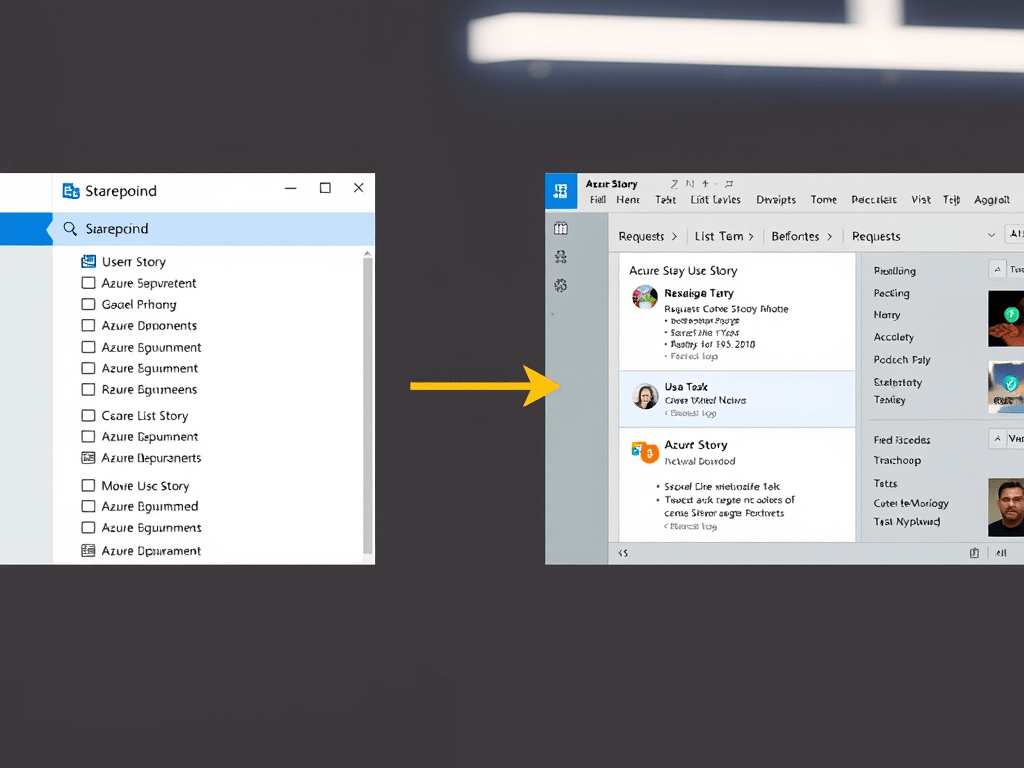
From SharePoint List Item to Azure DevOps Tasks Automating backlog creation with Power Automate (Microsoft Learn–aligned, client-neutral) Organizations that use SharePoint as an intake or request system (ideas, demands, PMO requests, incident triage, migration requests, etc.) often want the same… Continue reading
-
Epics, Features, and User Stories in Azure DevOps
Understanding Epics, Features, and User Stories in Azure DevOps (A Practical Blog Article) In Azure DevOps Boards, work items like Epic, Feature, and User Story (or Product Backlog Item / PBI, depending on your process template) are not “random labels.”… Continue reading
-
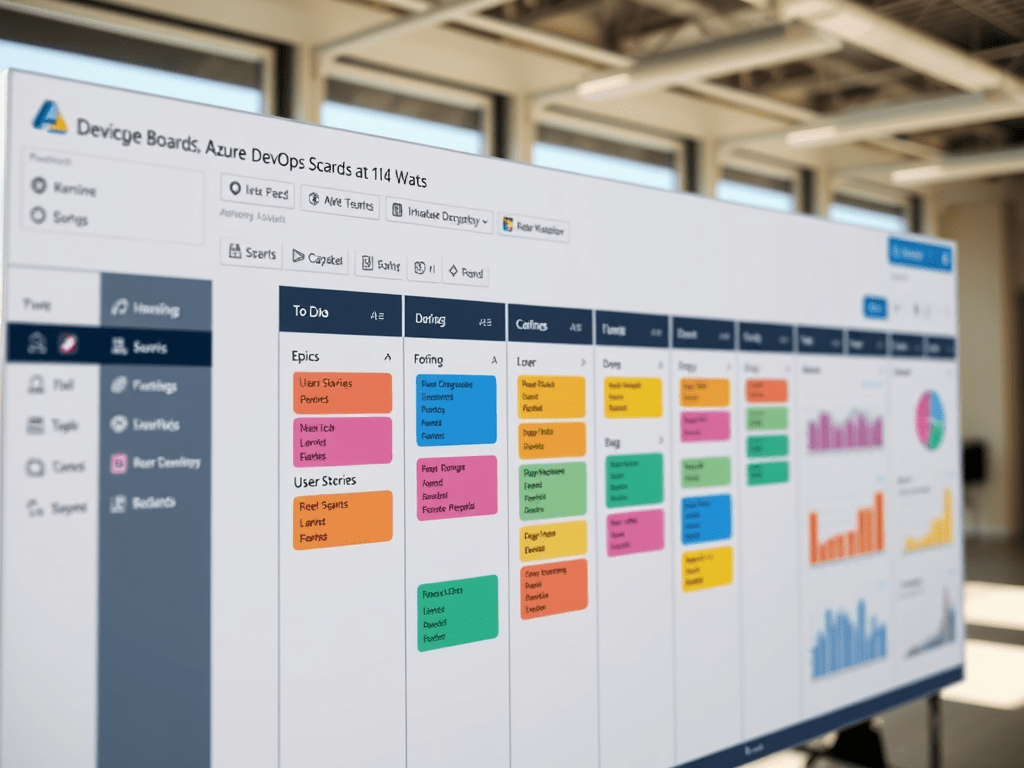
Scrum vs Kanban vs Mixed in Azure DevOps Boards
Scrum vs Kanban vs Mixed in Azure DevOps Boards (A Deep, Practical Guide) Most teams don’t fit perfectly into only Scrum or only Kanban. Azure DevOps recognizes that reality: it gives you tools that support time-boxed planning (Scrum) and flow-based… Continue reading
-
Azure DevOps Boards
Azure DevOps Boards Menu — What Each Item Means (Blog Article) Azure DevOps “Boards” is the part of the platform where teams plan work, track progress, and measure delivery. Depending on your organization, you’ll see a mix of built-in features… Continue reading
-
SharePoint Engineering in Microsoft 365: SPFx + Azure Functions + PnP + DevOps + AI
Modern SharePoint Engineering in Microsoft 365: SPFx + Azure Functions + PnP + DevOps + AI (Reference Architecture) SharePoint on-premises customization was historically “platform-internal”: farm solutions, timer jobs, event receivers, and deep page/DOM customization. In SharePoint Online inside Microsoft 365,… Continue reading

