Edvaldo Guimrães Filho
-
Embedding a Microsoft Copilot Studio Agent in SharePoint as a Web Part (SPFx)
Modern SharePoint pages are often the “front door” for users who need quick answers, guided navigation, and structured actions (create/update list items, open documents, etc.). Microsoft Copilot Studio lets you build an agent that can be published to the web… Continue reading
-
Embedding a Copilot Studio Agent in SharePoint as a Web Part (SPFx) — Two Production Patterns
Embedding a Copilot Studio Agent in SharePoint as a Web Part (SPFx) — Two Production Patterns This article shows two reliable ways to bring a Microsoft Copilot Studio agent into a SharePoint Online modern page as a “web part experience”:… Continue reading
-
Build a Flow: SharePoint List Item → Azure DevOps User Story + Child Tasks (Power Automate)
.Create a User Story (or Product Backlog Item) in Azure DevOps Create a set of Tasks under that parent item Link each Task to the parent using Hierarchy-Reverse Update the SharePoint list item with the created Azure DevOps ID/URL (optional… Continue reading

-
From SharePoint List Item to Azure DevOps Tasks
From SharePoint List Item to Azure DevOps Tasks Automating backlog creation with Power Automate (Microsoft Learn–aligned, client-neutral) Organizations that use SharePoint as an intake or request system (ideas, demands, PMO requests, incident triage, migration requests, etc.) often want the same… Continue reading
-
Epics, Features, and User Stories in Azure DevOps
Understanding Epics, Features, and User Stories in Azure DevOps (A Practical Blog Article) In Azure DevOps Boards, work items like Epic, Feature, and User Story (or Product Backlog Item / PBI, depending on your process template) are not “random labels.”… Continue reading
-
Scrum vs Kanban vs Mixed in Azure DevOps Boards
Scrum vs Kanban vs Mixed in Azure DevOps Boards (A Deep, Practical Guide) Most teams don’t fit perfectly into only Scrum or only Kanban. Azure DevOps recognizes that reality: it gives you tools that support time-boxed planning (Scrum) and flow-based… Continue reading
-
Azure DevOps Boards
Azure DevOps Boards Menu — What Each Item Means (Blog Article) Azure DevOps “Boards” is the part of the platform where teams plan work, track progress, and measure delivery. Depending on your organization, you’ll see a mix of built-in features… Continue reading
-
SharePoint Engineering in Microsoft 365: SPFx + Azure Functions + PnP + DevOps + AI
Modern SharePoint Engineering in Microsoft 365: SPFx + Azure Functions + PnP + DevOps + AI (Reference Architecture) SharePoint on-premises customization was historically “platform-internal”: farm solutions, timer jobs, event receivers, and deep page/DOM customization. In SharePoint Online inside Microsoft 365,… Continue reading

-
Replacing SharePoint On-Prem Timer Jobs with Azure Functions
In SharePoint Online (Microsoft 365), that execution model is not available. Microsoft explicitly documents alternative patterns: Azure WebJobs / scheduled jobs, and in modern cloud practice the default evolution is Azure Functions (serverless compute) triggered on schedules. (Microsoft Learn) Replacing… Continue reading

-
Replacing SharePoint On-Prem Event Receivers with SharePoint Webhooks + Azure Functions (Enterprise Blueprint)
In SharePoint on-premises, event receivers (and later Remote Event Receivers in the Add-in model) were the default way to react to list and library changes: item added, item updated, item deleted, and so on. That model gave you server-side execution… Continue reading
-
Why Microsoft 365 Is the “New SharePoint”: Replacing On-Prem Customizations with Azure Functions, PnP, DevOps, and AI
Why Microsoft 365 Is the “New SharePoint”: Replacing On-Prem Customizations with Azure Functions, PnP, DevOps, and AI For years, SharePoint on-premises customization was synonymous with full-trust code: farm solutions (WSP), server-side web parts, timer jobs, event receivers running in the… Continue reading
-
Azure DevOps: Why You Can’t Create a Repository Even as Project Admin (Stakeholder vs Basic Explained)
A practical deep-dive into Azure DevOps permission layers: Project Admin vs Organization Access Level, and how ‘Stakeholder’ can block repo creation. tags: [“Azure DevOps”, “Git”, “Permissions”, “Security”, “Repos”, “Troubleshooting”] The Problem You open Azure DevOps, you are listed as a… Continue reading

-
Article 4 — Implementing SharePoint “Upsert” with PnP/CSOM (.NET) (WPF Study & Rating App)
Article 4 — Implementing SharePoint “Upsert” with PnP/CSOM (.NET) (WPF Study & Rating App) This final article in the series shows how to implement the same Upsert behavior (create/update an item by VideoId) using PnP/CSOM in .NET—an approach widely used… Continue reading

-
Article 3 — Implementing SharePoint “Upsert” with SharePoint REST API (WPF Study & Rating App)
Article 3 — Implementing SharePoint “Upsert” with SharePoint REST API (WPF Study & Rating App) This article shows how to implement the same Upsert behavior (create/update by VideoId) using SharePoint’s native REST API (_api/…) instead of Microsoft Graph. This is… Continue reading
-
Article 2 — Implementing SharePoint “Upsert” with Microsoft Graph (WPF Study & Rating App)
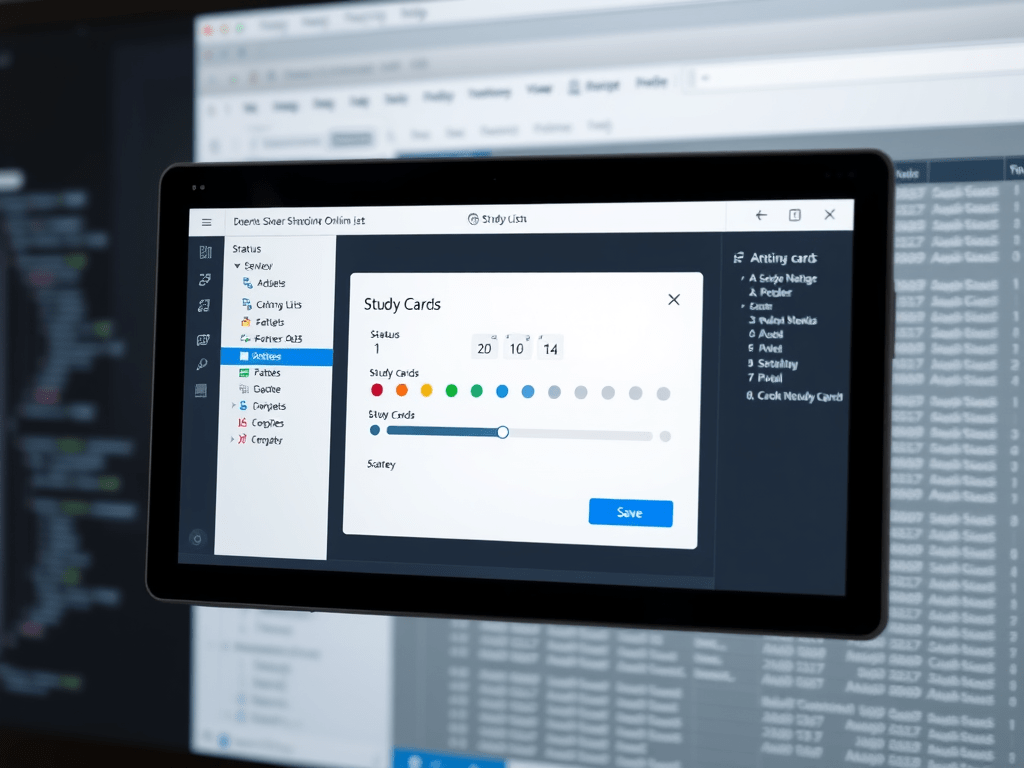
Article 2 — Implementing SharePoint “Upsert” with Microsoft Graph (WPF Study & Rating App) This article continues the series by showing a practical, code-forward implementation of saving your YouTube study cards (rating/status/notes) into a SharePoint Online list using Microsoft Graph.… Continue reading
-
Adding Ratings and Saving YouTube Study Cards to SharePoint Online
Adding Ratings and Saving YouTube Study Cards to SharePoint Online Part 2 — Adding Ratings and Saving YouTube Study Cards to SharePoint Online (WPF + MVVM + Microsoft Graph) Goal Extend the WPF YouTube Cards app so you can: This… Continue reading

-
Building a YouTube “Study & Rating” Desktop App in C# (WPF) — From Search Cards to SharePoint Online Notes
Building a YouTube “Study & Rating” Desktop App in C# (WPF) — From Search Cards to SharePoint Online Notes Below is a public, end-to-end technical article describing the WPF app you built: a YouTube search experience that renders results as… Continue reading
-
YouTube remains remarkably relevant besides Large Language Models (LLMs) have reshaped technical learning
YouTube’s Enduring Relevance for Technical Learning in the Age of AI and LLMs Abstract Large Language Models (LLMs) have reshaped technical learning by enabling rapid explanations, code scaffolding, and iterative problem solving. Yet YouTube remains remarkably relevant because it excels… Continue reading

-
YouTube remains essential for technical learning even in the age of AI and LLMs
YouTube remains essential for technical learning even in the age of AI and LLMs because it transfers what text rarely captures: real demonstration under real constraints. LLMs accelerate understanding, summarization, and code iteration, but YouTube shows workflows, sequencing, verification checkpoints,… Continue reading
-
YouTube’s Enduring Relevance for Technical Learning in the Age of AI and LLMs
Large Language Models (LLMs) have transformed technical learning by enabling fast explanations, code scaffolding, and iterative problem solving. However, YouTube remains highly relevant because it excels at transmitting tacit and procedural knowledge—the “how it looks when done” layer of technical… Continue reading
-
Technical Learning in the Age of AI and LLMs
Why YouTube Still Matters for Technical Learning in the Age of AI and LLMs Executive summary Large Language Models (LLMs) changed how developers search, summarize, and prototype. You can ask for explanations, get code scaffolds, and iterate quickly. Yet, YouTube… Continue reading
-
YouTube API
YouTube API (YouTube Data API v3) — An Exhaustive Technical Guide (Endpoints, Search, Authentication) YouTube exposes multiple developer APIs, but when people say “YouTube API” they usually mean YouTube Data API v3: the REST API used to search YouTube, read… Continue reading
-
Build a WPF “YouTube Unsubscriber”
Build a WPF “YouTube Unsubscriber” App with OAuth 2.0 + YouTube Data API v3 (Visual Studio Community) This post is a hands-on, end-to-end lab that shows how to build a WPF desktop app (Visual Studio Community) that: The goal is… Continue reading
-
WPF + YouTube Data API v3: como listar e cancelar todas as suas inscrições com OAuth (Visual Studio Community)
WPF + YouTube Data API v3: como listar e cancelar todas as suas inscrições com OAuth (Visual Studio Community) Este artigo é um guia end-to-end, no estilo “roteiro de laboratório”, para você criar um app WPF (.NET) que: Além do… Continue reading
-
SharePoint Online Search REST API — Mastering KQL, FQL, Refiners, and “Real-World” Query Patterns
Advanced SharePoint Online Search REST API — Mastering KQL, FQL, Refiners, and “Real-World” Query Patterns This is the “part 2” style deep dive: how to build powerful queries (KQL), how to filter properly (FQL refinement filters), and how this maps… Continue reading
-
SharePoint Online Search REST API
SharePoint Online Search REST API (Search Service) — An Exhaustive Guide with Practical Examples SharePoint Online exposes a Search REST service that lets you run keyword queries (KQL), request selected managed properties, paginate results, apply refiners, and retrieve suggestions —… Continue reading

-
Building a multi-filter “Table View” in Power Apps (SharePoint List dataset)
Building a multi-filter “Table View” in Power Apps (SharePoint List dataset) This article turns your Power Fx expression into a reusable pattern for Canvas Apps where the dataset is a SharePoint list and the UI has: We’ll use your formula… Continue reading

-
Power Apps Canvas Zero-to-Hero Lab
Power Apps Canvas Zero-to-Hero Lab A Practical, Exhaustive Project for REST, SharePoint, and Power BI This blog post defines the purpose, rules, and working standards for a long-running lab project focused on Power Apps Canvas. The idea is simple: build… Continue reading
-
Blog Article: Unattended SharePoint CSOM Automation with MSAL + Certificate (PFX)
Blog Article: Unattended SharePoint CSOM Automation with MSAL + Certificate (PFX) This article explains how the following C# console application works—end-to-end—while keeping all customer information anonymized. The pattern is ideal for Windows Task Scheduler, background jobs, and migration utilities where… Continue reading

-
SPFx Field Customizers (SharePoint Framework): What They Are, How They Work, and Why Microsoft Considered Retiring Them
SPFx Field Customizers (SharePoint Framework): What They Are, How They Work, and Why Microsoft Considered Retiring Them 1) The big picture: where Field Customizers fit in SPFx SharePoint Framework (SPFx) gives you two broad ways to customize SharePoint Online: Microsoft’s… Continue reading

-
Troubleshooting PnP Modern Search: When SharePoint UI Finds It but Your Web Part Doesn’t
Troubleshooting PnP Modern Search: When SharePoint UI Finds It but Your Web Part Doesn’t An exhaustive guide with a deep dive on Refiners (Filters) and Managed Properties Scenario: You can find a document using SharePoint’s built-in search (library search, site… Continue reading
-
Microsoft Search vs SharePoint Search
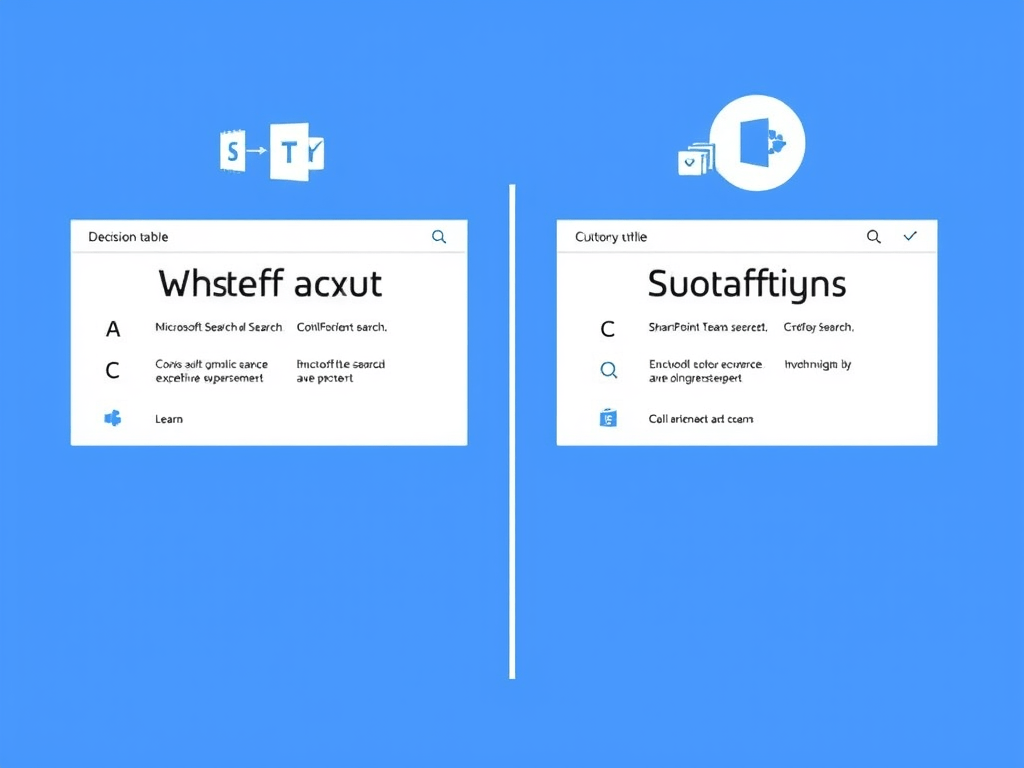
Microsoft Search vs SharePoint Search An exhaustive, practical guide (with a “when to use what” table for PnP Modern Search Web Parts) Audience This article is for people building modern SharePoint portals and search-driven pages, especially using the PnP Modern… Continue reading

-
Microsoft Search vs SharePoint Search
Microsoft Search vs SharePoint Search, with a decision table focused on real-world usage—especially when you’re building solutions with the PnP Modern Search Web Parts (Search Box, Search Results, Filters/Refiners, etc.). Microsoft Search vs SharePoint Search A deep, practical guide (with… Continue reading
-
Real-world patterns (paging, batching, delta sync, throttling, large uploads, versions) for SharePoint Online via Microsoft Graph
Real-world patterns (paging, batching, delta sync, throttling, large uploads, versions) for SharePoint Online via Microsoft Graph This section is the “production glue” that turns nice demos into something you can run against real SharePoint Online libraries and lists at scale.… Continue reading
-
Microsoft Graph vs. SharePoint Online APIs (and where PnP fits): an exhaustive developer’s guide
Microsoft Graph vs. SharePoint Online APIs (and where PnP fits): an exhaustive developer’s guide SharePoint Online is exposed through two primary “front doors”: Your development choice is rarely “either/or.” In real projects, you’ll often combine them: Graph for cross-M365 consistency… Continue reading
-
Power Apps + SharePoint (Canvas Apps) Study Plan Using Screen Containers
Power Apps + SharePoint (Canvas Apps) Study Plan Using Screen Containers A detailed, hands-on article you can follow in 4 half-day sessions (each “week” compressed into ~3–4 hours), keeping the original content and deliverables. Why Screen Containers Matter (and why… Continue reading

-
Microsoft Graph + SharePoint Document Libraries (End-to-End with Sites.Selected)
Microsoft Graph + SharePoint Document Libraries (End-to-End with Sites.Selected) Folders, uploads (small + large), metadata updates, and version listing — with full C# code This is the practical “day-2 production” extension of the Sites.Selected model: once your app has explicit… Continue reading
-
Microsoft Graph + SharePoint End-to-End (Production Guide with Sites.Selected)
Microsoft Graph + SharePoint End-to-End (Production Guide with Sites.Selected) This article shows a complete, production-grade path to use Microsoft Graph with SharePoint Online using least privilege via Sites.Selected: from app registration and consent, to granting access to a specific site,… Continue reading
-
Microsoft Graph from Zero to Production (End-to-End, Exhaustive) Microsoft Graph is Microsoft 365’s unified REST API surface: one endpoint, many workloads (Entra ID, Outlook, Teams, SharePoint/OneDrive, etc.). If you want to build production-grade integrations, you need to understand not only… Continue reading
-
Microsoft Graph vs SharePoint (CSOM / SharePoint REST): What you can (and can’t) change — an exhaustive guide
Microsoft Graph vs SharePoint (CSOM / SharePoint REST): What you can (and can’t) change — an exhaustive guide When you automate SharePoint Online, you usually end up choosing between: They overlap heavily for “content CRUD”, but they are not equivalent… Continue reading
 edvaldo b. guimarães filho