Resumos de Estudo criados com IA
-
Build a WPF “YouTube Unsubscriber”
Build a WPF “YouTube Unsubscriber” App with OAuth 2.0 + YouTube Data API v3 (Visual Studio Community) This post is a hands-on, end-to-end lab that shows how to build a WPF desktop app (Visual Studio Community) that: The goal is… Continue reading

-
WPF + YouTube Data API v3: como listar e cancelar todas as suas inscrições com OAuth (Visual Studio Community)
WPF + YouTube Data API v3: como listar e cancelar todas as suas inscrições com OAuth (Visual Studio Community) Este artigo é um guia end-to-end, no estilo “roteiro de laboratório”, para você criar um app WPF (.NET) que: Além do… Continue reading
-
SharePoint Online Search REST API — Mastering KQL, FQL, Refiners, and “Real-World” Query Patterns
Advanced SharePoint Online Search REST API — Mastering KQL, FQL, Refiners, and “Real-World” Query Patterns This is the “part 2” style deep dive: how to build powerful queries (KQL), how to filter properly (FQL refinement filters), and how this maps… Continue reading
-
SharePoint Online Search REST API
SharePoint Online Search REST API (Search Service) — An Exhaustive Guide with Practical Examples SharePoint Online exposes a Search REST service that lets you run keyword queries (KQL), request selected managed properties, paginate results, apply refiners, and retrieve suggestions —… Continue reading

-
Building a multi-filter “Table View” in Power Apps (SharePoint List dataset)
Building a multi-filter “Table View” in Power Apps (SharePoint List dataset) This article turns your Power Fx expression into a reusable pattern for Canvas Apps where the dataset is a SharePoint list and the UI has: We’ll use your formula… Continue reading

-
Power Apps Canvas Zero-to-Hero Lab
Power Apps Canvas Zero-to-Hero Lab A Practical, Exhaustive Project for REST, SharePoint, and Power BI This blog post defines the purpose, rules, and working standards for a long-running lab project focused on Power Apps Canvas. The idea is simple: build… Continue reading

-
Blog Article: Unattended SharePoint CSOM Automation with MSAL + Certificate (PFX)
Blog Article: Unattended SharePoint CSOM Automation with MSAL + Certificate (PFX) This article explains how the following C# console application works—end-to-end—while keeping all customer information anonymized. The pattern is ideal for Windows Task Scheduler, background jobs, and migration utilities where… Continue reading

-
SPFx Field Customizers (SharePoint Framework): What They Are, How They Work, and Why Microsoft Considered Retiring Them
SPFx Field Customizers (SharePoint Framework): What They Are, How They Work, and Why Microsoft Considered Retiring Them 1) The big picture: where Field Customizers fit in SPFx SharePoint Framework (SPFx) gives you two broad ways to customize SharePoint Online: Microsoft’s… Continue reading

-
Troubleshooting PnP Modern Search: When SharePoint UI Finds It but Your Web Part Doesn’t
Troubleshooting PnP Modern Search: When SharePoint UI Finds It but Your Web Part Doesn’t An exhaustive guide with a deep dive on Refiners (Filters) and Managed Properties Scenario: You can find a document using SharePoint’s built-in search (library search, site… Continue reading
-
Microsoft Search vs SharePoint Search
Microsoft Search vs SharePoint Search An exhaustive, practical guide (with a “when to use what” table for PnP Modern Search Web Parts) Audience This article is for people building modern SharePoint portals and search-driven pages, especially using the PnP Modern… Continue reading

-
Microsoft Search vs SharePoint Search
Microsoft Search vs SharePoint Search, with a decision table focused on real-world usage—especially when you’re building solutions with the PnP Modern Search Web Parts (Search Box, Search Results, Filters/Refiners, etc.). Microsoft Search vs SharePoint Search A deep, practical guide (with… Continue reading
-
Real-world patterns (paging, batching, delta sync, throttling, large uploads, versions) for SharePoint Online via Microsoft Graph
Real-world patterns (paging, batching, delta sync, throttling, large uploads, versions) for SharePoint Online via Microsoft Graph This section is the “production glue” that turns nice demos into something you can run against real SharePoint Online libraries and lists at scale.… Continue reading
-
Microsoft Graph vs. SharePoint Online APIs (and where PnP fits): an exhaustive developer’s guide
Microsoft Graph vs. SharePoint Online APIs (and where PnP fits): an exhaustive developer’s guide SharePoint Online is exposed through two primary “front doors”: Your development choice is rarely “either/or.” In real projects, you’ll often combine them: Graph for cross-M365 consistency… Continue reading
-
Power Apps + SharePoint (Canvas Apps) Study Plan Using Screen Containers
Power Apps + SharePoint (Canvas Apps) Study Plan Using Screen Containers A detailed, hands-on article you can follow in 4 half-day sessions (each “week” compressed into ~3–4 hours), keeping the original content and deliverables. Why Screen Containers Matter (and why… Continue reading

-
Microsoft Graph + SharePoint Document Libraries (End-to-End with Sites.Selected)
Microsoft Graph + SharePoint Document Libraries (End-to-End with Sites.Selected) Folders, uploads (small + large), metadata updates, and version listing — with full C# code This is the practical “day-2 production” extension of the Sites.Selected model: once your app has explicit… Continue reading
-
Microsoft Graph + SharePoint End-to-End (Production Guide with Sites.Selected)
Microsoft Graph + SharePoint End-to-End (Production Guide with Sites.Selected) This article shows a complete, production-grade path to use Microsoft Graph with SharePoint Online using least privilege via Sites.Selected: from app registration and consent, to granting access to a specific site,… Continue reading
-
Microsoft Graph from Zero to Production (End-to-End, Exhaustive) Microsoft Graph is Microsoft 365’s unified REST API surface: one endpoint, many workloads (Entra ID, Outlook, Teams, SharePoint/OneDrive, etc.). If you want to build production-grade integrations, you need to understand not only… Continue reading
-
Microsoft Graph vs SharePoint (CSOM / SharePoint REST): What you can (and can’t) change — an exhaustive guide
Microsoft Graph vs SharePoint (CSOM / SharePoint REST): What you can (and can’t) change — an exhaustive guide When you automate SharePoint Online, you usually end up choosing between: They overlap heavily for “content CRUD”, but they are not equivalent… Continue reading
-
PowerShell Guide: Granting Sites.Selected Permissions to a SharePoint Site (PnP.PowerShell)
PowerShell Guide: Granting Sites.Selected Permissions to a SharePoint Site (PnP.PowerShell) Sites.Selected is a two-step permission model: This article focuses on Step 2, using PnP.PowerShell. What you will use (the 4 core cmdlets) Microsoft Learn explicitly lists these PnP cmdlets for… Continue reading

-
Why you should NOT keep the .pfx next to the EXE
Best practice for unattended apps: Ensure only the scheduled task account can access the private key Import the certificate into Windows Certificate Store (LocalMachine or CurrentUser) Load by Thumbprint Below is exactly that: certificate stored in Windows Certificate Store, loaded… Continue reading
-
Building an Unattended SharePoint Online CSOM App with Sites.Selected (Certificate-Based Entra ID App-Only) — End-to-End Guide
Building an Unattended SharePoint Online CSOM App with Sites.Selected (Certificate-Based Entra ID App-Only) — End-to-End Guide This guide shows how to build a true unattended C# console app (no user login) that: The key concept: Sites.Selected grants zero access by… Continue reading
-
Building a True Unattended SharePoint Online CSOM App in C# (Certificate-Based Entra ID App-Only) — Visual Studio Step-by-Step
Building a True Unattended SharePoint Online CSOM App in C# (Certificate-Based Entra ID App-Only) — Visual Studio Step-by-Step This article walks you through creating a fully unattended (no interactive login) C# console app that: Why certificate? Microsoft’s SharePoint guidance for… Continue reading

-
Unattended SharePoint List Writer (Client Secret + Microsoft Graph) — Full Step-by-Step Guide (Microsoft Learn referenced)
Unattended SharePoint List Writer (Client Secret + Microsoft Graph) — Full Step-by-Step Guide (Microsoft Learn referenced) This article documents a working pattern to create a SharePoint list item unattended (no user interaction) using: Everything below is aligned with Microsoft Learn… Continue reading

-
Using Microsoft Graph Explorer to Resolve a SharePoint Site by Path (and Why It Matters)
Using Microsoft Graph Explorer to Resolve a SharePoint Site by Path (and Why It Matters) When you build automation against SharePoint Online (console apps, Azure Functions, Power Automate alternatives, SPFx utilities, migration tools, etc.), one of the first practical problems… Continue reading
-
Unattended (Client Secret) Console App to Create a SharePoint List Item (End-to-End)
Unattended (Client Secret) Console App to Create a SharePoint List Item (End-to-End) This article shows a complete, step-by-step path from Microsoft Entra ID (Azure AD) app registration to an unattended C# console app that creates a new item in a… Continue reading
-
Power Apps: How to Edit a Screen Correctly When You Use a Scrollable Container
When you build a Power Apps canvas app, a common pattern is using a scrollable container to fit large forms, galleries, and dynamic content on a single screen. The problem: in many cases, the designer doesn’t scroll the same way… Continue reading
-
Power Apps Switch() — a practical guide (with real formulas)
Power Apps Switch() — a practical guide (with real formulas) Switch() in Power Apps (Power Fx) is the cleanest way to replace long chains of If(…) when you’re checking one value against multiple cases. It reads like: “Given this value,… Continue reading
-
Power Apps Patch() with SharePoint: The Practical Mental Model (Create, Update, Upsert) + Full Code Patterns
When you build a canvas app that inserts and edits data in a SharePoint list, Patch() is one of the most important functions you’ll use. It gives you direct control over what gets saved, when it gets saved, and how… Continue reading

-
Understanding the SharePoint Framework Toolchain: RushStack and Heft
The SharePoint Framework (SPFx) provides a modern toolchain that integrates deeply with the open-source JavaScript ecosystem.Over time, Microsoft evolved this toolchain to improve build performance, modularity, and developer experience.Today, SPFx relies on the RushStack suite and Heft build orchestrator —… Continue reading

-
SharePoint Framework (SPFx) Compatibility and Installation Guide
The SharePoint Framework (SPFx) evolves with each release, introducing updated dependencies on Node.js (LTS versions), TypeScript, and React.To maintain compatibility and avoid environment issues, developers should always align their Node.js version and global toolchain with the specific SPFx version they… Continue reading

-
SPFx Compatibility & Install Commands
Below is a table listing key SPFx versions, their compatibility context (primarily Node.js and general toolchain), and the npm/global commands to install/upgrade them. SPFx Compatibility & Install Commands Below is a table listing key SPFx versions, their compatibility context (primarily… Continue reading

-
SPFX Versions
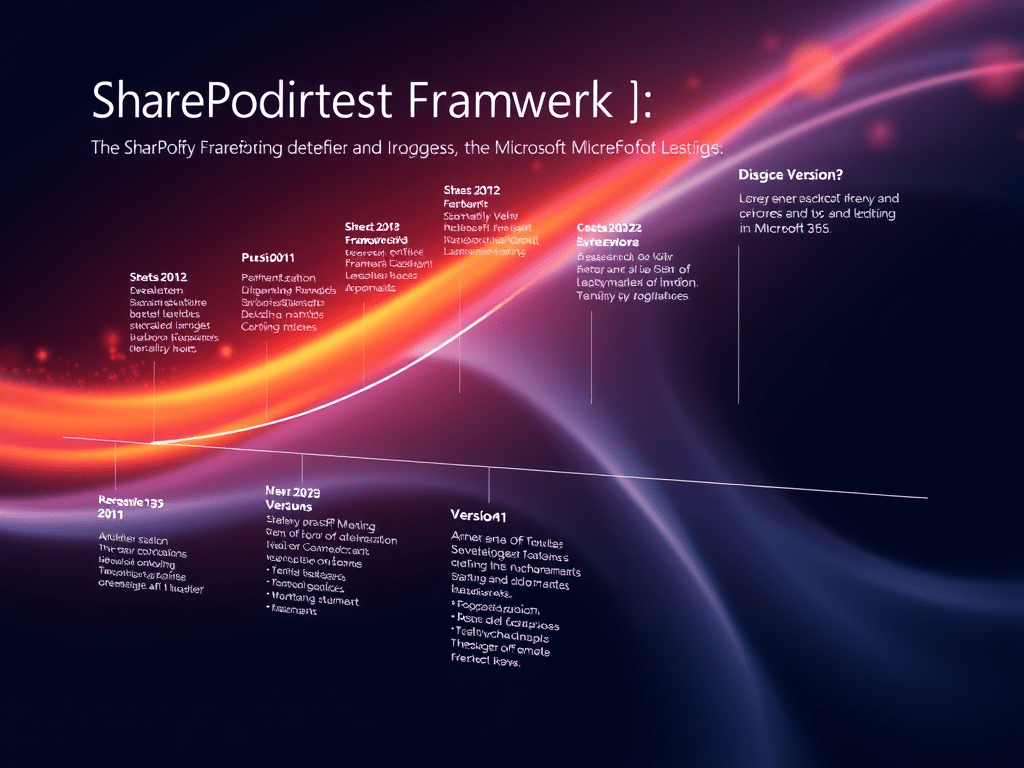
The SharePoint Framework (SPFx) is Microsoft’s client-side development model for modernizing and extending the SharePoint Online user experience, as well as for building customizations that span across Microsoft Teams, Viva Connections and other Microsoft 365 experiences. It was first made… Continue reading
-
SharePoint Framework (SPFx) Toolchain – Executive Summary
he SharePoint Framework (SPFx) toolchain is the foundation for building, packaging, and deploying client-side components in SharePoint Online and Microsoft 365. Through a combination of modern web technologies — Node.js, npm, Gulp, Webpack, TypeScript, and Yeoman — it transforms your… Continue reading

-
SharePoint Framework (SPFx) Toolchain – Part 4: Integration and Automation
After mastering packaging and deployment, the next step in the SPFx development journey is integrating your web parts with SharePoint Online and Microsoft 365 data. SPFx offers direct, authenticated access to SharePoint REST endpoints via SPHttpClient, and to broader Microsoft… Continue reading

-
SharePoint Framework (SPFx) Toolchain – Part 3: Packaging and Deployment
After compiling and bundling your SPFx solution (Parts 1 & 2), the final step is to package and deploy it so that users can install the web part or extension in SharePoint Online or Microsoft Teams. 📦 SharePoint Framework (SPFx)… Continue reading
-
SharePoint Framework (SPFx) Toolchain – Part 2: Inside the Build Process
In Part 1, we introduced the SPFx toolchain and its components.Now, let’s dive deep into what happens inside the build pipeline — specifically how Gulp, Webpack, and TypeScript coordinate to transform your source code into a deployable .sppkg package. Understanding… Continue reading
-
SharePoint Framework (SPFx) Toolchain – Part 2: Inside the Build Process
In Part 1, we introduced the SPFx toolchain and its components.Now, let’s dive deep into what happens inside the build pipeline — specifically how Gulp, Webpack, and TypeScript coordinate to transform your source code into a deployable .sppkg package. Understanding… Continue reading
-
SharePoint Framework (SPFx) Toolchain – Part 1: The Fundamentals
The SharePoint Framework (SPFx) is the modern development model for extending SharePoint Online and Microsoft 365 experiences.It enables developers to build client-side solutions using TypeScript, React, Node.js, and web tooling—integrated directly into the SharePoint page lifecycle. At its core, SPFx… Continue reading

-
Understanding the SharePoint Framework (SPFx) Version Lifecycle and Long-Term Support
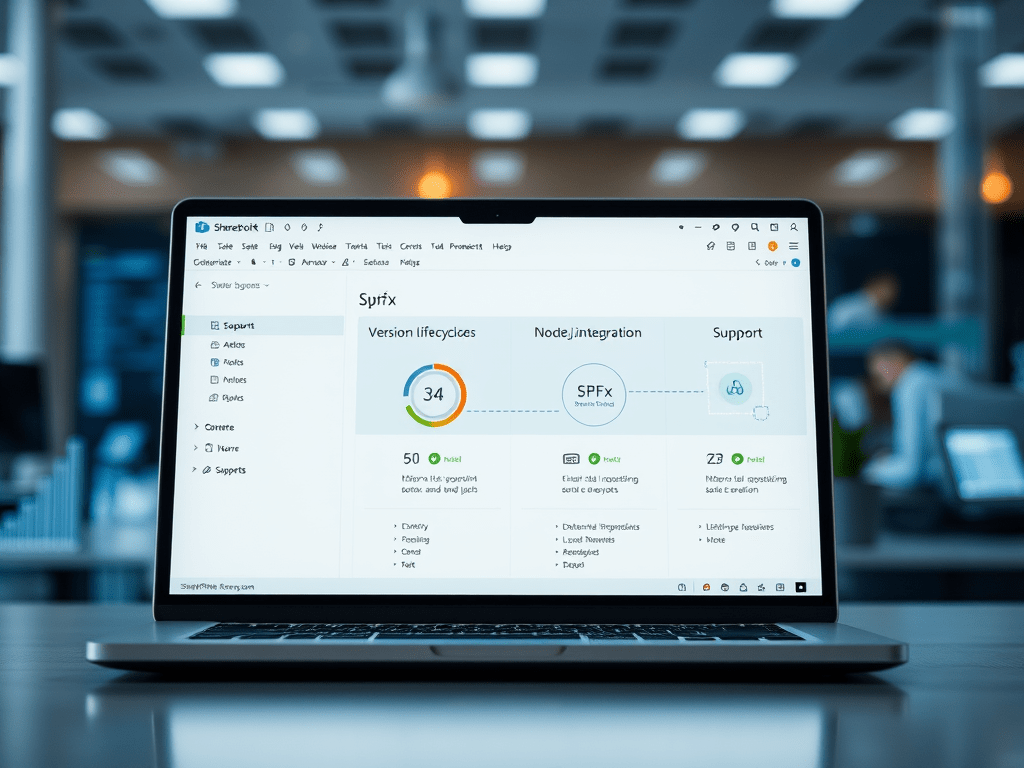
Because SPFx integrates deeply with the Microsoft 365 ecosystem, every version has a defined lifecycle.Knowing how these versions are supported — and when they expire — helps you keep your solutions reliable, secure, and compatible with future updates of SharePoint… Continue reading
-
The Complete Compatibility Reference for SharePoint Framework (SPFx) and Node.js
Every SharePoint Framework project depends on a very specific set of tools:Node.js, TypeScript, React, and Gulp.The SPFx build system is tightly version-locked, meaning that if one part is out of sync, your project might not even compile. Knowing which combinations… Continue reading

 edvaldo b. guimarães filho