Resumos de Estudo criados com IA
-
How to Safely Upgrade an Existing SPFx Project to Node 22 LTS
Many SPFx developers reach a point where older projects (for example, 1.16 or 1.19) stop building after upgrading Node.js or installing new tools.This happens because every SPFx release supports only specific Node and TypeScript versions. The good news is that… Continue reading
-
Troubleshooting SharePoint Framework Build Errors After Upgrading Node.js or Packages
When you update Node.js, TypeScript, or SPFx packages, it’s common for your previously stable SharePoint Framework project to stop building.Messages appear that look cryptic at first glance — but almost all of them come down to one simple issue: version… Continue reading

-
Keeping SharePoint Framework Up to Date with Node 22 LTS
In every SharePoint Framework (SPFx) project, the file package.json defines how the entire environment works — which Node.js version is required, which SPFx libraries are installed, how React is integrated, and how Gulp builds your code. As Microsoft continuously updates… Continue reading

-
How to Safely Update Your SPFx Project When Node.js or Yeoman Changes
Updating your SharePoint Framework (SPFx) environment can be painful.Every time you upgrade Node.js or the Yeoman generator, old projects start throwing build errors, TypeScript mismatches, or Gulp crashes.This is not bad luck — it’s a version compatibility problem that affects… Continue reading

-
How to Update Your SPFx Project After Upgrading Yeoman or Node.js — Without Losing Your Mind
Here’s the full plain-text version of your article in English — rewritten from scratch with the latest 2025 information (including Node.js 22 LTS, as stated on Microsoft Learn).All examples, errors, and recommendations are now accurate for SPFx 1.20+ environments. How… Continue reading

-
Modern Authentication in SharePoint Online with MSAL and CSOM (C#)
When building console applications, Azure Functions, or desktop tools that interact with SharePoint Online, authentication is one of the most important challenges. Older approaches relied on credentials or app-only secrets, but today Microsoft recommends using Microsoft Authentication Library (MSAL) for… Continue reading

-
Understanding and Fixing “The request message is too big” in SharePoint CSOM Uploads
When migrating or uploading documents to SharePoint using the Client-Side Object Model (CSOM), you may encounter this error: The request message is too big. The server does not allow messages larger than 2,097,152 bytes. This error is common in automation,… Continue reading

-
Preserving File and Folder Metadata During SharePoint Library Migration (CSOM Approach)
Migrating document libraries between SharePoint sites is a common scenario during restructuring, modernization, or automation. However, one of the biggest challenges is preserving original metadata — specifically: By default, when uploading files or creating folders through CSOM, SharePoint automatically assigns… Continue reading
-
Understanding Yeoman and the Architecture of SharePoint Framework (SPFx)
Understanding Yeoman and the Architecture of SharePoint Framework (SPFx) Table of Contents 1. Introduction The SharePoint Framework (SPFx) is Microsoft’s modern development model for building client-side customizations in SharePoint Online and on-premises (2016–2019).It enables developers to build web parts, extensions,… Continue reading

-
Running the Migration with Progress Bar and Job Summary (Console App Example)
Excellent — here’s Section 9 of your full article, expanding it into a complete, production-style migration guide.This section shows how to run FileMigrationServiceV2 inside a console app with a progress bar, job summary, and estimated completion time. Running the Migration… Continue reading

-
Migrating SharePoint Libraries with Full Metadata, Version History, Check-In Comments, and Audit Logs (v2)
Migrating SharePoint Libraries with Full Metadata, Version History, Check-In Comments, and Audit Logs (v2) Overview In this enhanced version of the FileMigrationService, we extend the migration logic to: This version provides an auditable, production-ready migration path for complex SharePoint Online… Continue reading

-
Migrating SharePoint Document Libraries with Full Version and Metadata Preservation Using CSOM
When performing large-scale SharePoint Online migrations, one of the most challenging aspects is preserving document history, including: This article explains how to create a C# utility class that automates this process using the SharePoint Client-Side Object Model (CSOM). The sample… Continue reading
-
Fluent Video Hub — Part 4: Building a Power BI Dashboard for Video Analytics
In the previous parts, we built Fluent Video Hub, a modern SharePoint Framework web part using Fluent UI.It dynamically loads and plays .mp4 videos from SharePoint libraries, and in Part 3, it began saving view and rating events into a… Continue reading

-
Extending Fluent Video Hub: Carousel Navigation + Ratings with Fluent UI
Extending Fluent Video Hub: Carousel Navigation + Ratings with Fluent UI Overview In Part 1 we built Fluent Video Hub, a modern SPFx web part that lists and plays videos from a SharePoint document library using Fluent UI.In this follow-up,… Continue reading

-
Building Fluent Video Hub: a Modern SharePoint Video Player with Fluent UI
This article presents how to create a clean, light, and professional video player Web Part for SharePoint Online using the SharePoint Framework (SPFx) and Fluent UI React components.The result is a visually elegant player that dynamically loads .mp4 files from… Continue reading

-
How to Use Multiple Triggers in Power Automate with a Parent–Child Flow Pattern
In Power Automate, a single flow can only start from one trigger. You cannot place two different triggers (for example, “When an item is created” and “When an item is modified”) in the same flow.However, in many real scenarios —… Continue reading

-
Power BI: Converting Text Columns to Date in DAX (and Avoiding Type Conversion Errors)
Here is the same article rewritten entirely in English, in a professional, technical documentation style — with no emojis or informal language. Power BI: Converting Text Columns to Date in DAX (and Avoiding Type Conversion Errors) 1. Introduction One of… Continue reading
-
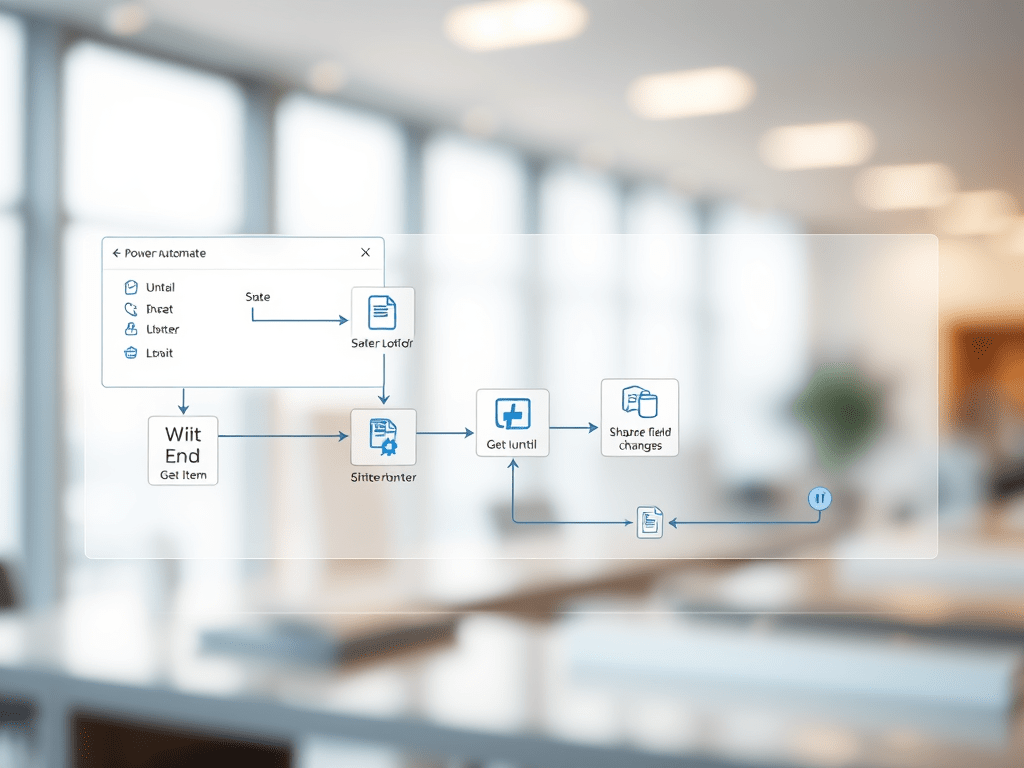
How to Wait Until a SharePoint Field Changes Its State
When automating SharePoint processes with Power Automate, it is common to encounter scenarios where a flow needs to pause until a specific field value changes — for example, waiting until a document is approved or a status column changes to… Continue reading
-
Power Automate and SharePoint: Why You Should Always Use “When an Item Is Created
When automating SharePoint processes with Power Automate, one of the most critical design decisions is which trigger to start your flow. Many users instinctively select “When an item is created or modified”, believing it offers flexibility — but in practice,… Continue reading

-
The Lifecycle of a SharePoint List Item in Power Automate — and How to Avoid Infinite Loops
This trigger is extremely powerful, but it also introduces a subtle and dangerous behavior: recursive updates — meaning that every time the flow updates the same item that triggered it, the flow fires again, leading to infinite loops or trigger… Continue reading
-
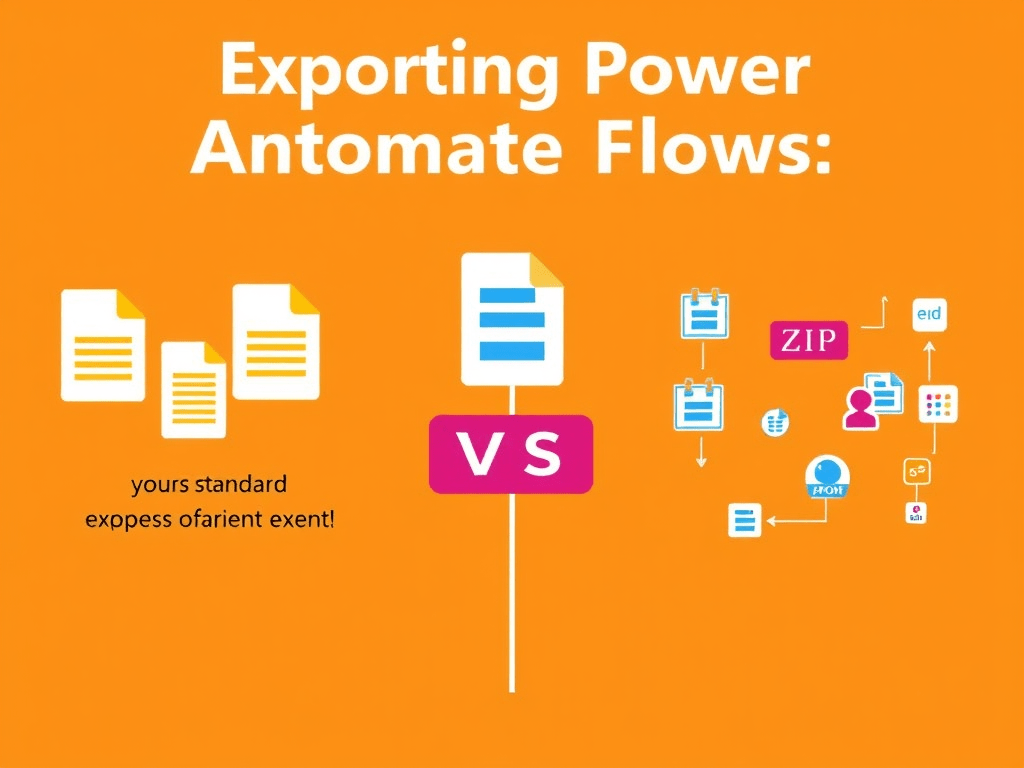
Exporting Power Automate Flows: Standard Packages vs. Solutions
Exporting Power Automate Flows: Standard Packages vs. Solutions 1. Introduction Power Automate allows two main approaches for exporting flows: Understanding the differences between these two methods is essential when building flows that need to be moved, reused, or maintained across… Continue reading
-
Editing Power Automate Export Packages
Exporting a flow in Power Automate generates a .zip package that contains the complete description of the flow. Unlike traditional code exports, this package is declarative: it is composed of structured JSON files that define the triggers, actions, connections, and… Continue reading

-
Automating SharePoint Subsite Provisioning with Site Designs and Power Automate
Managing collaboration spaces in SharePoint often requires creating multiple subsites with a consistent structure. Doing this manually is repetitive and error-prone. A more robust approach is to define a site template once, register it in the tenant, and then automate… Continue reading

-
Creating and Registering a SharePoint Site Template (Site Design)
Before automating the creation of subsites or sites in SharePoint Online, it’s necessary to have a template available. In the modern model, templates are based on Site Designs and Site Scripts. 🏗️ Creating and Registering a SharePoint Site Template (Site… Continue reading

-
Automating SharePoint Subsite Creation with Power Automate and REST API
Organizations often need to provision new SharePoint subsites in a consistent way. Instead of creating them manually, it is possible to automate the process using Power Automate combined with the SharePoint REST API. 🚀 Automating SharePoint Subsite Creation with Power… Continue reading

-
Building a Helper Method to Query List Items via REST API
When integrating applications with enterprise content platforms, it is common to query items in lists by a specific field value. Instead of retrieving all items and filtering locally, a more efficient approach is to call the platform’s REST API directly… Continue reading

-
Calling an Azure Function from Power Automate with the HTTP Connector
Integrating Azure Functions with Power Automate allows you to run serverless code in the cloud directly from automated workflows. 🔗 Calling an Azure Function from Power Automate with the HTTP Connector 1. Introduction Integrating Azure Functions with Power Automate allows… Continue reading
-
Calling an Azure Function from Power Automate with the HTTP Connector
Azure Functions allow you to host serverless code in the cloud. Power Automate provides workflows to automate business processes. Connecting both is powerful: you can trigger complex backend logic directly from a Flow. 🔗 Calling an Azure Function from Power… Continue reading

-
Building a 360° Video WebPart in SharePoint Online with A-Frame
Interactive 360° videos are increasingly popular for training, product demos, and immersive experiences. In this article, we will create a SharePoint Framework (SPFx) WebPart that uses A-Frame — a powerful WebXR framework — to embed 360° video playback directly inside… Continue reading
-
Building a Simple Analog Audio Amplifier
Building a Simple Analog Audio Amplifier Designing and building a simple analog audio amplifier is one of the best entry-level projects in electronics. The goal is to take a weak signal, such as from a microphone, a guitar pickup, or… Continue reading

-
Understanding ATX Power Supply Pinout and Specifications
The ATX (Advanced Technology eXtended) power supply standard, introduced by Intel in 1995, defines both the physical layout of power supplies and the electrical specifications required for personal computers. One of its most important aspects is the connector pinout, which… Continue reading

-
Understanding ATX Power Supply Pinout and Specifications
The ATX (Advanced Technology eXtended) power supply standard, originally developed by Intel in 1995, defines not only the form factor of PC power supplies but also the electrical characteristics and connector pinouts used to deliver stable power to computer components.… Continue reading

-
Using Calculated Fields with the SharePoint REST API
Calculated columns in SharePoint are extremely useful for deriving values from other fields (e.g., [StartDate] + 7 or concatenating text).When building custom integrations with the SharePoint REST API, developers often ask: can I query, filter, or update calculated fields?This article… Continue reading

-
Exporting Directory and File Listings to CSV in C#
When dealing with large directory structures, printing results to the console is not enough. Exporting the file tree to a CSV file allows you to analyze it in Excel, Power BI, or any reporting tool. Exporting Directory and File Listings… Continue reading

-
Recursive Directory and File Listing in C#
Sometimes you need more than just listing files and folders from a single directory. You may want to scan all subdirectories recursively and show the complete structure. In .NET, this can be done easily with the System.IO namespace. Recursive Directory… Continue reading

-
Listing Directories in C# Using System.IO
When working with file systems in .NET, one of the most common tasks is to list directories inside a given folder. The System.IO namespace provides everything you need to achieve this in a simple and reliable way. Listing Directories in… Continue reading
-
Part 5: Accessing Modular PnP Templates in Blob Storage via Power Automate
Great 👍 let’s continue the series with Part 5: using Power Automate to connect directly to Azure Blob Storage, so you can fetch, list, or download your modular PnP XML templates without involving the Function. So far: Now let’s integrate… Continue reading
-
Part 4: Using Managed Identity for SharePoint and Blob Storage in Azure Functions
So far in this series: Now let’s take the final step toward a cloud-native and secure architecture by replacing client secrets and hardcoded credentials with Managed Identity. Part 4: Using Managed Identity for SharePoint and Blob Storage in Azure Functions… Continue reading

-
Part 3: Storing SharePoint PnP Templates in Azure Blob Storage
In Part 1 we modularized PnP templates into multiple XML files.In Part 2 we wrapped the process in an Azure Function for automation. Now we’ll make the system cloud-native by replacing local storage (c:\pnp) with Azure Blob Storage. Part 3:… Continue reading

-
Automating Modular SharePoint Provisioning with Azure Functions
In the first part we saw how to export and import a SharePoint site template in a modular way using PnP Framework, splitting it into multiple XML files (Fields.xml, List_*.xml, Navigation.xml etc.). Now let’s see how to wrap this process… Continue reading
 edvaldo b. guimarães filho