Edvaldo Guimrães Filho
-
Working with REST APIs, HTTP Status Codes and JSON in Power Automate
Working with REST APIs, HTTP Status Codes and JSON in Power Automate Introduction Power Automate is usually presented as a low-code automation platform based on connectors. However, many enterprise integrations eventually require direct communication with REST APIs. This is where… Continue reading

-
Error Handling in Power Automate: Try, Catch, Finally, Scopes, Retry Policies and Logging
Error Handling in Power Automate: Try, Catch, Finally, Scopes, Retry Policies and Logging Introduction Error handling is one of the most important differences between a Power Automate flow created as a quick automation and a workflow designed to operate reliably… Continue reading

-
Understanding the Main Microsoft Agent Development Models
Understanding the Main Microsoft Agent Development Models Copilot Studio, Declarative Agents, SharePoint Copilot Apps, SPFx and SharePoint Agents Introduction The Microsoft Copilot ecosystem can initially appear confusing because the word Agent is used in several products and development models. Two… Continue reading

-
Building Microsoft 365 Copilot Apps from Zero
Building Microsoft 365 Copilot Apps from Zero Guia técnico e prático para compreender e construir Declarative Agents com Microsoft 365 Agents Toolkit, evoluindo de um Agent mínimo para Knowledge, SharePoint, Actions e uma arquitetura corporativa governada. Microsoft 365 Copilot extensibility… Continue reading
-
Building Microsoft 365 Copilot Apps from Zero
Building Microsoft 365 Copilot Apps from Zero A Complete Step-by-Step Developer Guide Based on Microsoft Learn Introduction Microsoft 365 Copilot introduces a new application model into the Microsoft 365 ecosystem. For many years, Microsoft 365 developers have built solutions using… Continue reading
-
Exploratory AI Architecture for Pharmaceutical Product Development and Stability Sample Knowledge Management
Exploratory AI Architecture for Pharmaceutical Product Development and Stability Sample Knowledge Management Using Microsoft Copilot Studio, SharePoint Metadata, Microsoft Purview, Power Platform, Outlook and Microsoft Teams as a Conceptual Citizen Development Architecture Important Disclaimer This article is a technology exploration… Continue reading

-
Connecting Microsoft Copilot Studio, SharePoint, Power Platform and Autodesk to Transform Field Experience into Organizational Knowledge
AI-Assisted Communities of Practice for Infrastructure, Construction, Quality and Maintenance Connecting Microsoft Copilot Studio, SharePoint, Power Platform and Autodesk to Transform Field Experience into Organizational Knowledge Introduction Infrastructure and construction organizations accumulate enormous amounts of technical knowledge during the lifecycle… Continue reading

-
AI-Assisted Maintenance Innovation Funnel for Oil & Gas
AI-Assisted Maintenance Innovation Funnel for Oil & Gas Using Microsoft Copilot Studio, SharePoint, Power Apps and Power Automate to Connect Maintenance Knowledge, Real Worker Questions, Improvement Ideas and Quality Assurance Introduction Maintenance in an Oil & Gas organization is an… Continue reading

-
AI-Assisted Quality Management in Manufacturing with Microsoft Copilot Studio, Power Apps, SharePoint and Power Automate
AI-Assisted Quality Management in Manufacturing with Microsoft Copilot Studio, Power Apps, SharePoint and Power Automate Building a Citizen Developer Architecture for Quality Data Capture, Knowledge, Non-Conformance Management and Enterprise System Integration Introduction Manufacturing quality is an interesting environment for Citizen… Continue reading

-
AI-Driven Employee Onboarding with Microsoft Copilot Studio, SharePoint and a Living FAQ
AI-Driven Employee Onboarding with Microsoft Copilot Studio, SharePoint and a Living FAQ Using Real Employee Questions to Continuously Improve the Corporate Onboarding Experience Introduction Employee onboarding is an excellent scenario for understanding how Microsoft Copilot Studio, SharePoint Online, Power Automate… Continue reading
-
Using Microsoft Copilot Studio, SharePoint and Generative AI to Discover What Users Actually Need to Know
From FAQ Chatbot to Knowledge Intelligence Using Microsoft Copilot Studio, SharePoint and Generative AI to Discover What Users Actually Need to Know Introduction A traditional FAQ begins with answers. Someone inside an organization identifies subjects that appear important, creates a… Continue reading
-
Building a Living FAQ with Microsoft Copilot Studio, SharePoint and Generative AI
Building a Living FAQ with Microsoft Copilot Studio, SharePoint and Generative AI Transforming Real User Questions into Governed Organizational Knowledge Introduction One of the most interesting uses of Microsoft Copilot Studio is not simply answering questions. A more valuable architecture… Continue reading
-
Part 3 — Heft, Build Rig, Webpack and the Complete Build Pipeline
SPFx Toolchain Internals Part 3 — Heft, Build Rig, Webpack and the Complete Build Pipeline 1. Introduction In the previous article, we stopped at a very specific architectural boundary. Node.js had been selected according to the SharePoint Framework compatibility requirements.… Continue reading

-
SPFx Toolchain Internals
Part 2 — Node.js, npm and the Dependency Graph SPFx Toolchain Internals Part 2 — Node.js, npm and the Dependency Graph 1. Introduction A SharePoint Framework project may appear to be a relatively small collection of TypeScript, React components, configuration… Continue reading
-
Architecture of the Modern SharePoint Framework Build System
SPFx Toolchain Internals Part 1 — Architecture of the Modern SharePoint Framework Build System 1. Introduction The SharePoint Framework toolchain is the complete engineering environment responsible for transforming human-authored source code into a browser-executable Microsoft 365 component and, eventually, into… Continue reading

-
SharePoint Framework (SPFx)
Technical Architecture, Runtime Model, Extensibility, Security, Integration, and Enterprise Engineering SharePoint Framework (SPFx) Technical Architecture, Runtime Model, Extensibility, Security, Integration, and Enterprise Engineering 1. Introduction The SharePoint Framework (SPFx) is Microsoft’s client-side extensibility model for building custom experiences that execute… Continue reading
-
Introdução Técnica ao SharePoint Framework — SPFx
Introdução Técnica ao SharePoint Framework — SPFx 1. Introdução O SharePoint Framework (SPFx) é o principal modelo de desenvolvimento client-side utilizado para criar extensões e experiências personalizadas integradas ao SharePoint e a outras superfícies do Microsoft 365. Mais do que… Continue reading
-
Building a SharePoint Copilot App with SPFx
Building a SharePoint Copilot App with SPFx A Step-by-Step Technical Guide to Copilot Components, Declarative Agents, Tools, Properties, Testing and Deployment SharePoint Framework is moving beyond the traditional model of Web Parts and Extensions. With SharePoint Copilot Apps, currently in… Continue reading
-
SPFx + Microsoft Copilot
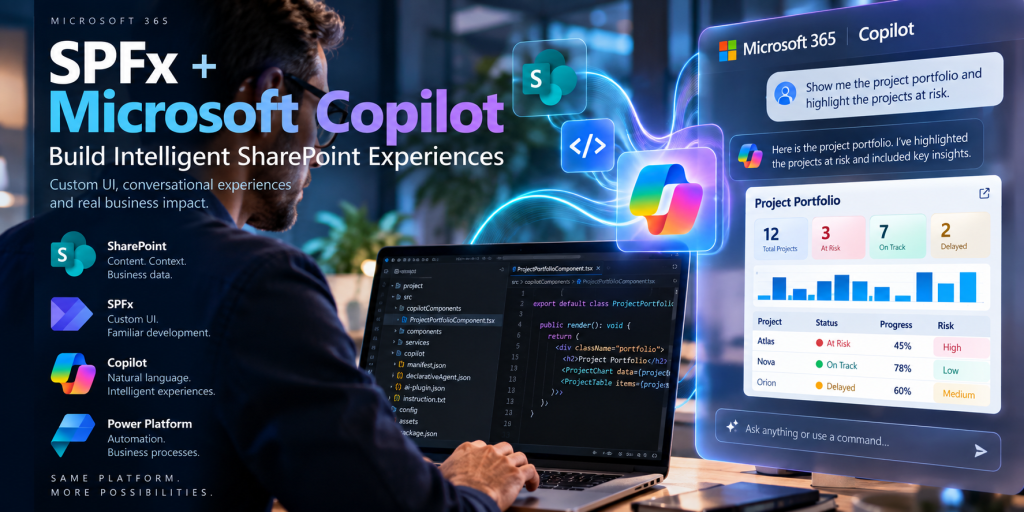
SPFx + Microsoft Copilot Building Intelligent SharePoint Experiences with SharePoint Copilot Apps, Copilot Components and Declarative Agents For a SharePoint developer, one of the most important developments in the Microsoft 365 Copilot extensibility model is the emergence of SharePoint Copilot… Continue reading
-
From Enterprise Content Management to Intelligent Business Processes
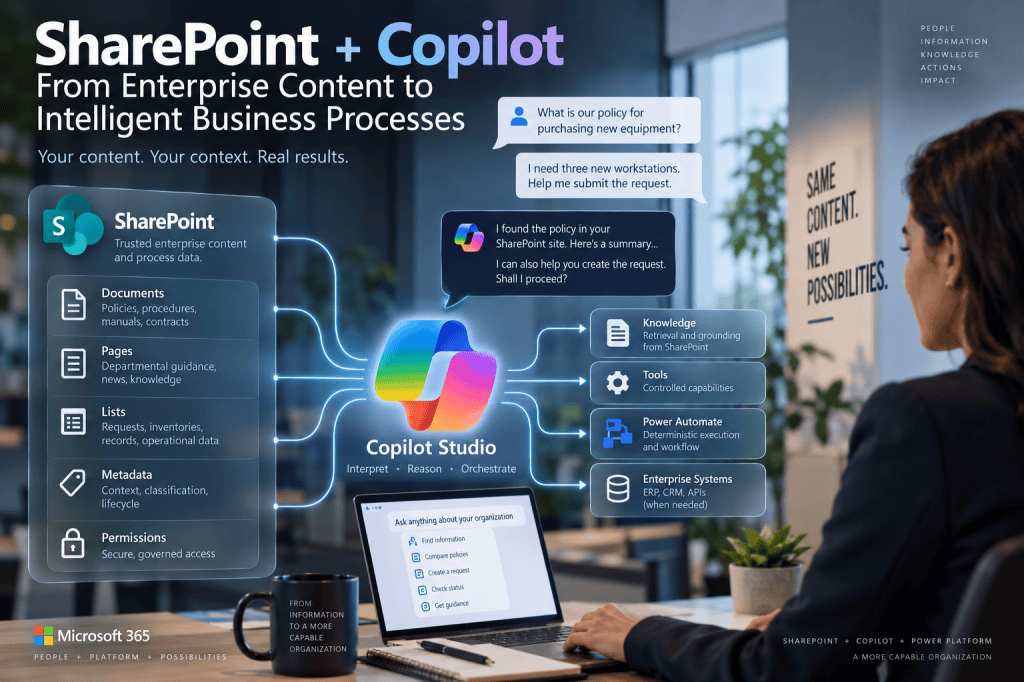
SharePoint + Copilot From Enterprise Content Management to Intelligent Business Processes For more than two decades, SharePoint has occupied a distinctive position in the Microsoft enterprise architecture. It is not simply a document repository, and it is not a traditional… Continue reading
-
Identity, Authentication, Authorization and Security Boundaries in Enterprise AI Agents
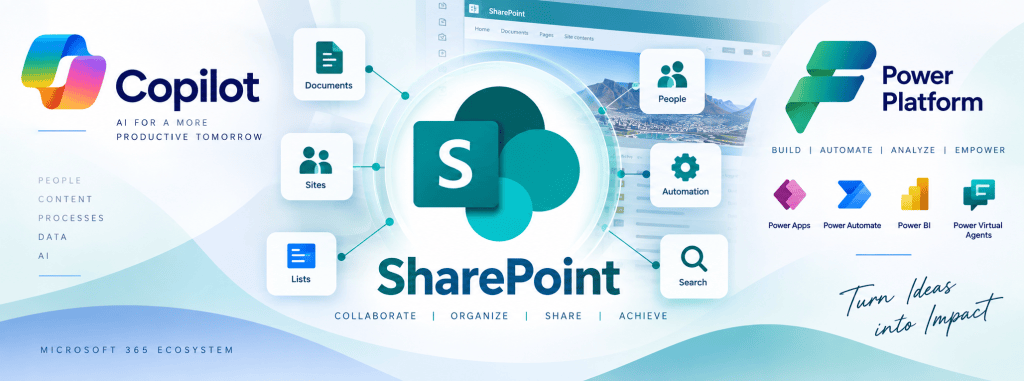
From Conversation to Transaction Identity, Authentication, Authorization and Security Boundaries in Enterprise AI Agents In the previous article, we transformed a business process into a solution architecture. SharePoint became responsible for trusted documents and corporate Knowledge. Copilot Studio became the… Continue reading
-
Finding Where AI Belongs in a Business Process
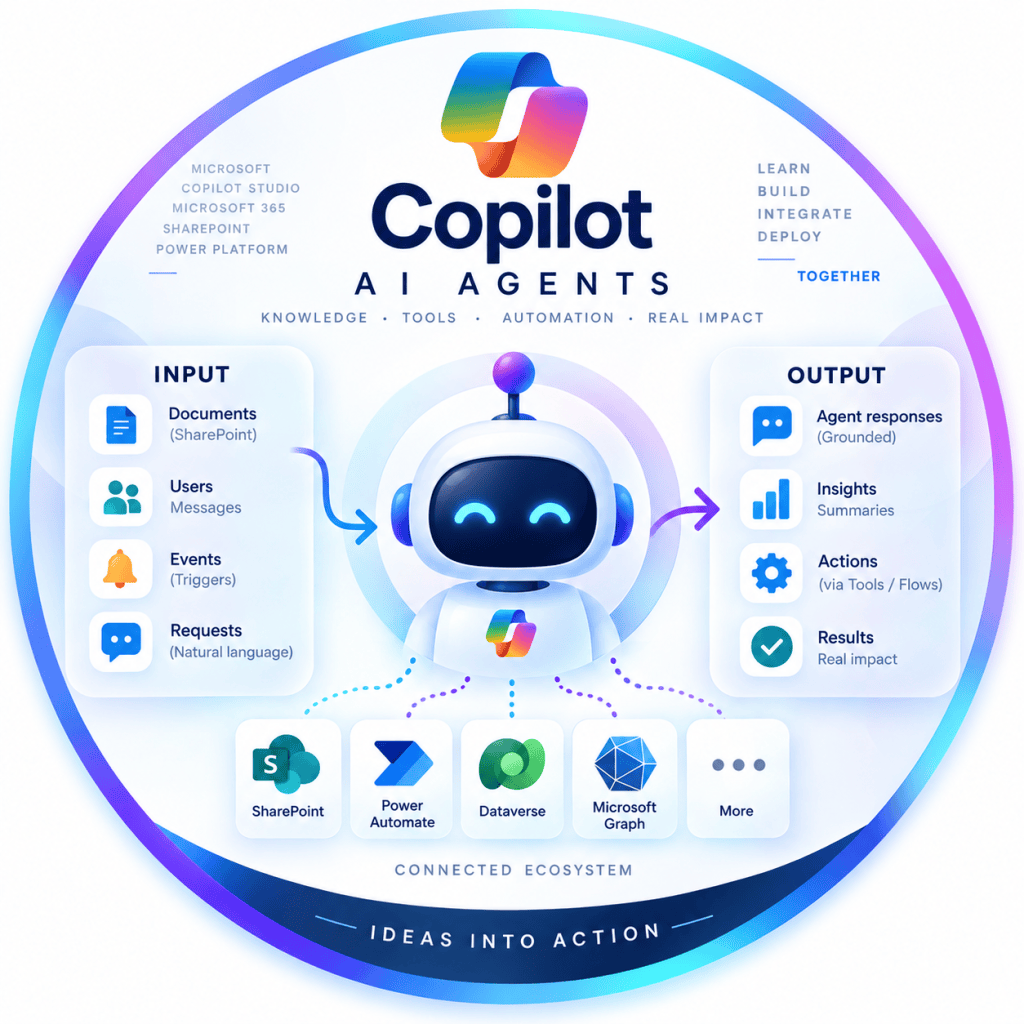
Finding Where AI Belongs in a Business Process Deterministic Automation, Human Authority, Knowledge, Transactions and Generative Reasoning The previous article established a fundamental principle for modern Power Platform architecture: Process before platform. Before opening Power Automate, Power Apps or Microsoft… Continue reading
-
From BPMN to Power Platform Architecture
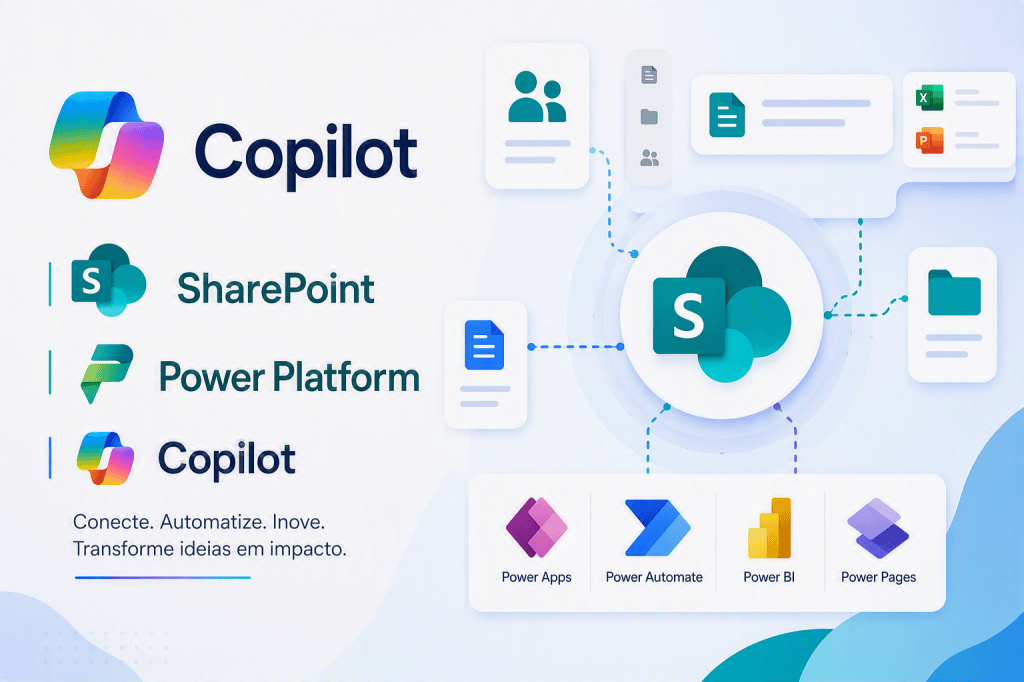
From BPMN to Power Platform Architecture Translating Business Processes into SharePoint, Power Automate, Copilot Studio and Enterprise Systems The previous articles established three principles. Low-Code does not mean Low-Knowledge. Process should come before platform. Responsibility should come before intelligence. We… Continue reading
-
From AS-IS and BPMN to Power Platform and AI Agents
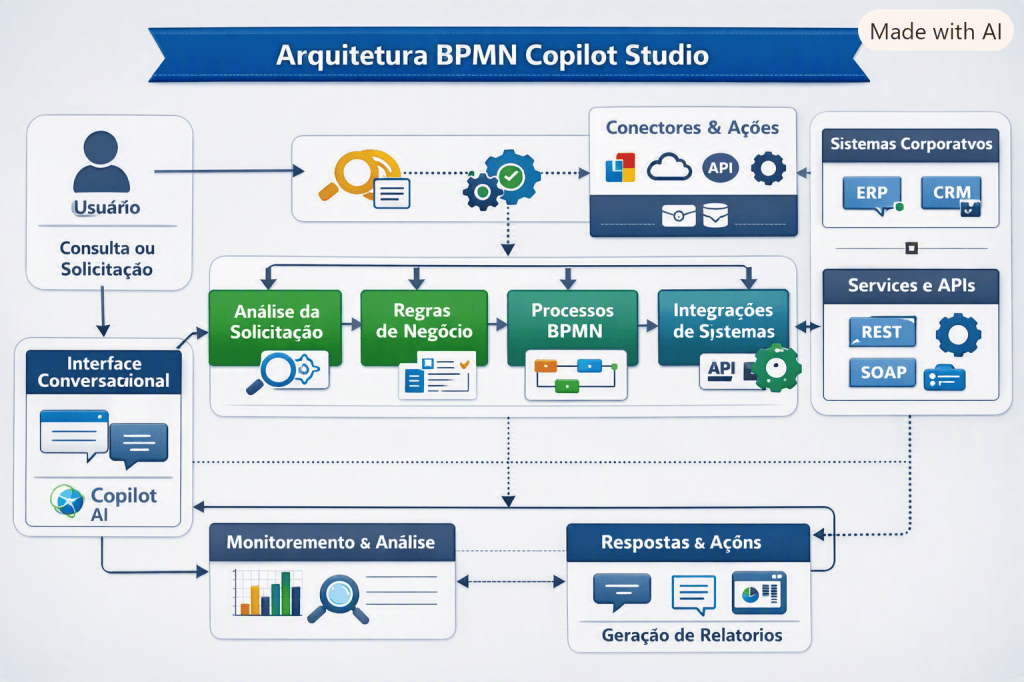
Process Before Platform From AS-IS and BPMN to Power Platform and AI Agents Low-Code platforms have dramatically reduced the distance between a business idea and a working application. A process that once required requirements documents, development teams, database scripts, integration… Continue reading
-
Low-Code Does Not Mean Low-Knowledge
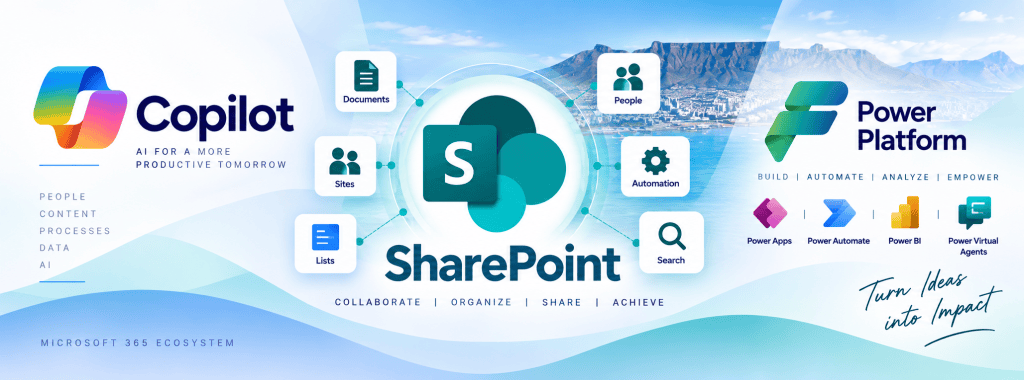
Low-Code Does Not Mean Low-Knowledge From Business Process Engineering, BPMN and ERP to Power Platform and AI Agents Low-Code and No-Code platforms are frequently presented through the language of simplification. The basic proposition is attractive: if a platform can generate… Continue reading
-
100 Microsoft Copilot Studio Labs –
From First Agent to Enterprise Agent Architecture 100 Microsoft Copilot Studio Labs From First Agent to Enterprise Agent Architecture Introduction Learning Microsoft Copilot Studio should not begin by attempting to build a large enterprise assistant. An Agent can appear deceptively… Continue reading
-
BPMN in the Age of AI Agents
BPMN in the Age of AI Agents From Business Process Modeling to Agentic Enterprise Architecture Introduction — Why BPMN Matters Again in the Age of AI Agents The emergence of AI Agents is changing the way enterprise software is designed.… Continue reading
-
BPMN, Business Knowledge and Enterprise Integration in Microsoft Copilot Studio Agent Architecture
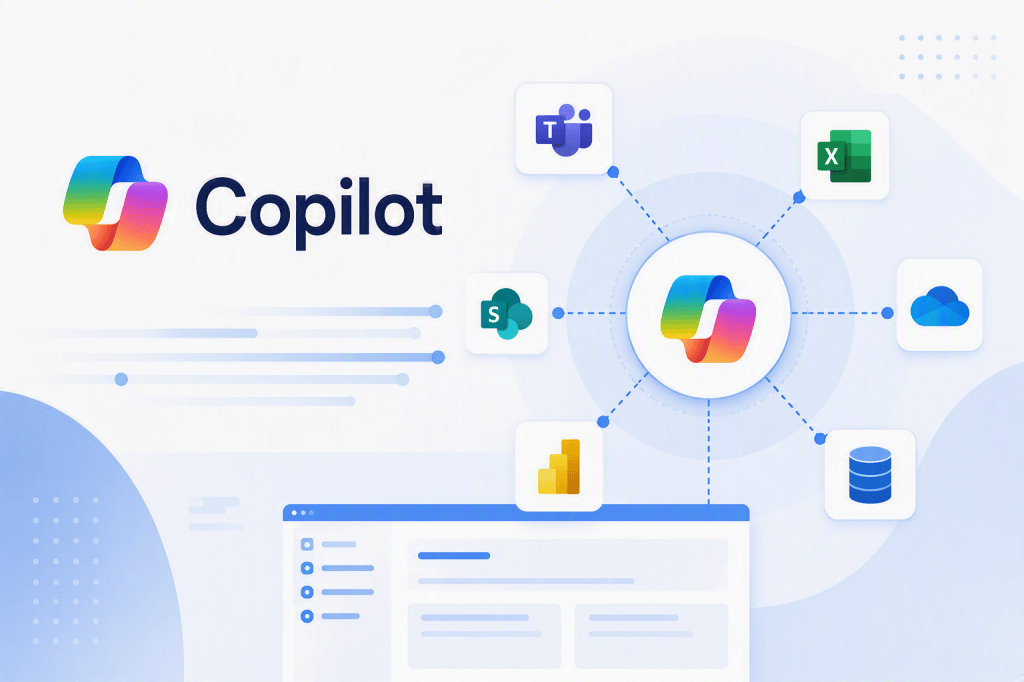
BPMN, Business Knowledge and Enterprise Integration in Microsoft Copilot Studio Agent Architecture Introduction Building a Microsoft Copilot Studio Agent is relatively easy. Building an Agent that correctly participates in a real enterprise business process is considerably harder. The technical interface… Continue reading
-
When NOT to Use Adaptive Cards in Microsoft Copilot Studio
When NOT to Use Adaptive Cards in Microsoft Copilot Studio Letting the LLM Interpret REST API Responses Instead of Building the UI Yourself Introduction Adaptive Cards are one of the most useful presentation mechanisms available when building Microsoft Copilot Studio… Continue reading
-
OpenAPI as the Contract Between AI Agents and Enterprise Systems
OpenAPI as the Contract Between AI Agents and Enterprise Systems Deep Dive into Swagger, REST APIs, Tools and Microsoft Copilot Studio Introduction Swagger and OpenAPI are traditionally studied as API technologies. A developer creates a REST API. Another developer needs… Continue reading
-
Swagger 2.0, OpenAPI and Custom Connectors in Microsoft Power Platform and Copilot Studio
Swagger 2.0, OpenAPI and Custom Connectors in Microsoft Power Platform and Copilot Studio A Practical Guide Using the Open-Meteo Weather API Introduction Modern business applications rarely operate in isolation. A Power Apps application might need weather information. A Power Automate… Continue reading
-
Swagger and OpenAPI: Origins, Evolution, and Their Role in Modern API Integration
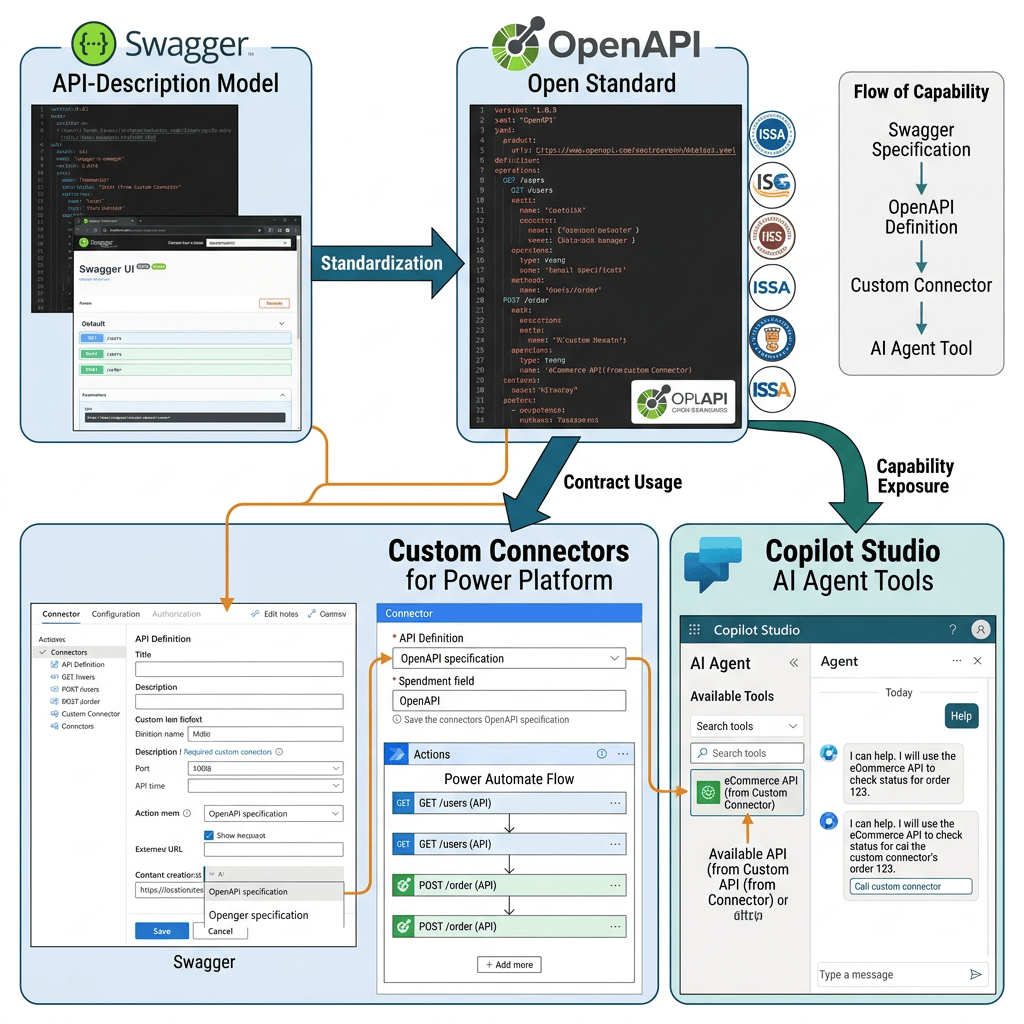
Swagger started the API-description model; OpenAPI became the open standard; Custom Connectors use that contract to expose REST API operations to Power Platform, and Copilot Studio can ultimately make those capabilities available to an Agent as Tools. Swagger and OpenAPI:… Continue reading
-
Integrating football-data.org with Microsoft Copilot Studio Using a REST API Tool
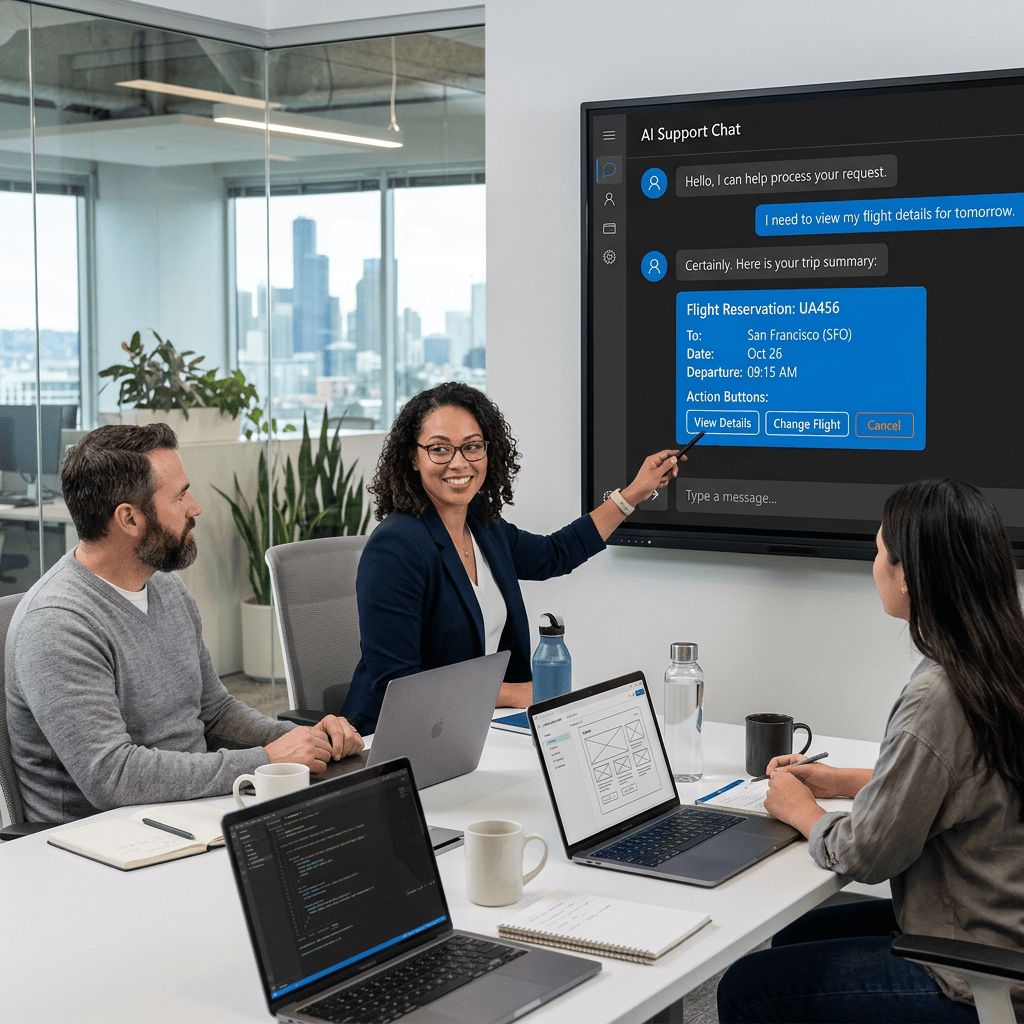
Integrating football-data.org with Microsoft Copilot Studio Using a REST API Tool Introduction One of the most important transitions when learning Microsoft Copilot Studio is moving from an Agent that only answers questions to an Agent that can interact with external… Continue reading
-
Extending Microsoft Copilot Studio Agents with REST API Tools
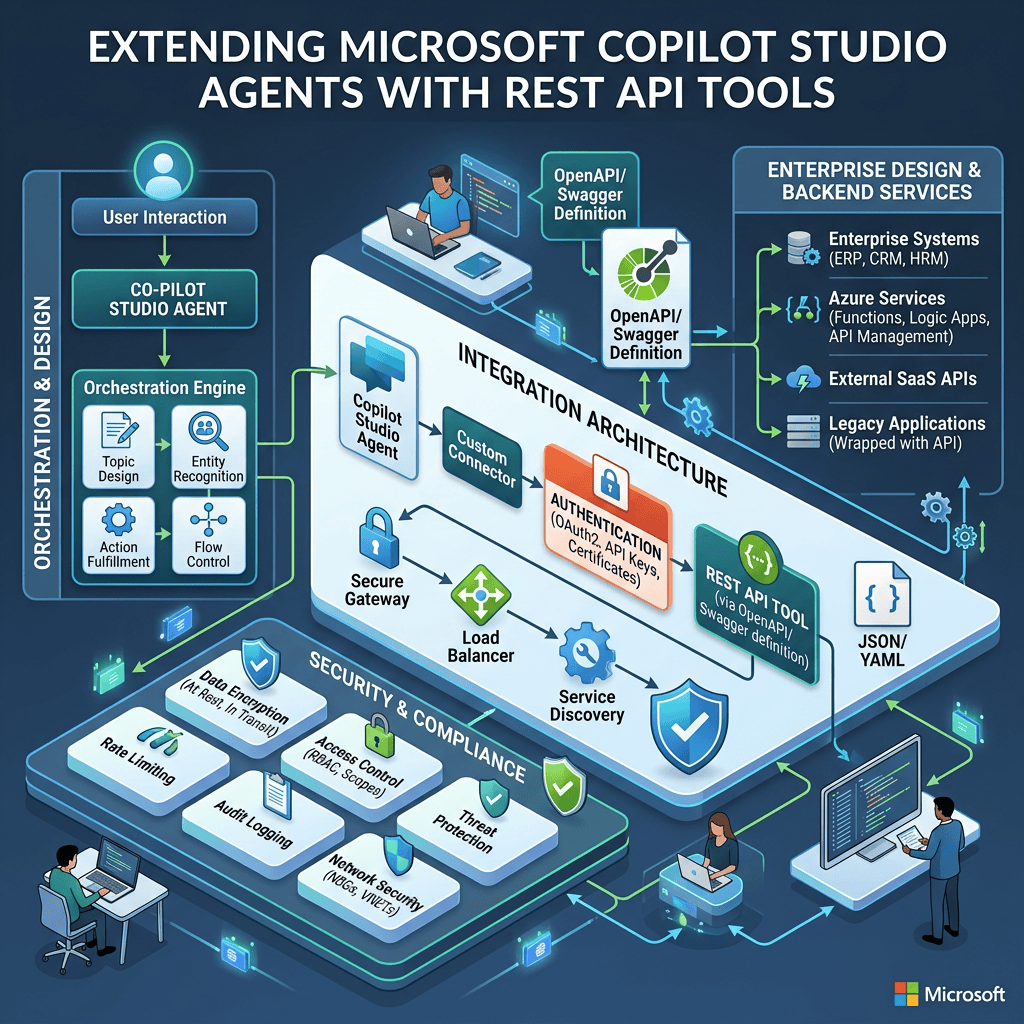
Extending Microsoft Copilot Studio Agents with REST API Tools Architecture, OpenAPI, Authentication, Orchestration, Security, and Enterprise Design Introduction One of the most important transitions when learning Microsoft Copilot Studio is moving from an Agent that can answer questions to an… Continue reading
-
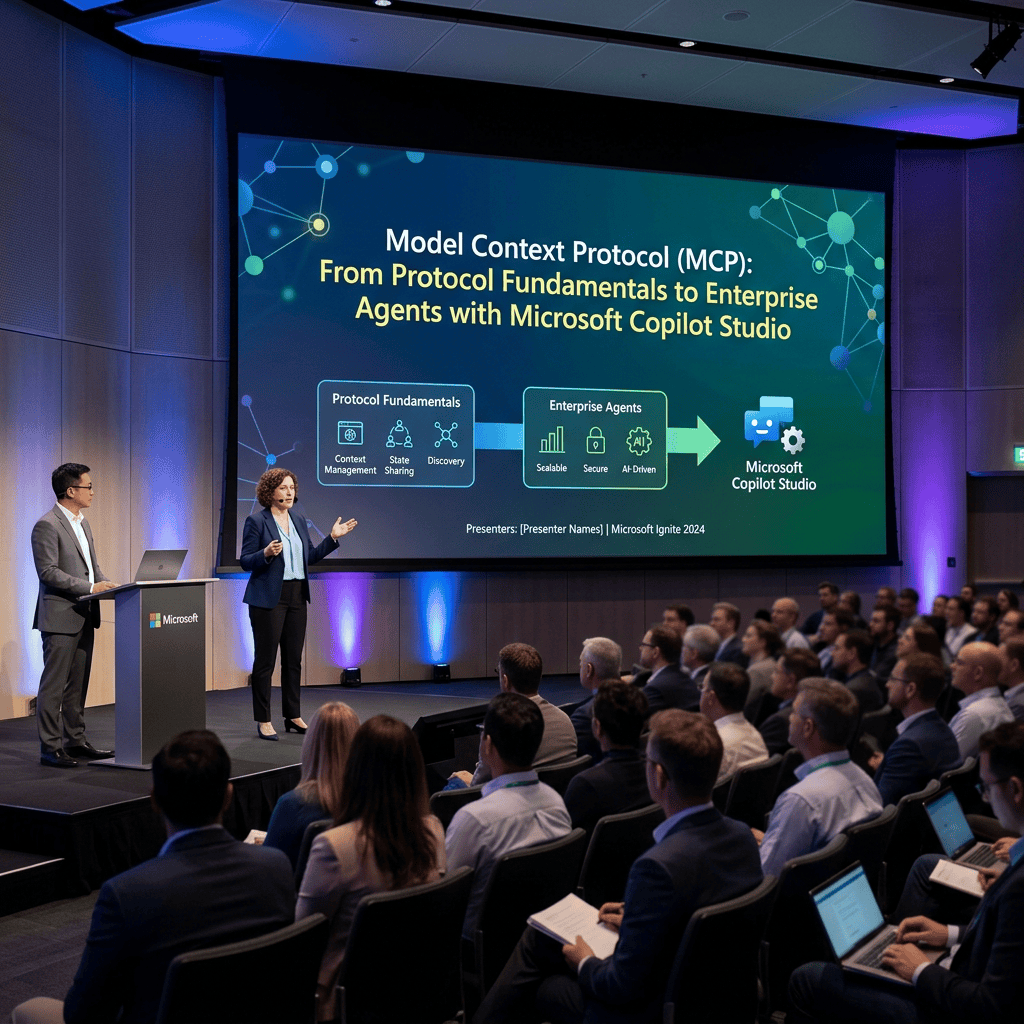
Model Context Protocol (MCP): From Protocol Fundamentals to Enterprise Agents with Microsoft Copilot Studio
Model Context Protocol (MCP): From Protocol Fundamentals to Enterprise Agents with Microsoft Copilot Studio Introduction As AI Agents become more capable, one architectural problem becomes increasingly important: How does an Agent interact with external systems in a standardized, secure, discoverable,… Continue reading
-
Building a Football Agent with Microsoft Copilot Studio and futebol.org
Building a Football Agent with Microsoft Copilot Studio and futebol.org REST API Documentation, OpenAPI, Authentication, Tools, Orchestration, and Security Introduction A practical way to understand REST API Tools in Microsoft Copilot Studio is to design an Agent around a real… Continue reading

-
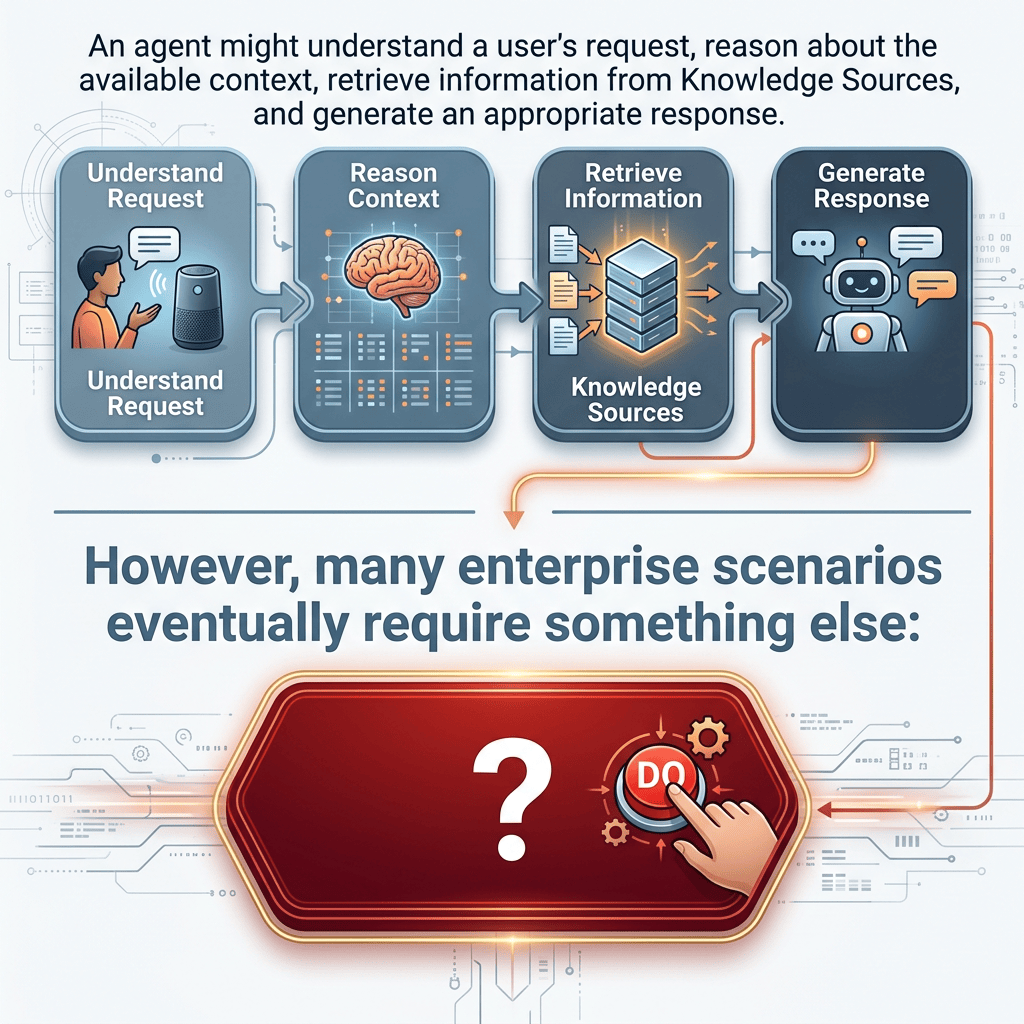
Using Workflows as Tools in Microsoft Copilot Studio Agents
Using Workflows as Tools in Microsoft Copilot Studio Agents From Conversational Reasoning to Deterministic Business Automation Introduction Microsoft Copilot Studio agents become significantly more useful when they can do more than answer questions. An agent might understand a user’s request,… Continue reading
-
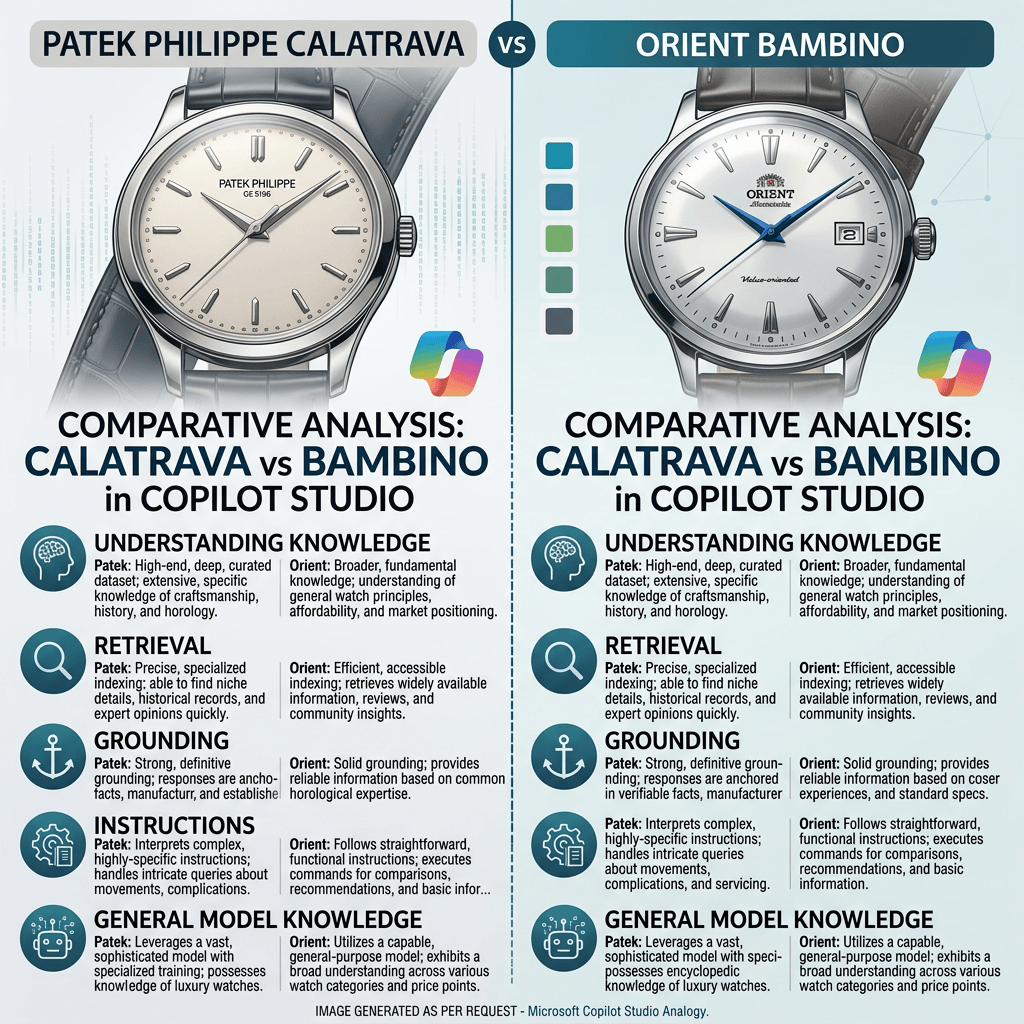
Patek Philippe Calatrava vs Orient Bambino -Understanding Knowledge, Retrieval, Grounding, Instructions, and General Model Knowledge in Microsoft Copilot Studio
One of the most important concepts when learning Microsoft Copilot Studio is understanding where an Agent’s answers actually come from. When we add a file, SharePoint content, or a public website as a Knowledge Source, it is tempting to imagine… Continue reading
-
Understanding Event Triggers in Microsoft Copilot Studio
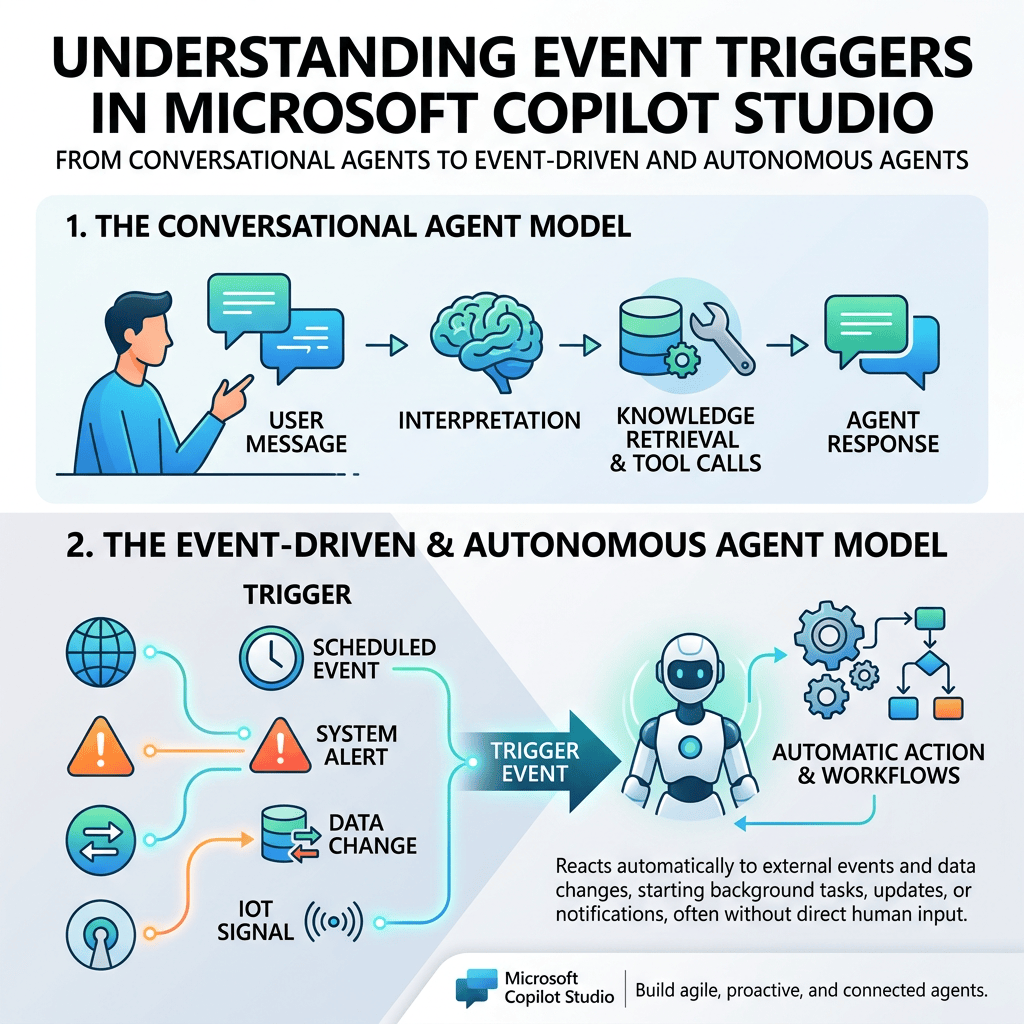
Microsoft Copilot Studio agents are often introduced as conversational systems: a user sends a message, the agent interprets the request, retrieves knowledge, calls tools when necessary, and generates a response. Understanding Event Triggers in Microsoft Copilot Studio From Conversational Agents… Continue reading