Edvaldo Guimrães Filho
-
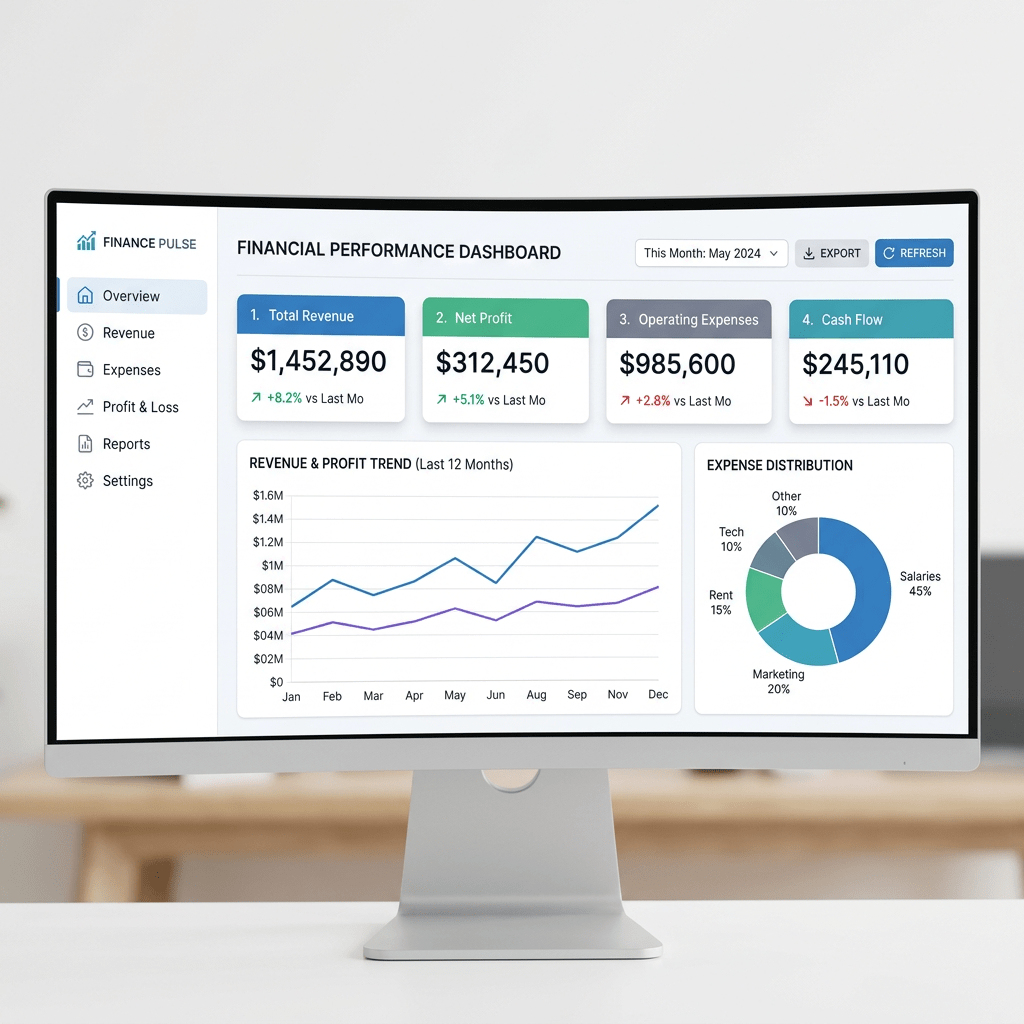
Building a Static Financial Dashboard with React, Vite, TypeScript, and Fluent UI
Building a Static Financial Dashboard with React, Vite, TypeScript, and Fluent UI Modern enterprise applications frequently start with dashboards. Before developers build APIs, authentication systems, dynamic filters, charts, or complex business logic, they first establish the visual architecture of the… Continue reading
-
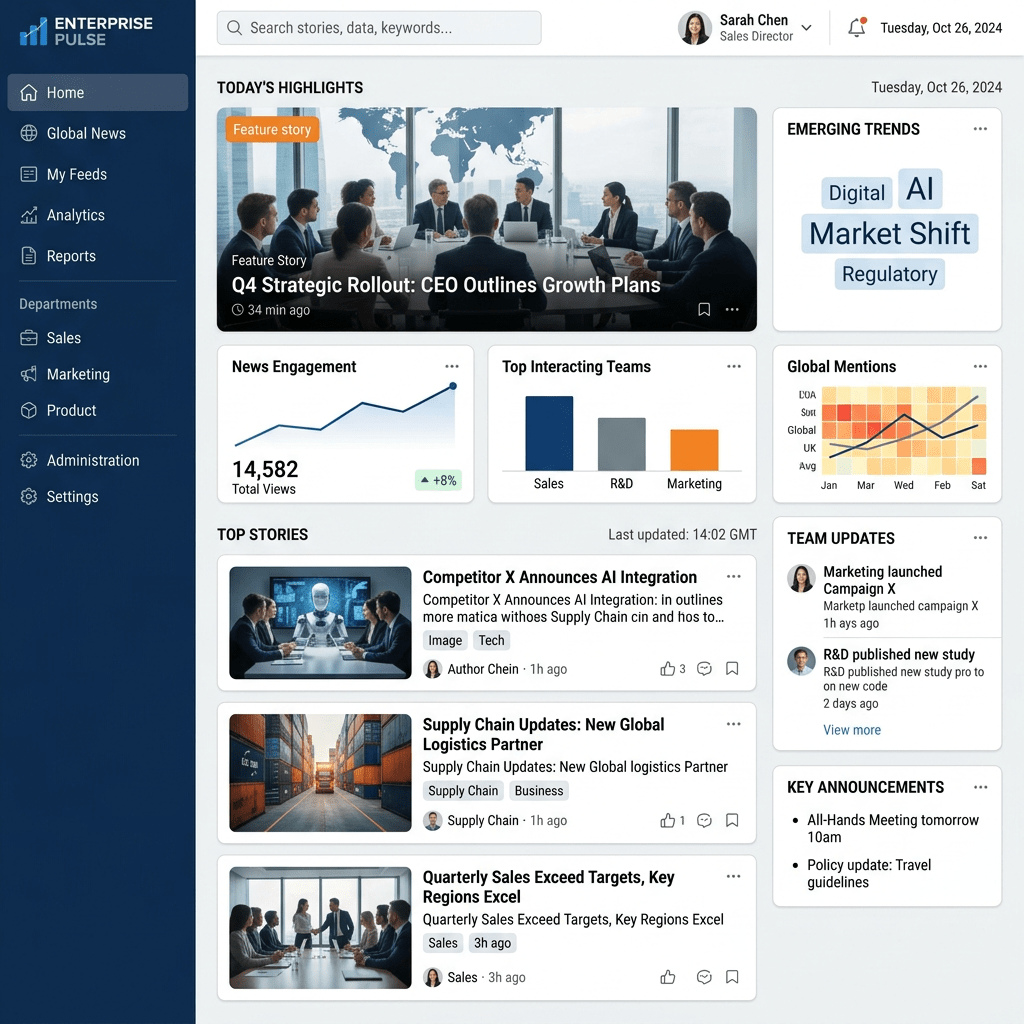
Building an Enterprise News Portal with React, Vite, TypeScript, and Fluent UI
Technical Blog Article — App 15: Building an Enterprise News Portal with React, Vite, TypeScript, and Fluent UI The fifteenth application in the React + Fluent UI learning roadmap is App 15 — News Page. This application introduces a very… Continue reading
-
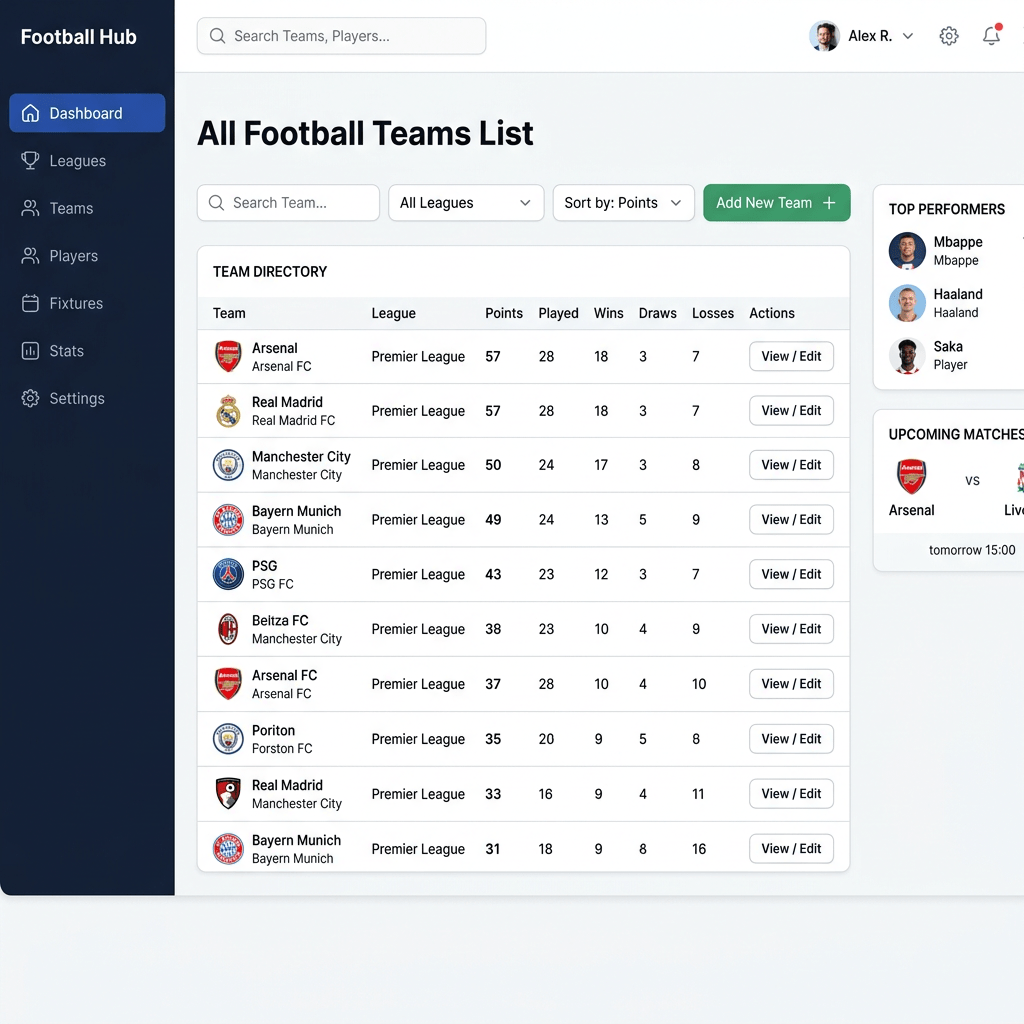
Building a Football Teams Dashboard with React, Vite, TypeScript, and Fluent UI
Building a Football Teams Dashboard with React, Vite, TypeScript, and Fluent UI The fourteenth application in the 100 React + Fluent UI Apps learning roadmap is App 14 — Football Teams List. This project continues the first learning block focused… Continue reading
-
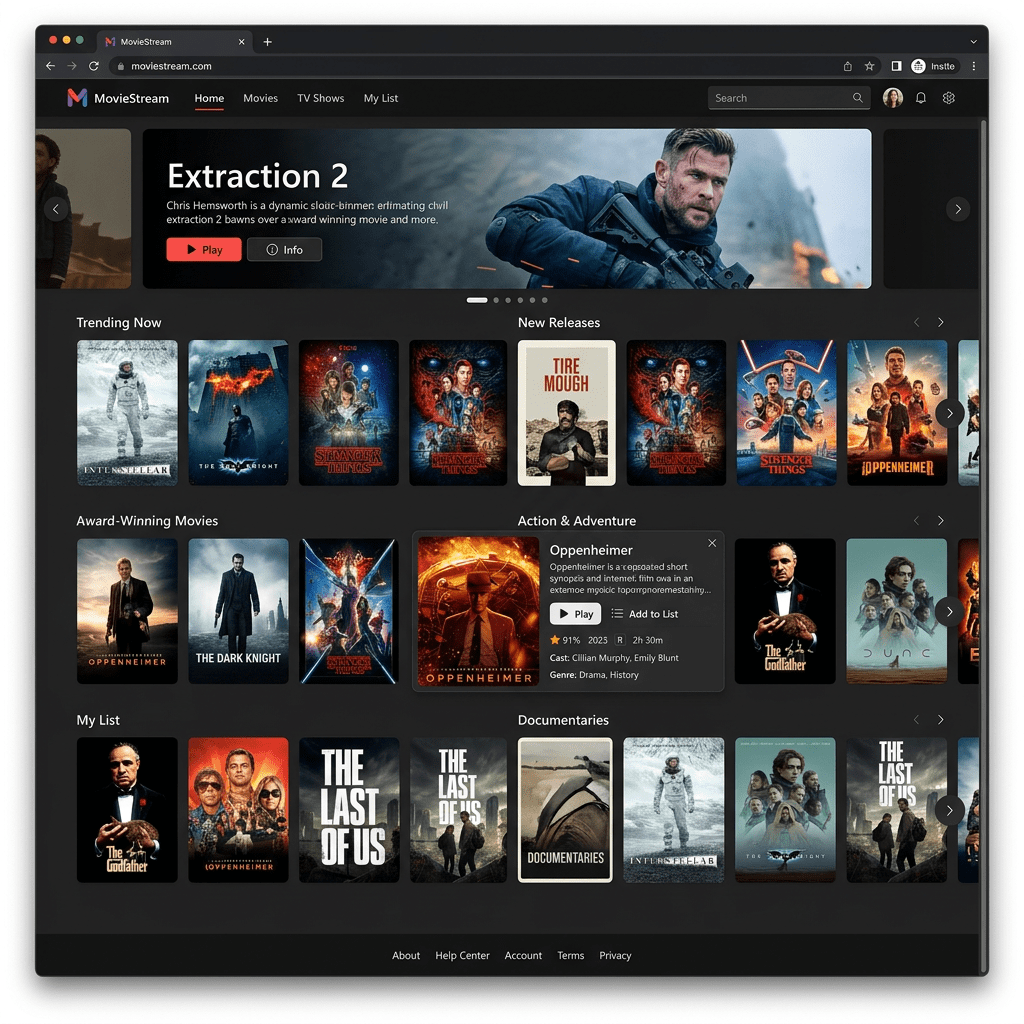
Building a Netflix-Style Movie Catalog with React, TypeScript, Vite, and Fluent UI
Building a Netflix-Style Movie Catalog with React, TypeScript, Vite, and Fluent UI The thirteenth application in the 100 React + Fluent UI Apps roadmap is App 13 — Movie Catalog. This project introduces a Netflix-inspired catalog interface built with modern… Continue reading
-
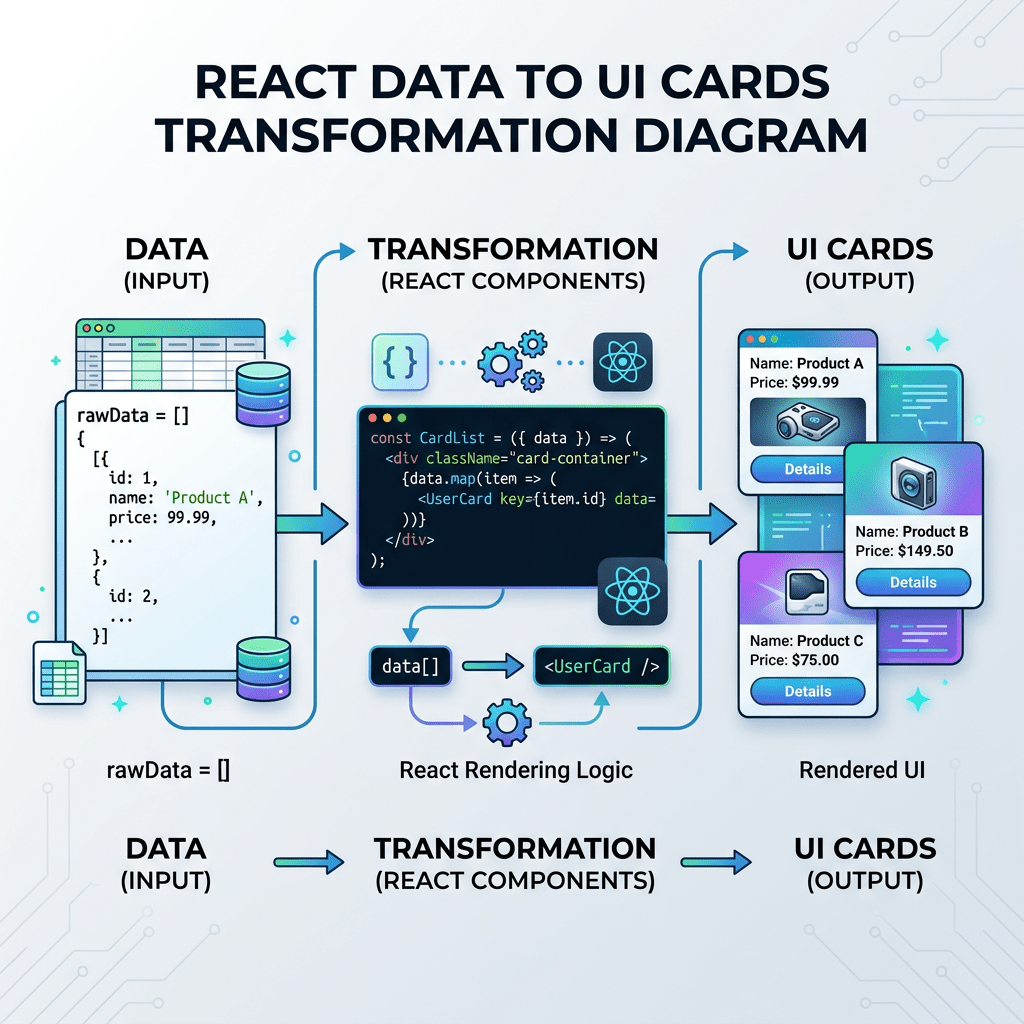
Building an Enterprise Image Gallery with React, Vite, TypeScript, and Fluent UI
Building an Enterprise Image Gallery with React, Vite, TypeScript, and Fluent UI App 12 — Image Gallery is one of the most important applications in the first block of the React learning roadmap because it introduces something fundamental to modern… Continue reading
-
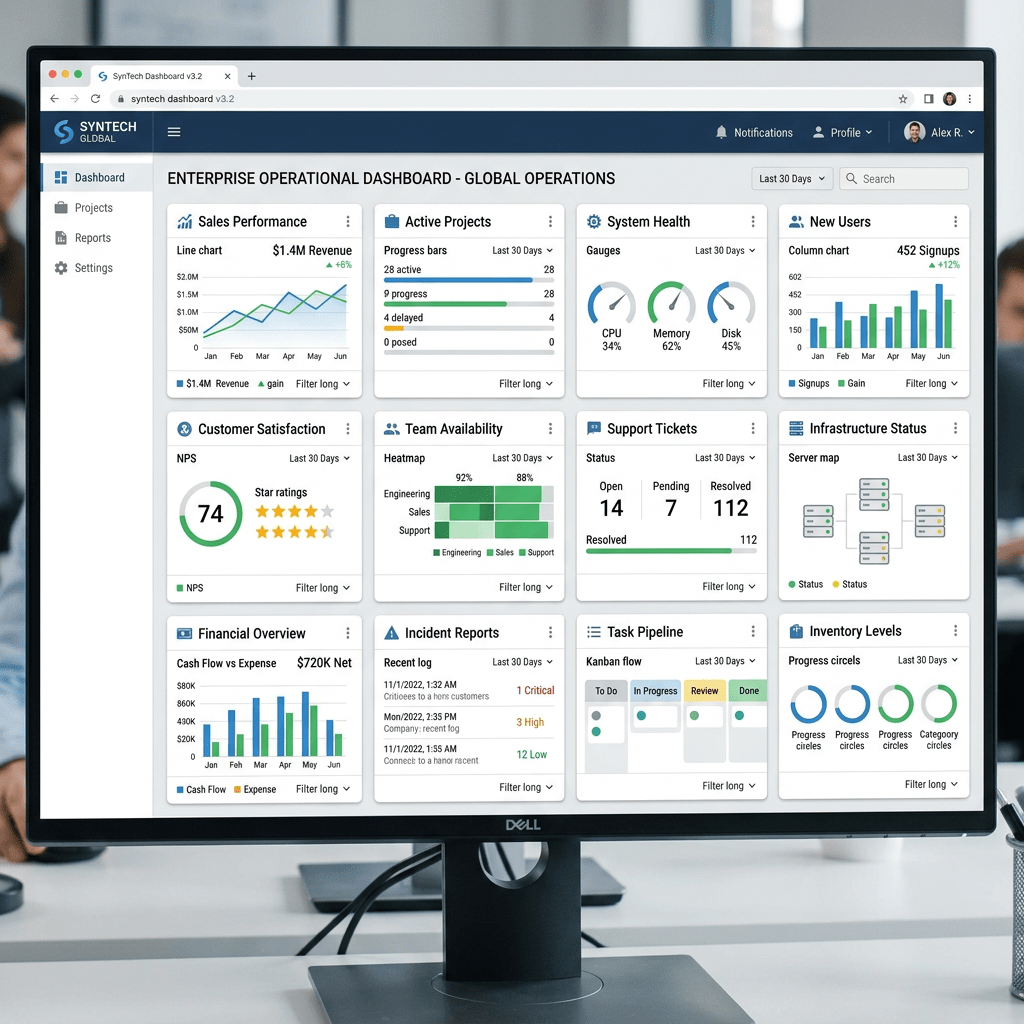
Enterprise Grid of Cards with React, TypeScript, Vite, CSS Grid, and Fluent UI
Technical Blog Article — App 11: Enterprise Grid of Cards with React, TypeScript, Vite, CSS Grid, and Fluent UI App 11 — Grid of Cards — is one of the most important foundational applications in the entire React + Fluent… Continue reading
-
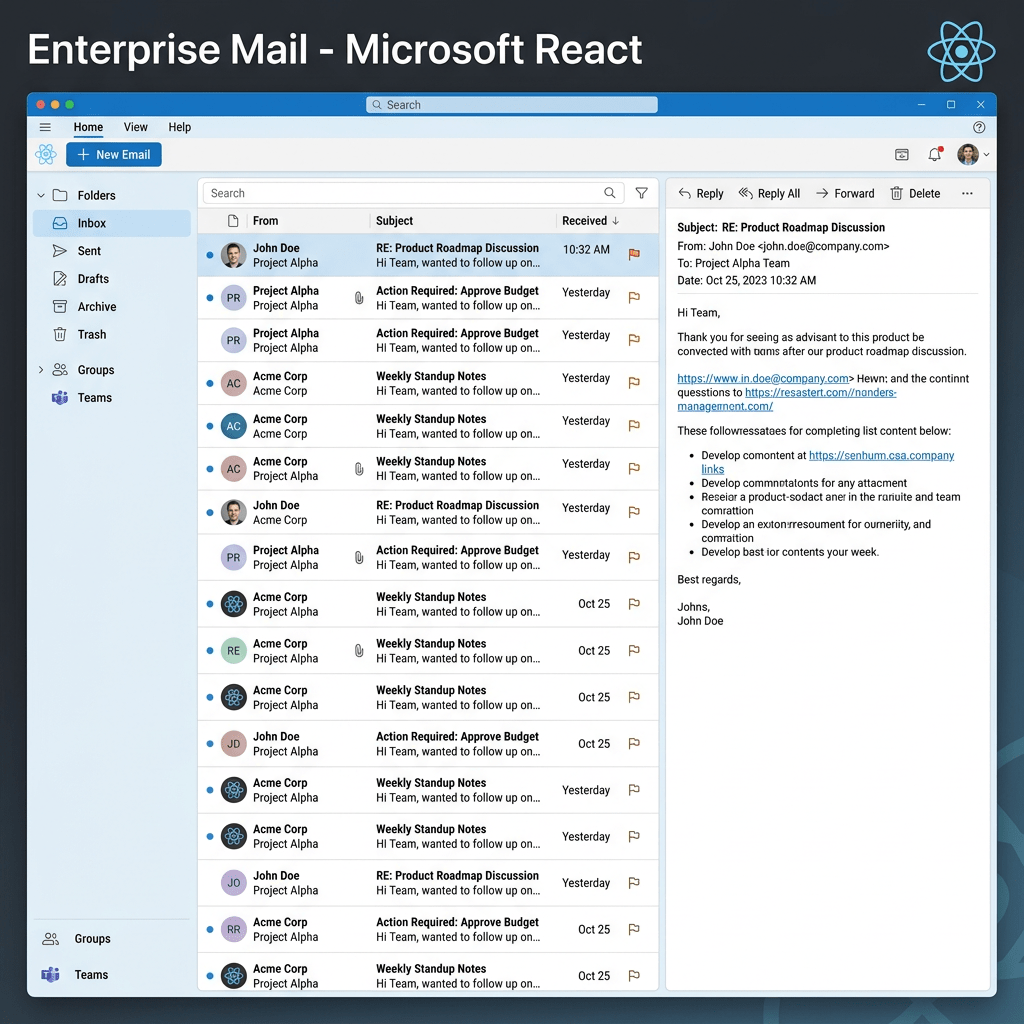
Building an Enterprise Outlook-Style Email List with React, TypeScript, Vite, JSX, ReactDOM, and Fluent UI
Deep Technical Article — App 10: Building an Enterprise Outlook-Style Email List with React, TypeScript, Vite, JSX, ReactDOM, and Fluent UI Modern frontend engineering is no longer about manually creating HTML pages and attaching JavaScript events afterward. Modern React applications… Continue reading
-
Building a Microsoft-Style Employee Table with React, Vite, TypeScript, and Fluent UI
Building a Microsoft-Style Employee Table with React, Vite, TypeScript, and Fluent UI App 09 — Employee Table is one of the most important foundational exercises in the React + Fluent UI roadmap because it introduces one of the most common… Continue reading

-
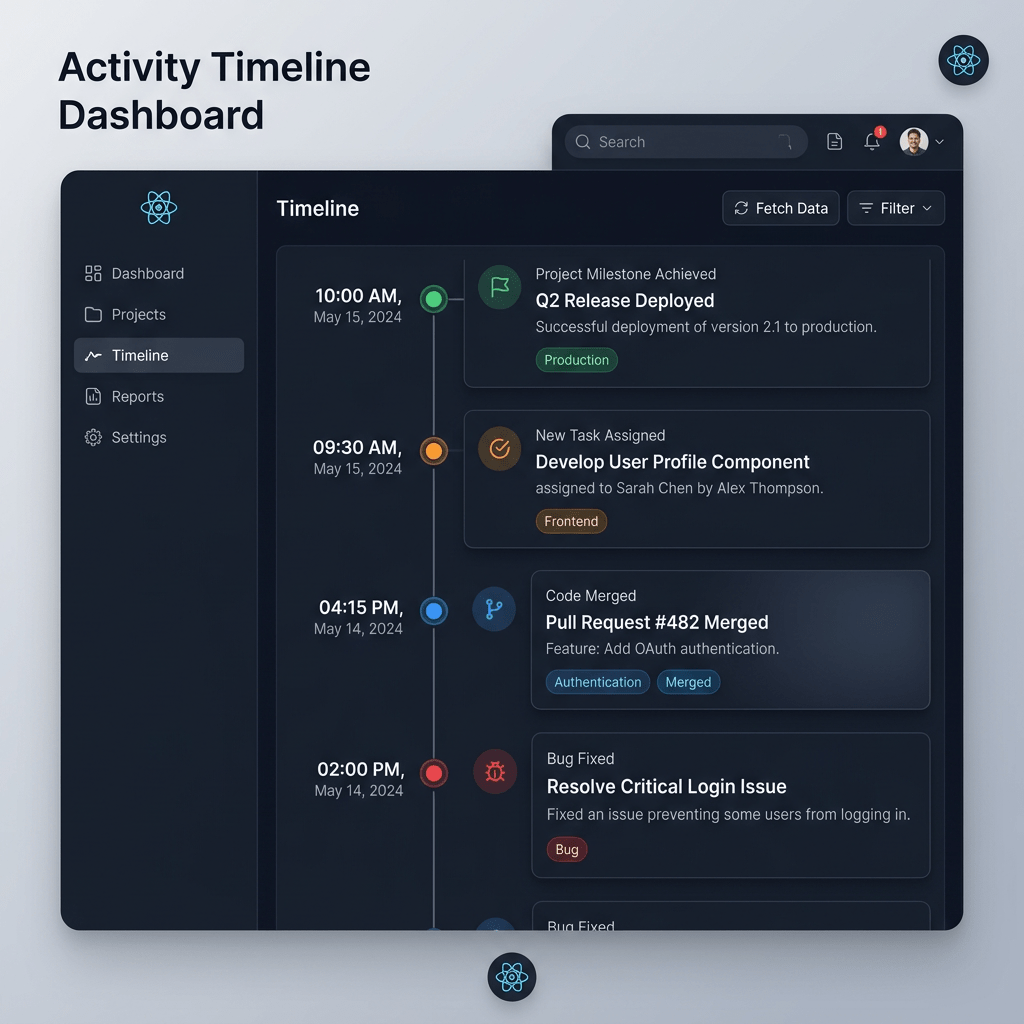
Timeline of Events with React, TypeScript, Vite, and Fluent UI
Technical Blog Article — App 08: Timeline of Events with React, TypeScript, Vite, and Fluent UI App 08 — Timeline of Events — continues the first learning block of the React + Fluent UI roadmap. This app still belongs to… Continue reading
-
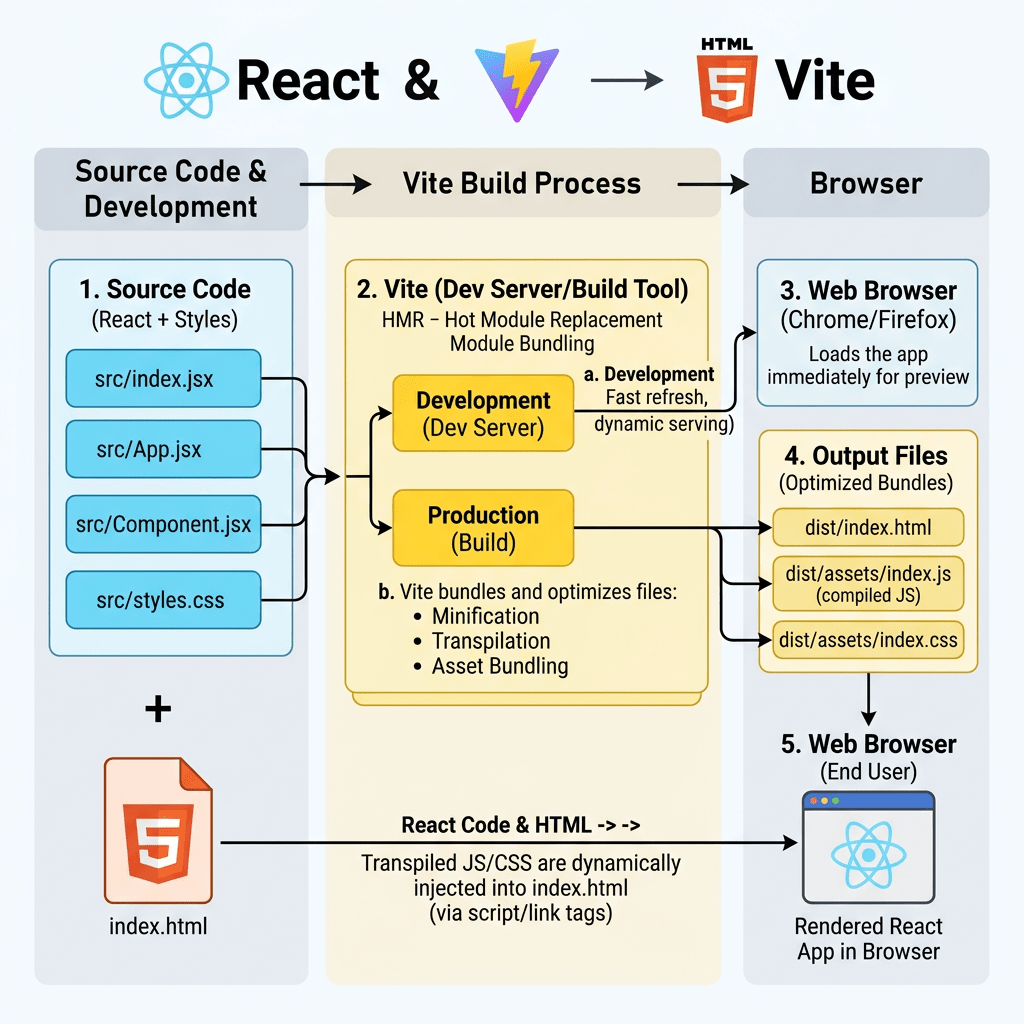
Building a Complete Enterprise React Learning Roadmap with Fluent UI, Vite, and TypeScript
Building a Complete Enterprise React Learning Roadmap with Fluent UI, Vite, and TypeScript Modern React development is no longer just about learning how to render buttons or update text on the screen. Professional frontend engineering today requires understanding architecture, rendering… Continue reading
-
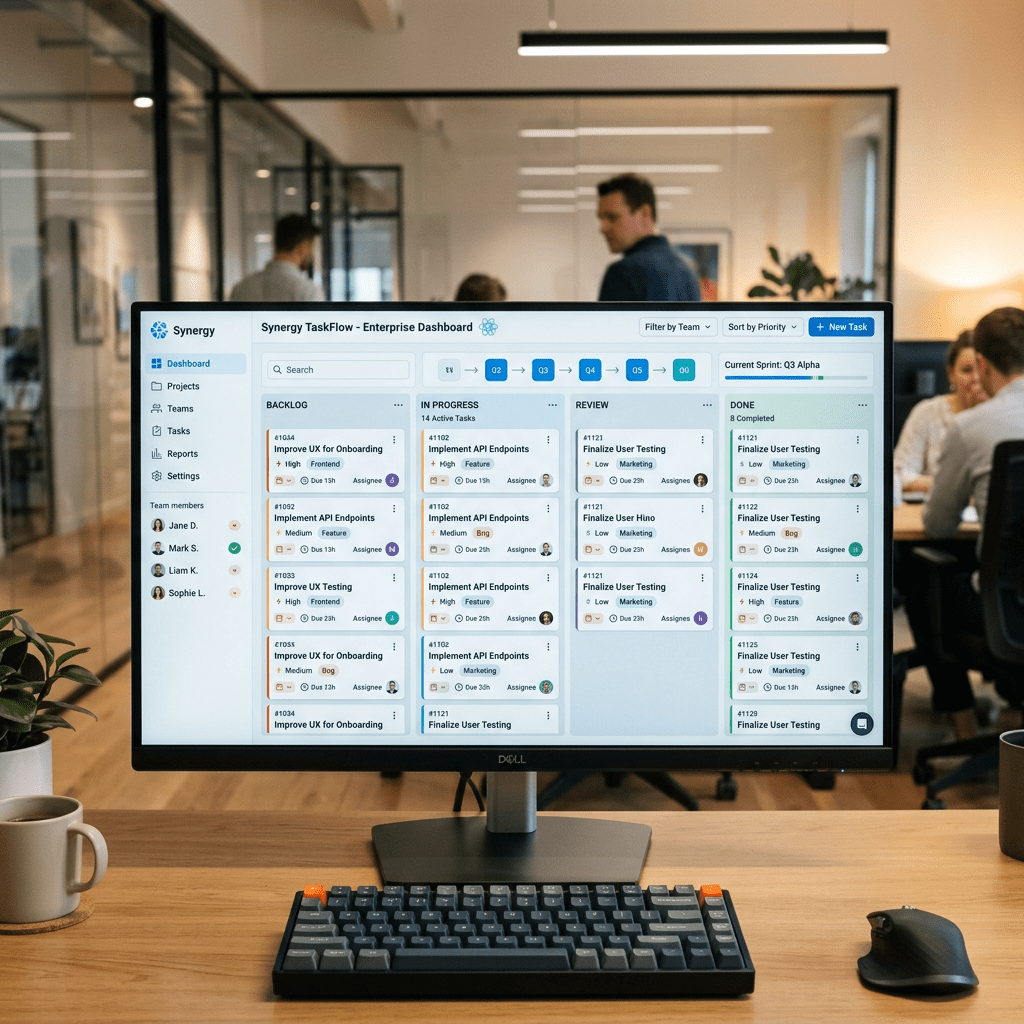
App 07: Building a Visual Task List with React, TypeScript, Vite, and Fluent UI
Technical Blog Article — App 07: Building a Visual Task List with React, TypeScript, Vite, and Fluent UI The seventh application in the React + Fluent UI roadmap is App 07 — Visual Task List. This project continues the first… Continue reading
-
Corporate Sidebar Menu with React, Vite, TypeScript, and Fluent UI
Corporate Sidebar Menu with React, Vite, TypeScript, and Fluent UI Introduction In App 06 — Corporate Sidebar Menu, we move from small isolated UI examples into a more realistic enterprise layout. This application introduces one of the most common structures… Continue reading
-
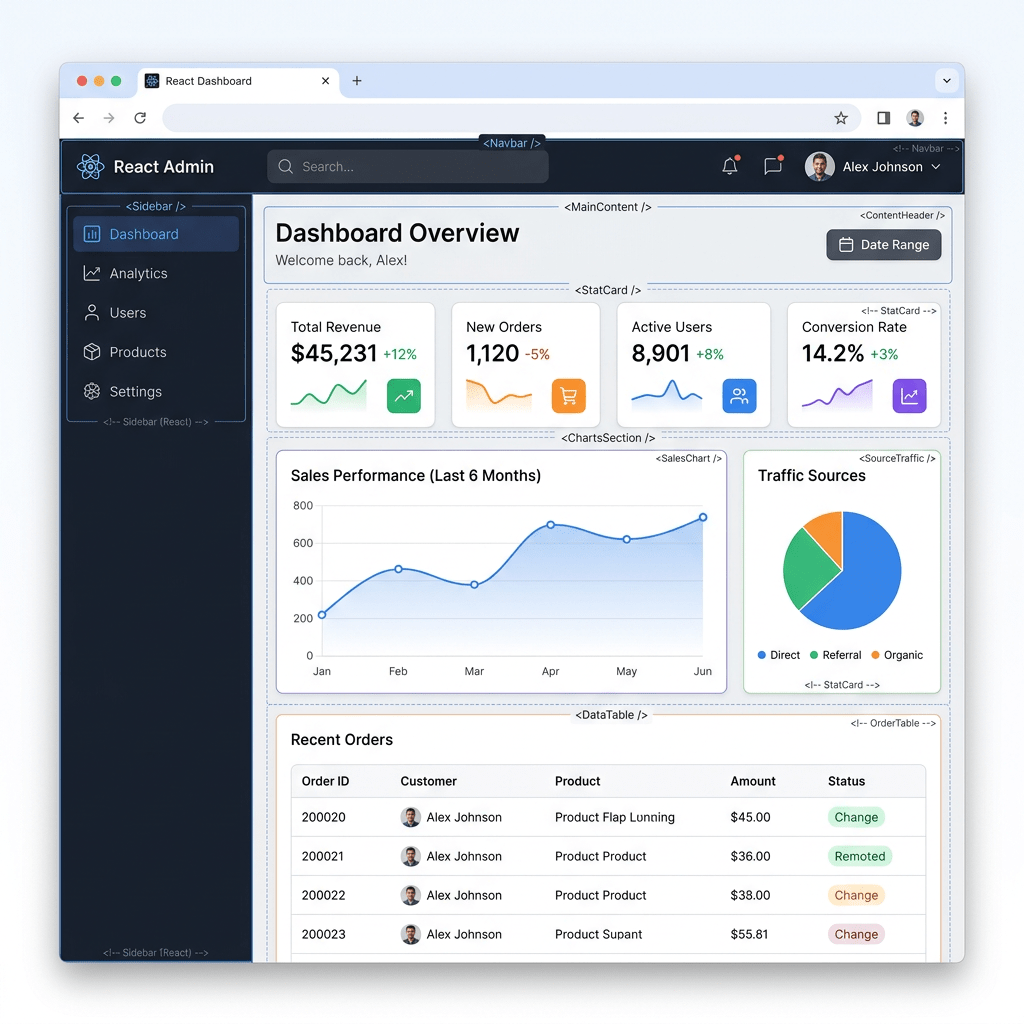
App 05: Building a Static Business Dashboard with React, TypeScript, Vite, and Fluent UI
App 05: Building a Static Business Dashboard with React, TypeScript, Vite, and Fluent UI App 05 is Static Business Dashboard, part of Block 1 of the 100 React + Fluent UI project. In the project roadmap, App 05 belongs to… Continue reading
-
Building a Microsoft-Style User Card Application with React, TypeScript, Vite, and Fluent UI
Building a Microsoft-Style User Card Application with React, TypeScript, Vite, and Fluent UI Modern React development is not just about rendering HTML with JavaScript. Enterprise frontend applications require architecture, component composition, design systems, scalability, accessibility, and maintainability. One of the… Continue reading

-
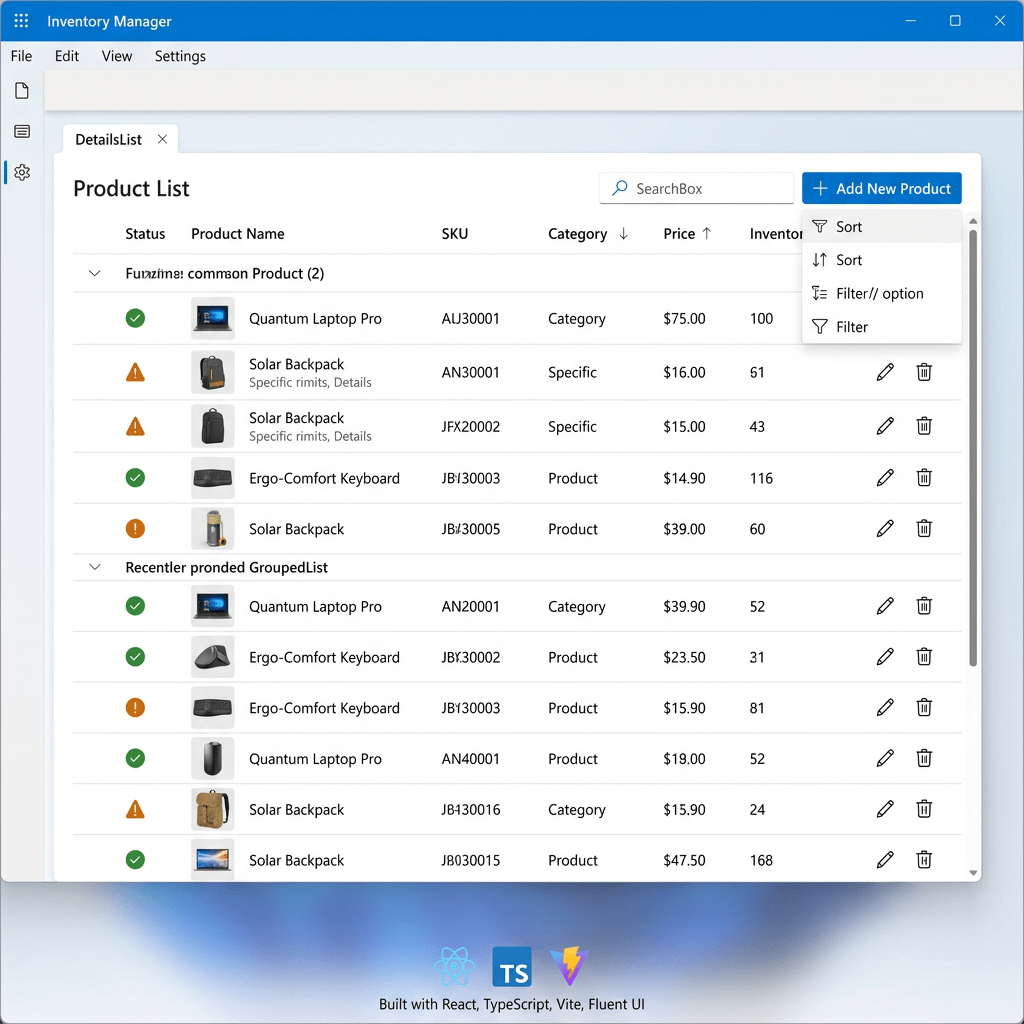
Building a Modern Product List with React, TypeScript, Vite, and Fluent UI
Building a Modern Product List with React, TypeScript, Vite, and Fluent UI Modern React development is not about manually manipulating HTML pages anymore. Professional frontend engineering today revolves around components, declarative rendering, reusable UI architecture, and scalable design systems. One… Continue reading
-
Building a Modern Profile Card with React, TypeScript, Vite, and Fluent UI
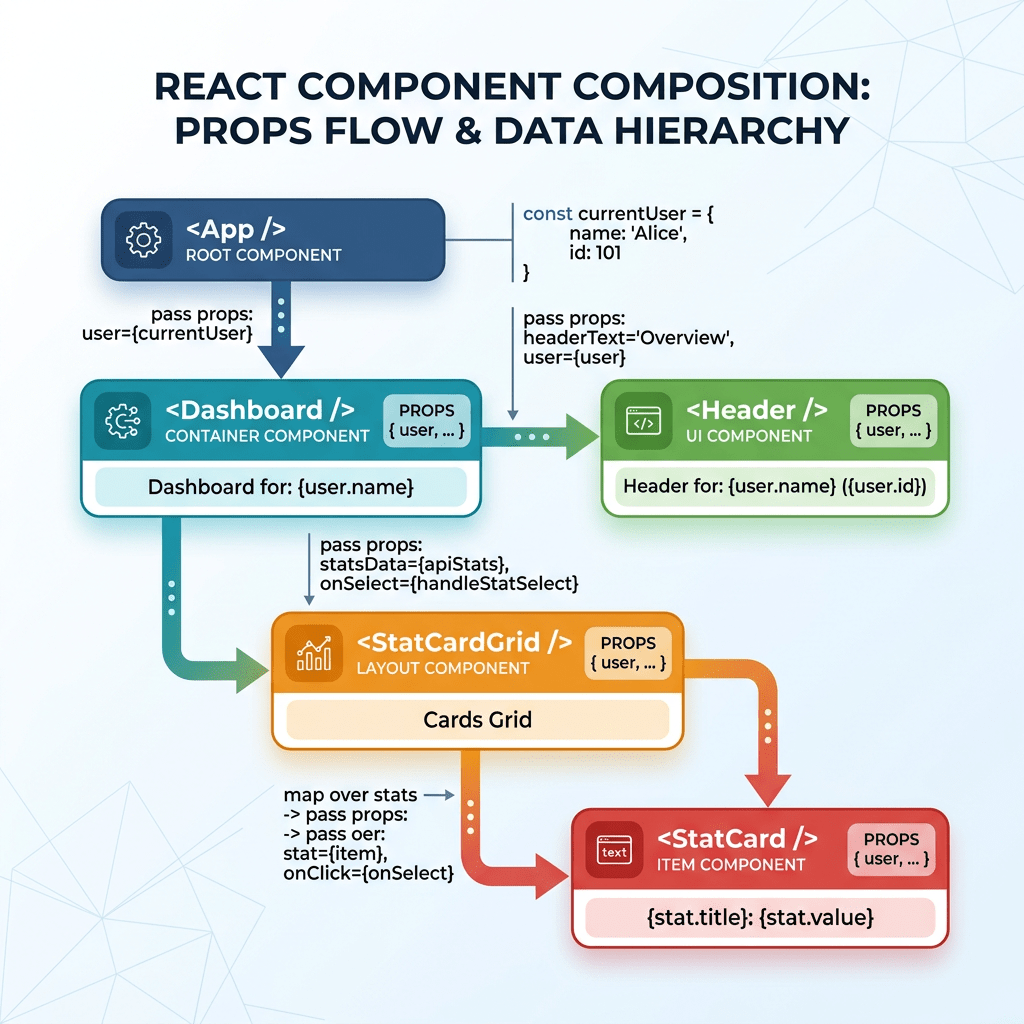
Building a Modern Profile Card with React, TypeScript, Vite, and Fluent UI The second application in the “100 React + Fluent UI Apps” journey focuses on one of the most important concepts in modern React development: component composition with props.… Continue reading
-
App 01 — Hello React Fluent
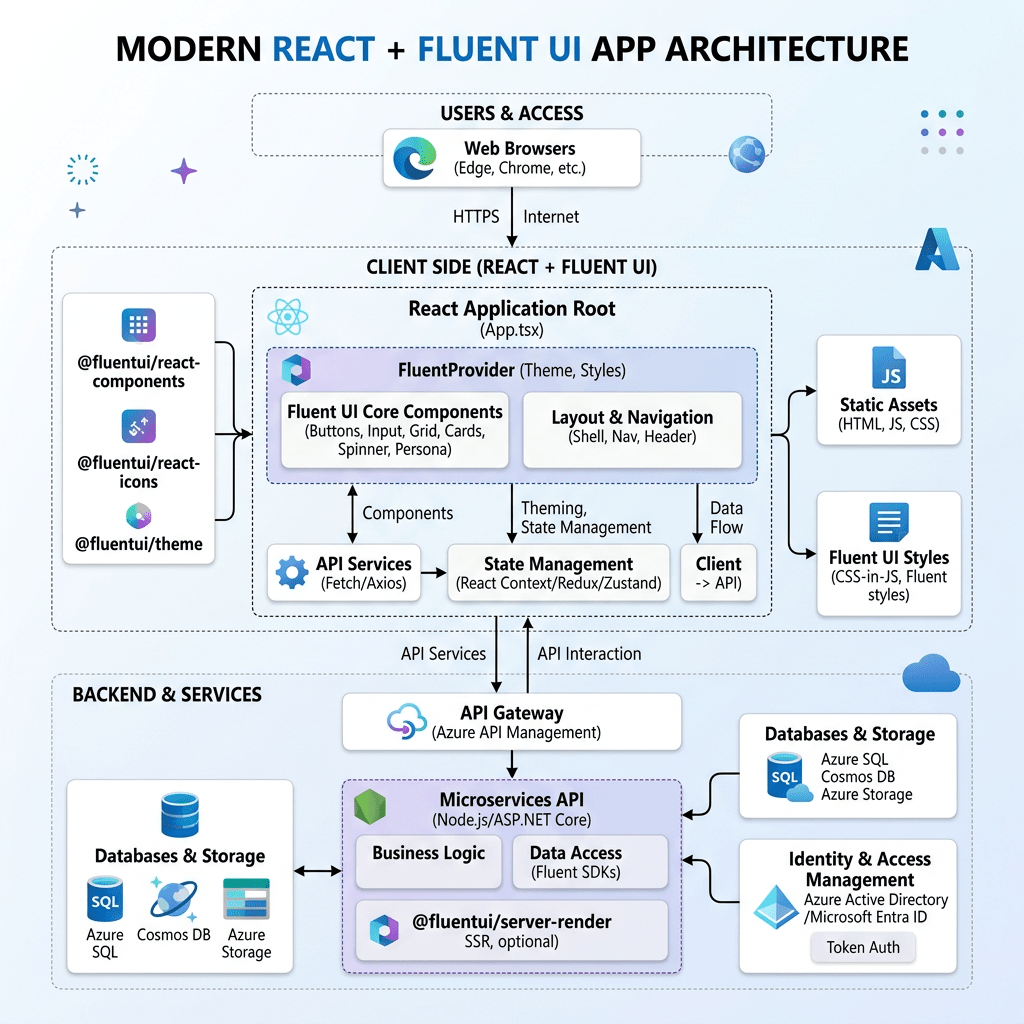
App 01 — Hello React Fluent Building the First Enterprise React Application with Vite, TypeScript, Fluent UI, and Modern React Architecture The first application of the 100 React + Fluent UI Apps Project is intentionally simple visually, but architecturally it… Continue reading
-
Introduction to the 100 React + Fluent UI Apps Project
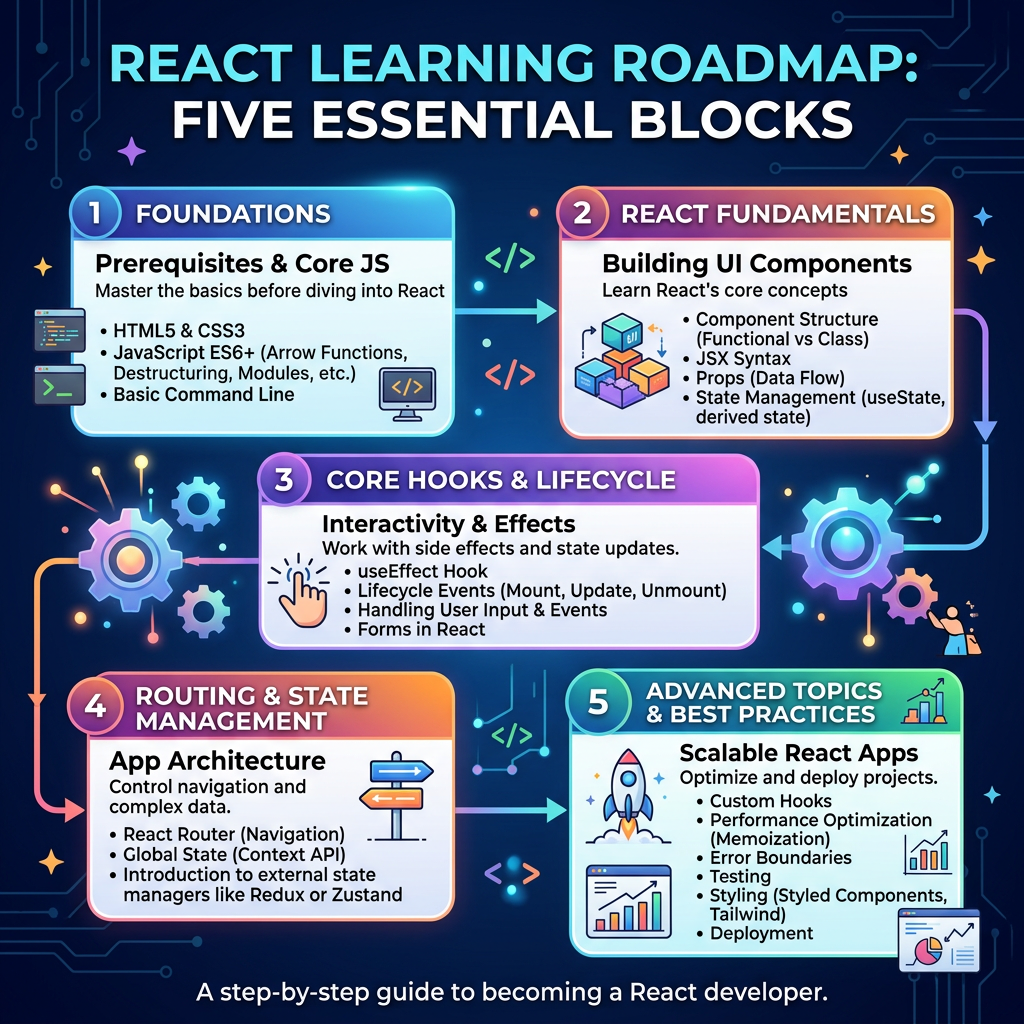
Introduction to the 100 React + Fluent UI Apps Project The 100 React + Fluent UI Apps Project is a complete learning journey designed to teach modern React step by step, from the first component to enterprise-style applications. The project… Continue reading
-
App 01 — Hello React Fluent: Building the First React + Fluent UI App from Zero
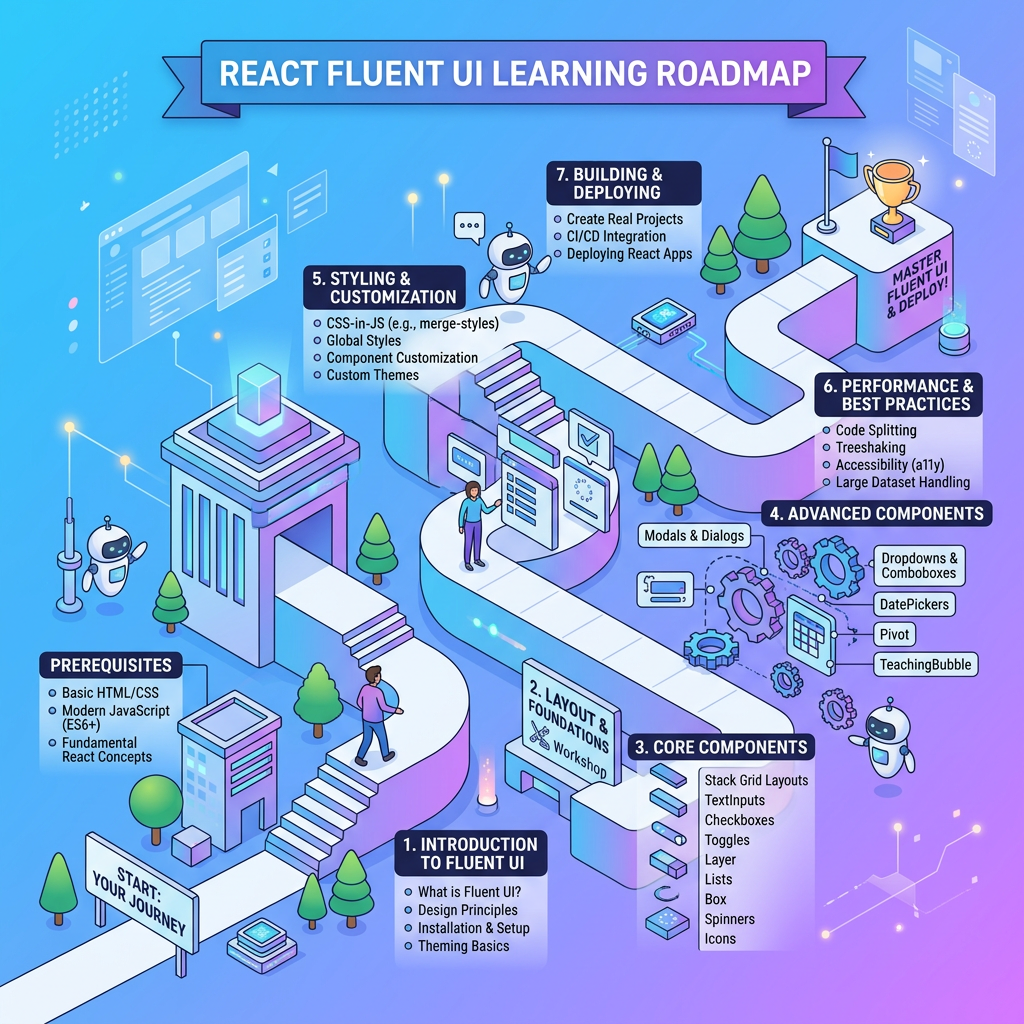
This article documents the complete construction of App 01 — Hello React Fluent, the first application in the 100-app React + Fluent UI learning roadmap. This app belongs to Block 1 — Fundamentals and UI, whose purpose is to teach… Continue reading
-
Understanding the Button Control in WinUI 3 (Step-by-Step Guide)
he Button is one of the most important controls in WinUI 3 because it lets the user trigger an immediate action, such as confirming a choice, starting a task, or submitting data. Microsoft’s guidance describes the standard Button as the… Continue reading

-
Statistical Models for Predicting Football Match Outcomes
Predicting the outcome of a football match is a challenging task due to the sport’s inherent randomness and low‑scoring nature. However, decades of research in sports analytics have demonstrated that statistical models can capture important structural patterns in goal scoring… Continue reading
-
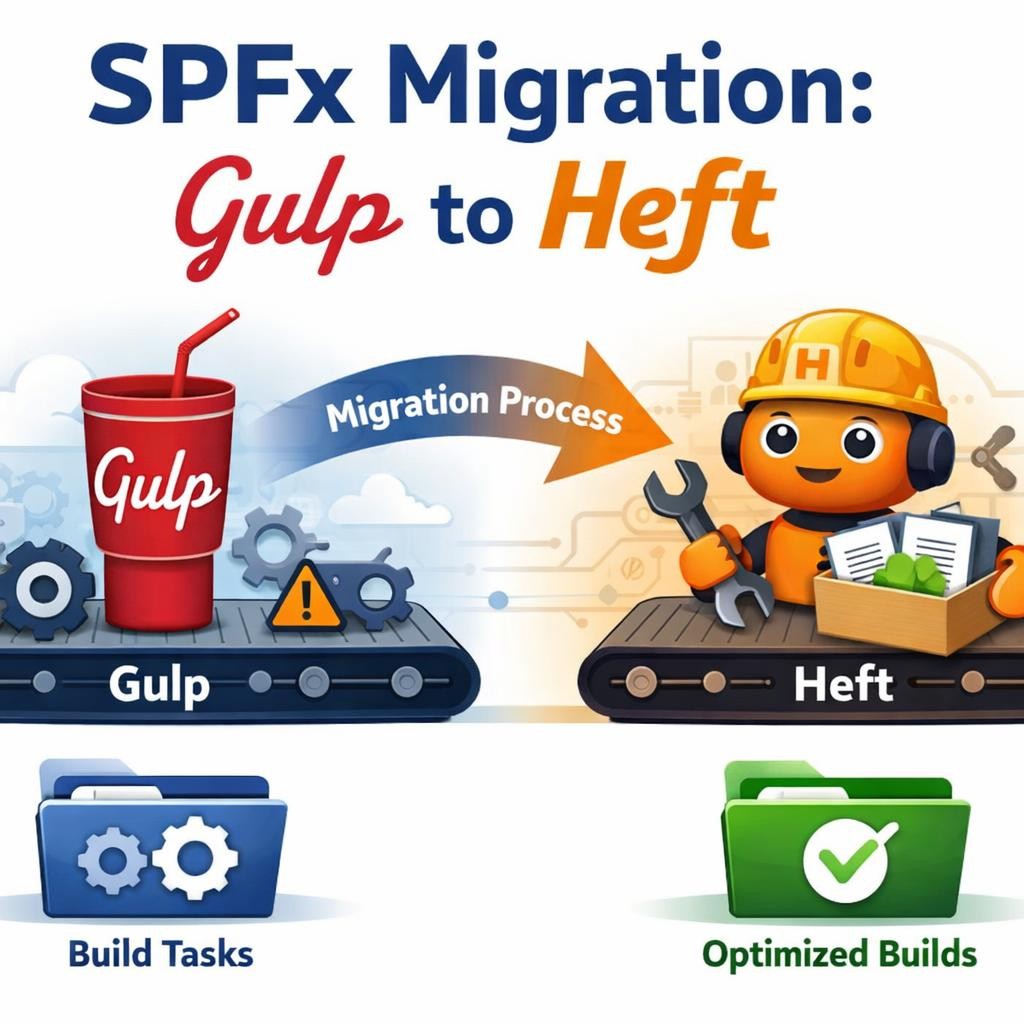
Migrating an SPFx Project from Gulp to Heft: a careful, detailed step-by-step guide
Migrating an SPFx Project from Gulp to Heft: a careful, detailed step-by-step guide If your goal is to migrate an existing SharePoint Framework project from the legacy gulp-based toolchain to the new Heft-based toolchain, the key point is this: starting… Continue reading
-
Building the First SPFx Lab Web Part in 2026
Building the First SPFx Lab Web Part in 2026 Let start by building the first web part, and the best choice is a simple baseline web part inside your new SPFx lab project. That fits the structure we already defined… Continue reading

-
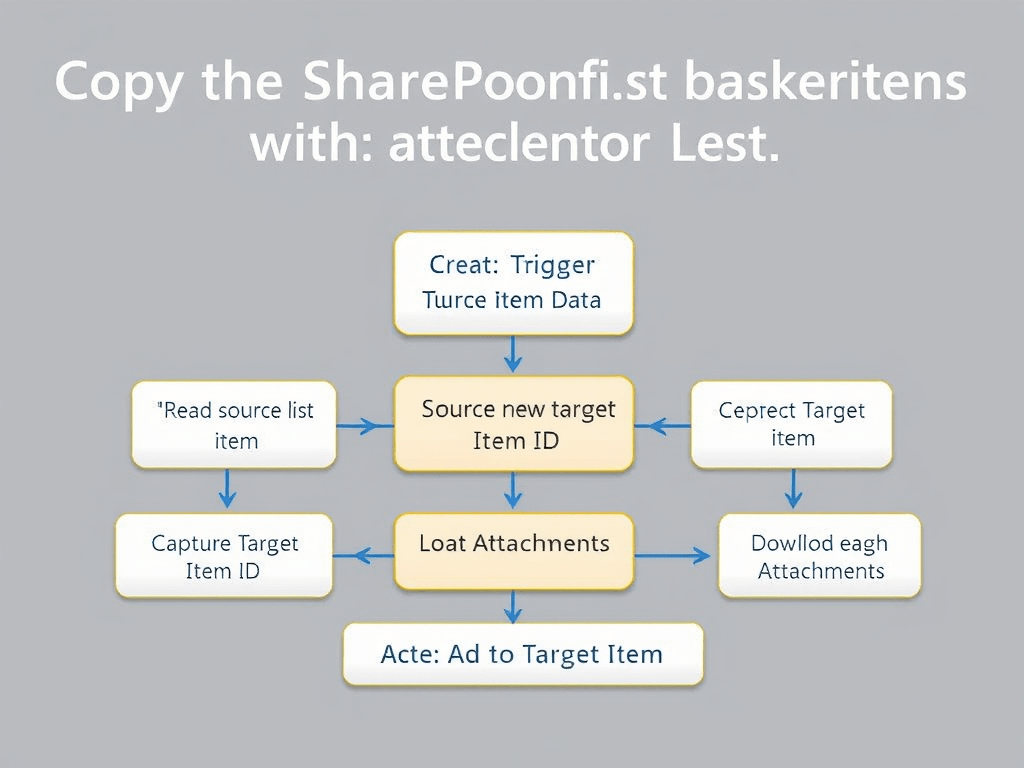
Copy SharePoint List Items to Another List in Power Automate
How to Copy SharePoint List Items to Another List in Power Automate — Including Attachments Copying items from one SharePoint list to another looks simple at first glance, but in practice there is an important architectural detail: Power Automate does… Continue reading
-
Building a Clean Microsoft Teams Notification Card from a SharePoint List with Power Automate
Building a Clean Microsoft Teams Notification Card from a SharePoint List with Power Automate When a SharePoint list item is created or updated, a plain Teams message works, but it rarely looks professional. The message becomes a block of text,… Continue reading

-
Generic Steps to Learn NLP in Python with Libraries
50 Generic Steps to Learn NLP in Python with Libraries Introduction This article defines a generic 50-step roadmap for learning Natural Language Processing in Python using libraries. The idea is simple: instead of jumping directly into advanced models, we build… Continue reading

-
Installing NLTK and Building Your First NLP Script in Python
Installing NLTK and Building Your First NLP Script in Python When people first hear about Natural Language Processing, the subject can sound much more complicated than it really is at the beginning. In practice, your first step into NLP with… Continue reading

-
NLTK in Python: A Detailed Introduction to Natural Language Processing for Beginners
NLTK in Python: A Detailed Introduction to Natural Language Processing for Beginners Natural Language Processing, often abbreviated as NLP, is one of the most fascinating areas in modern programming because it sits at the intersection of language, data, and computation.… Continue reading

-
Integrating NLTK Stopwords into Your Structured NLP Python Project
Introduction Throughout your step-by-step NLP journey, you have worked with manual stopword lists to filter out common, non-informative words from your text. While this approach is practical, it can be limited in coverage and flexibility. In this article, we will… Continue reading

-
Installing Prerequisites and Running the Qt NLP Analysis App
Installing Prerequisites and Running the Qt NLP Analysis App Introduction Before launching your desktop NLP analysis app, you need to ensure your Python environment is set up with the required libraries. These include PyQt5 for the GUI and Matplotlib for… Continue reading
-
Building a Simple NLP Analysis App with Qt and Matplotlib in Python
Step 11 — Building a Simple NLP Analysis App with Qt and Matplotlib in Python Introduction Having learned the fundamentals of text cleaning, tokenization, and word frequency analysis, let’s take your skills to the next level by building a GUI… Continue reading
-
Making Simple Web Requests to Bing and Processing Search Results About “Python” in Python
Introduction As you progress in your NLP journey, it is common to work with real-world text fetched from the web. Searching for terms like “Python” and then processing the returned snippets is a practical step for learning how to handle… Continue reading

-
Step 0 — Preparing the Python Environment and Installing Prerequisites for a 50-Step NLP Learning Project
Introduction Before diving into your 50-step NLP with Python journey, you need a reliable workspace with all required tools installed. Setting up a proper environment ensures every script runs smoothly and lets you experiment safely without disrupting your system. In… Continue reading
-
Visualizing Word Co-occurrence (Bigrams) as Networks in Python
Step 9 — Visualizing Word Co-occurrence (Bigrams) as Networks in Python Introduction After learning how to count word co-occurrence (bigrams) in Step 8, it’s time to progress into seeing these relationships visually. Visualizing bigrams as a network (graph) helps you… Continue reading

-
Visualizing Word Frequencies with Bar Charts in Python
Step 6 — Visualizing Word Frequencies with Bar Charts in Python Introduction After learning to filter out stop words and analyze meaningful word frequencies, it’s time to add an essential skill to your NLP toolkit: visualizing word frequencies with bar… Continue reading
-
Detecting the Most Frequent Multi-Word Phrases (N-grams) in Text with Python
Step 10 — Detecting the Most Frequent Multi-Word Phrases (N-grams) in Text with Python Introduction You’ve explored word co-occurrence with bigrams and visualized word-pair networks. Now it’s time to deepen your analysis by identifying the most common multi-word phrases (also… Continue reading
-
Exploring Word Co-occurrence: Counting Word Pairs Appearing Together in Python
Step 8 — Exploring Word Co-occurrence: Counting Word Pairs Appearing Together in Python Introduction You’ve learned to compare word frequencies in different texts. Now, it’s time to look deeper into how words relate to each other within the same text.… Continue reading
-
Comparing Word Frequencies Between Two Texts in Python
Step 7 — Comparing Word Frequencies Between Two Texts in Python Introduction By now, you can read, clean, tokenize, filter, and visualize word frequencies in a single text. But in real NLP projects, comparison is as important as analysis. How… Continue reading
-
Filtering Out Stop Words in Your Python NLP Pipeline
Step 5 — Filtering Out Stop Words in Your Python NLP Pipeline Introduction Welcome to Step 5 of our practical NLP journey in Python! In previous steps, you learned how to normalize text, tokenize it, and count word frequencies. Now,… Continue reading
-
Sorting and Displaying the Most Common Words in Text (with Python)
Step 4 — Sorting and Displaying the Most Common Words in Text (with Python) Introduction In the previous step, you learned how to count word frequencies and store the results in a dictionary. Now, you’ll tackle a new and practical… Continue reading
 edvaldo b. guimarães filho