Edvaldo Guimrães Filho
-
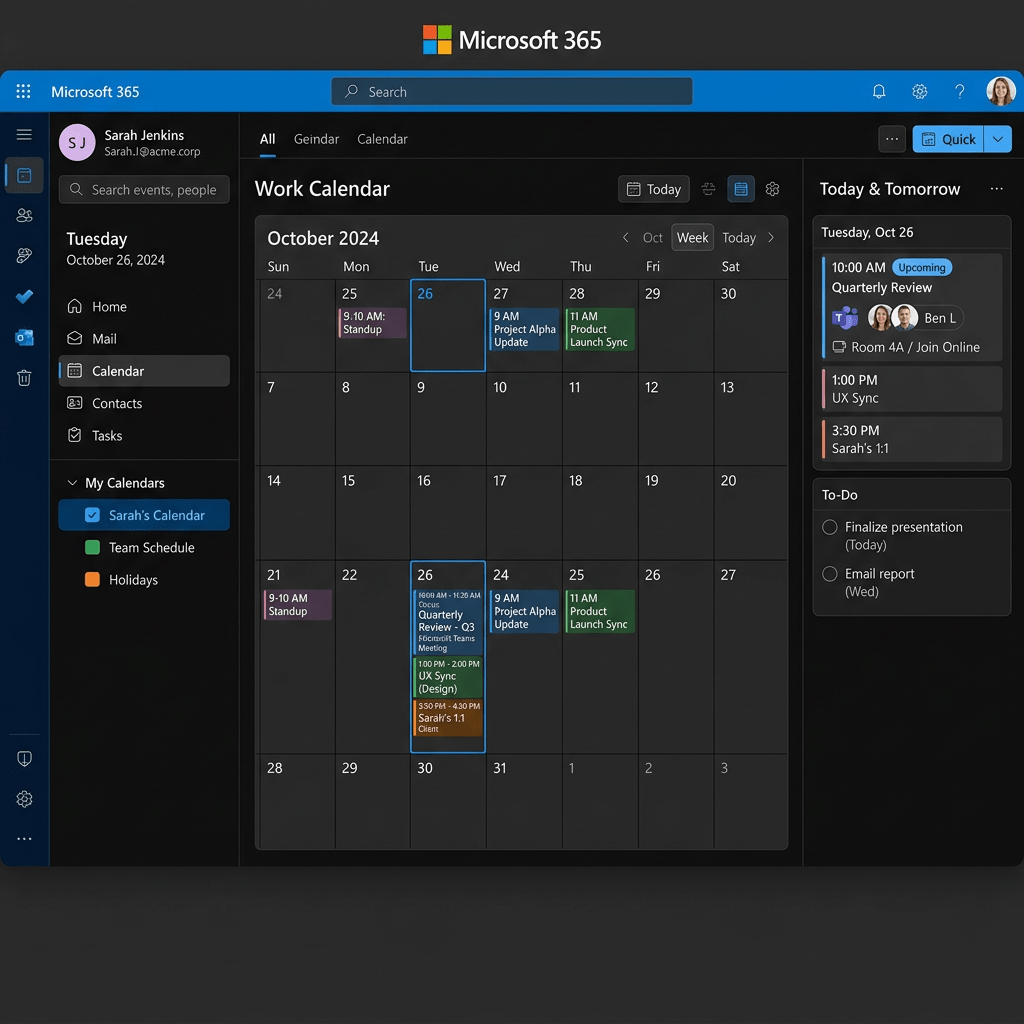
App 55: Corporate Calendar with React, Fluent UI, TypeScript, and Vite
Technical Blog Article — App 55: Corporate Calendar with React, Fluent UI, TypeScript, and Vite Introduction Modern enterprise systems rely heavily on scheduling, meetings, event coordination, project timelines, approval sessions, operational planning, and collaborative workflows. Because of this, one of… Continue reading
-
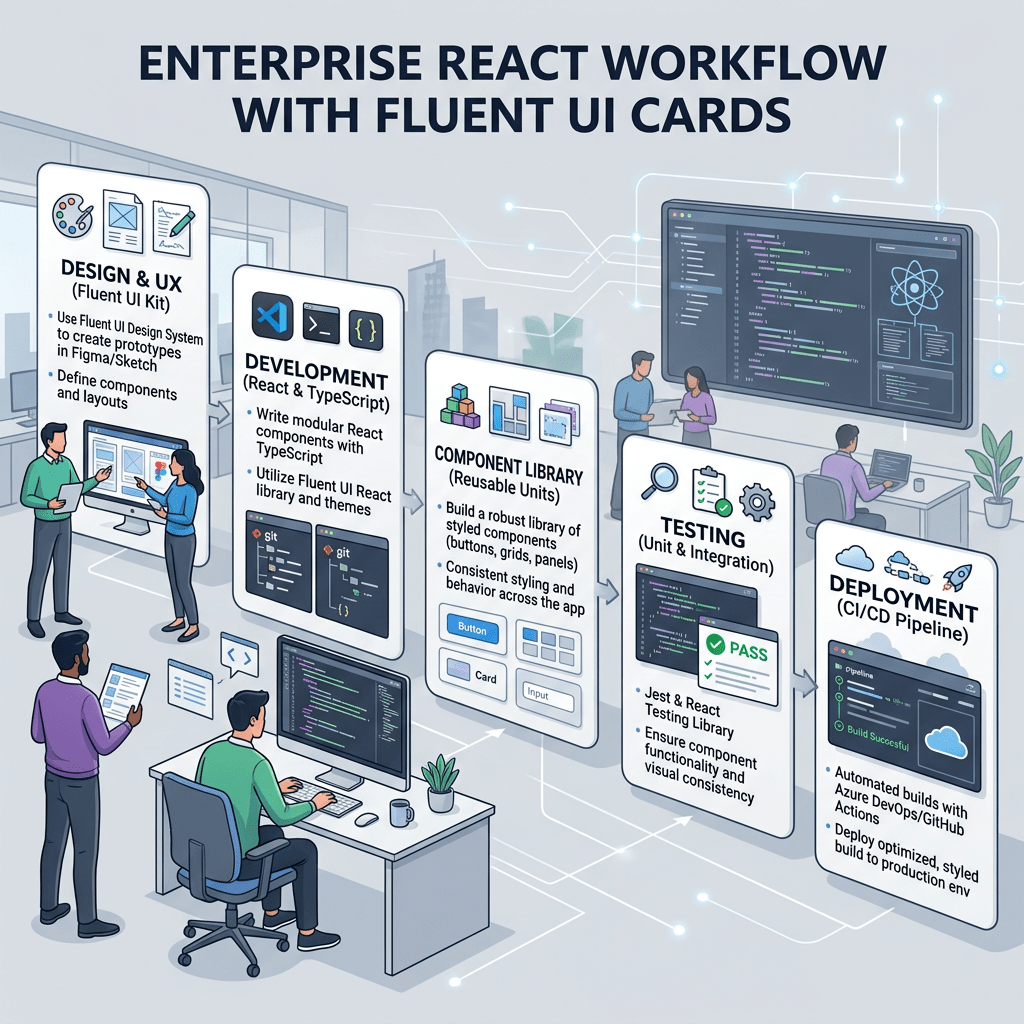
App 54: Approval System with React, TypeScript, Fluent UI, and Enterprise Workflow Architecture
Technical Blog Article — App 54: Approval System with React, TypeScript, Fluent UI, and Enterprise Workflow Architecture Introduction In modern enterprise applications, approval workflows are everywhere. Before a purchase is finalized, before a document is published, before a ticket is… Continue reading
-
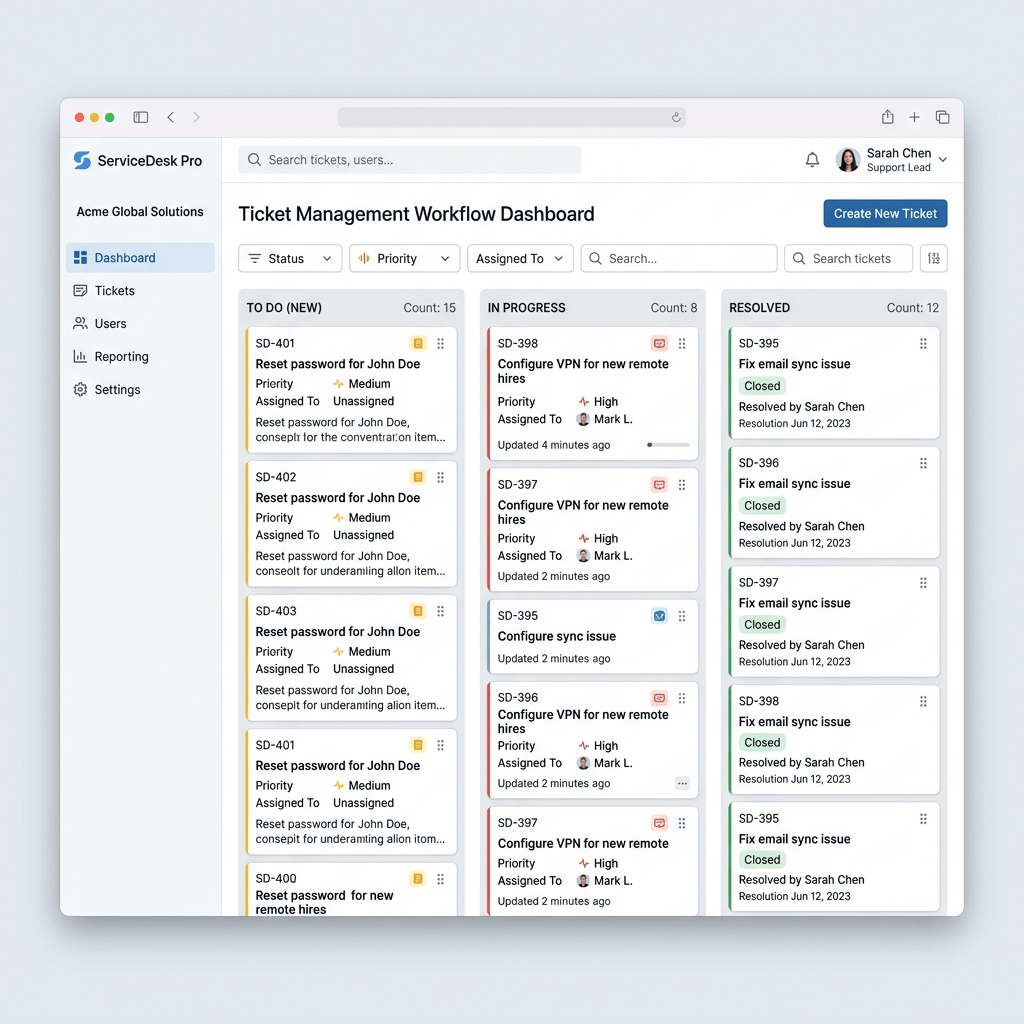
App 53: Enterprise Ticket Manager with React, Fluent UI, TypeScript, and Vite
Technical Blog Article — App 53: Enterprise Ticket Manager with React, Fluent UI, TypeScript, and Vite Introduction Do not manually manipulate the UI. Update state.Derive UI from state.Let React render the result. In App 53 — Enterprise Ticket Manager, we… Continue reading
-
App 52: Administrative Panel with React, TypeScript, Vite, and Fluent UI
Technical Blog Article — App 52: Administrative Panel with React, TypeScript, Vite, and Fluent UI Introduction Enterprise applications rarely begin with complex business logic. Most professional systems first establish a strong administrative foundation. Before building CRMs, ERPs, analytics platforms, approval… Continue reading

-
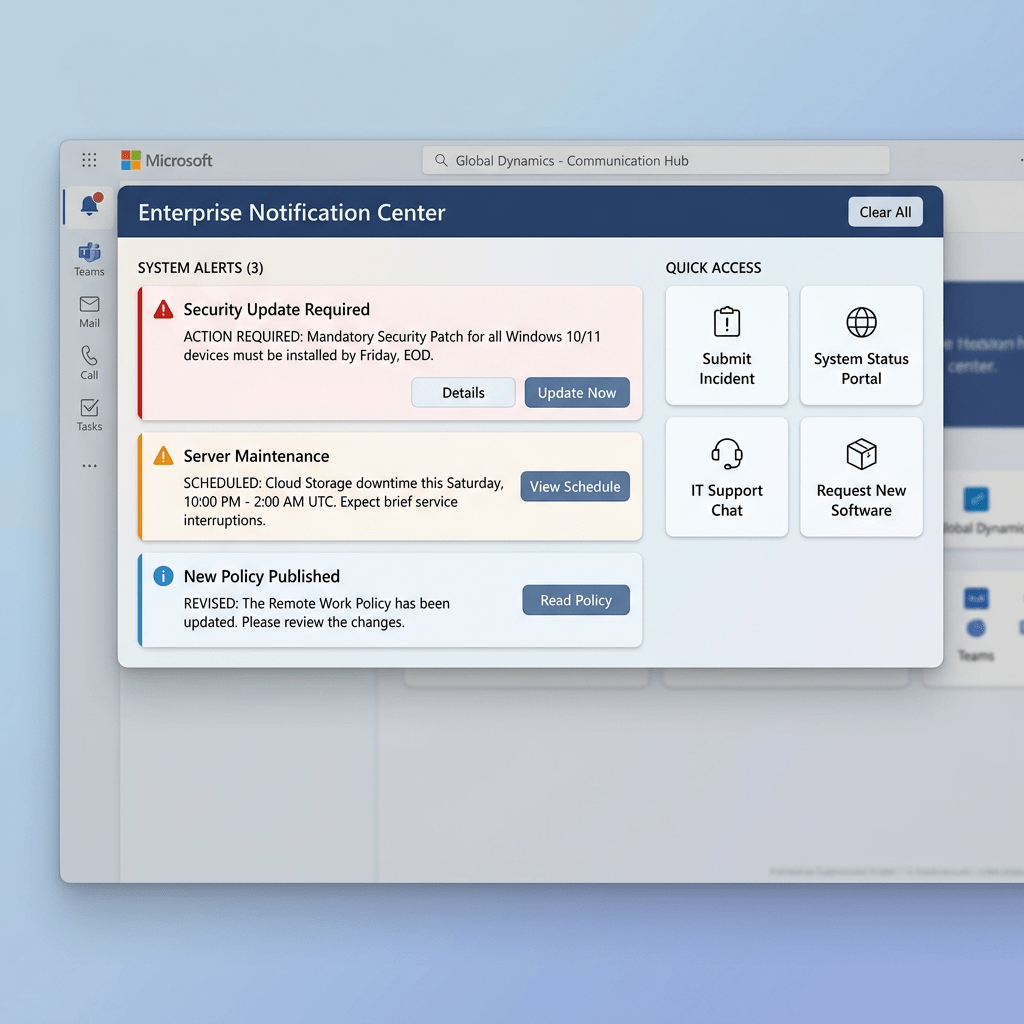
App 51: Enterprise Notification Center with React, TypeScript, Fluent UI, and Vite
Technical Blog Article — App 51: Enterprise Notification Center with React, TypeScript, Fluent UI, and Vite Introduction Modern enterprise systems are heavily driven by notifications. Every corporate platform needs a way to communicate information to users: This is why notification… Continue reading
-
App 50: Professional Toolbar with React, Fluent UI, TypeScript, and Vite
Technical Blog Article — App 50: Professional Toolbar with React, Fluent UI, TypeScript, and Vite Introduction In modern enterprise applications, one of the most important interface patterns is the toolbar. Toolbars organize commands, actions, workflows, navigation shortcuts, and contextual operations… Continue reading

-
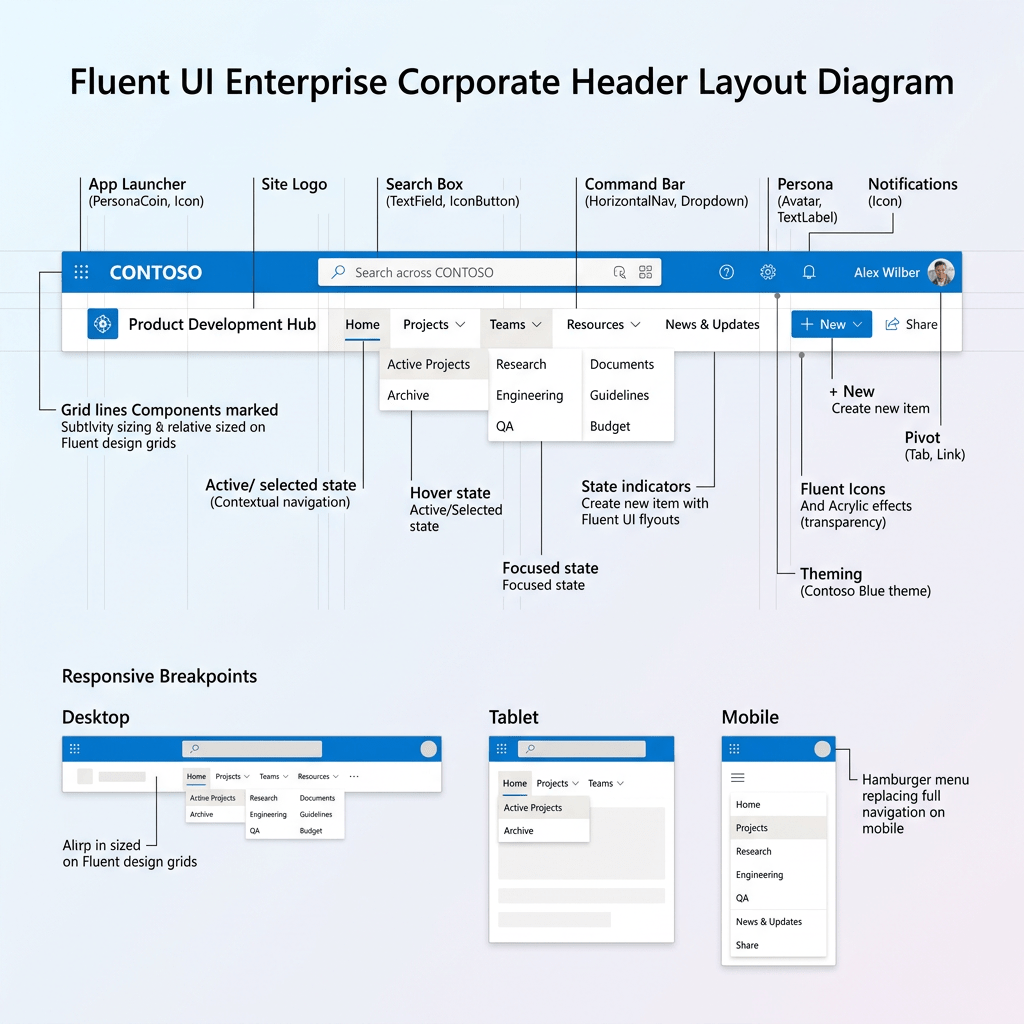
App 49: Corporate Header with React, TypeScript, Vite, and Fluent UI
Technical Blog Article — App 49: Corporate Header with React, TypeScript, Vite, and Fluent UI Introduction In modern enterprise systems, one of the most important interface structures is the corporate header. Before users interact with dashboards, DataGrids, forms, reports, analytics,… Continue reading
-
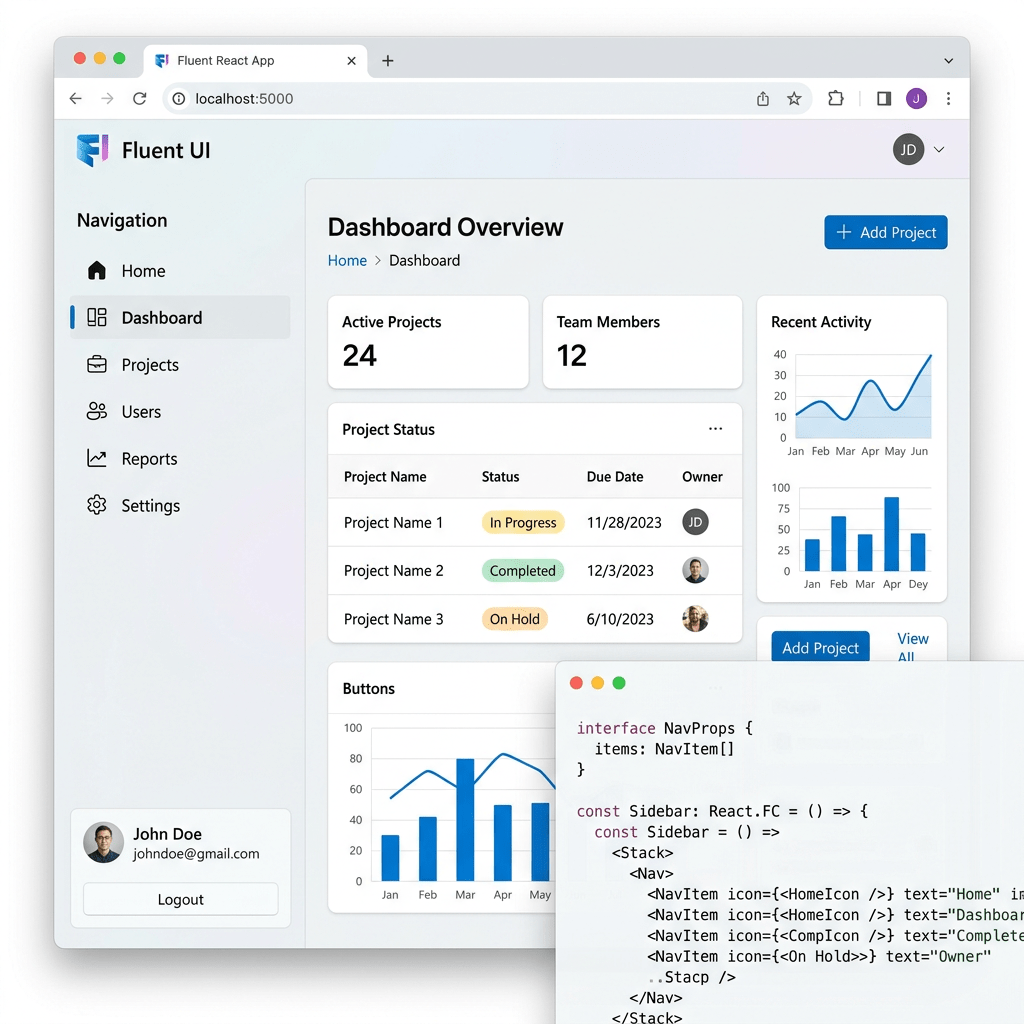
App 48: Navigable Sidebar with React, TypeScript, Fluent UI, and Vite
Technical Blog Article — App 48: Navigable Sidebar with React, TypeScript, Fluent UI, and Vite Introduction In modern enterprise applications, navigation is one of the most important architectural elements. Before users interact with dashboards, reports, CRM systems, SharePoint portals, ticket… Continue reading
-
App 47: Enterprise User List with React, TypeScript, Fluent UI, and Vite
Technical Blog Article — App 47: Enterprise User List with React, TypeScript, Fluent UI, and Vite Introduction In modern enterprise systems, one of the most common interface patterns is the user directory. Corporate portals, Microsoft 365 admin centers, SharePoint intranets,… Continue reading

-
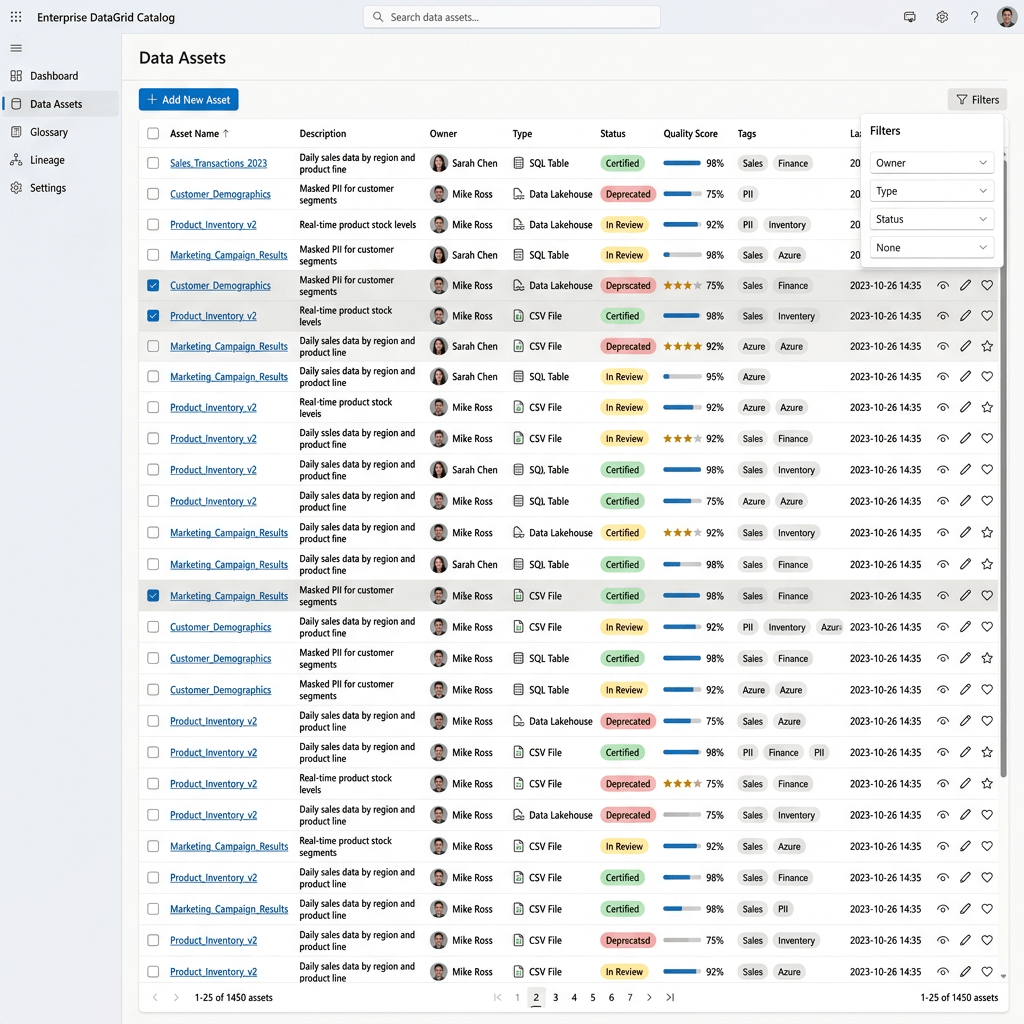
Technical Blog Article — App 46: Enterprise DataGrid Catalog with React, TypeScript, Vite, and Fluent UI Introduction In App 46 — DataGrid Catalog, we build an enterprise product catalog using React, TypeScript, Vite, and Fluent UI DataGrid. This app is… Continue reading
-
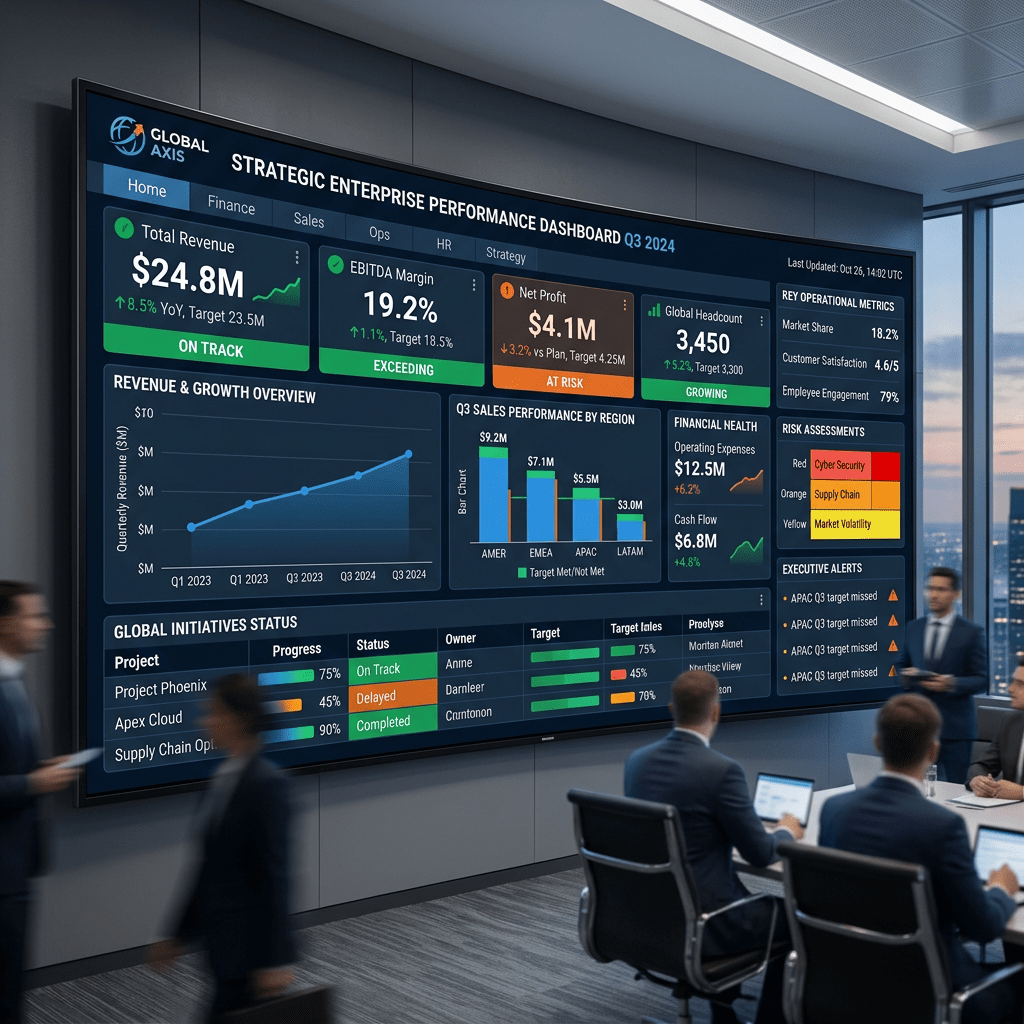
App 45: Executive Dashboard with React, TypeScript, Vite, and Fluent UI
Technical Blog Article — App 45: Executive Dashboard with React, TypeScript, Vite, and Fluent UI Introduction In App 45 — Executive Dashboard, we continue Block 3 of the ReactLab roadmap: Professional Fluent UI Applications. This block focuses on transforming basic… Continue reading
-
App 44: Dialog Manager with React, TypeScript, Vite, and Fluent UI
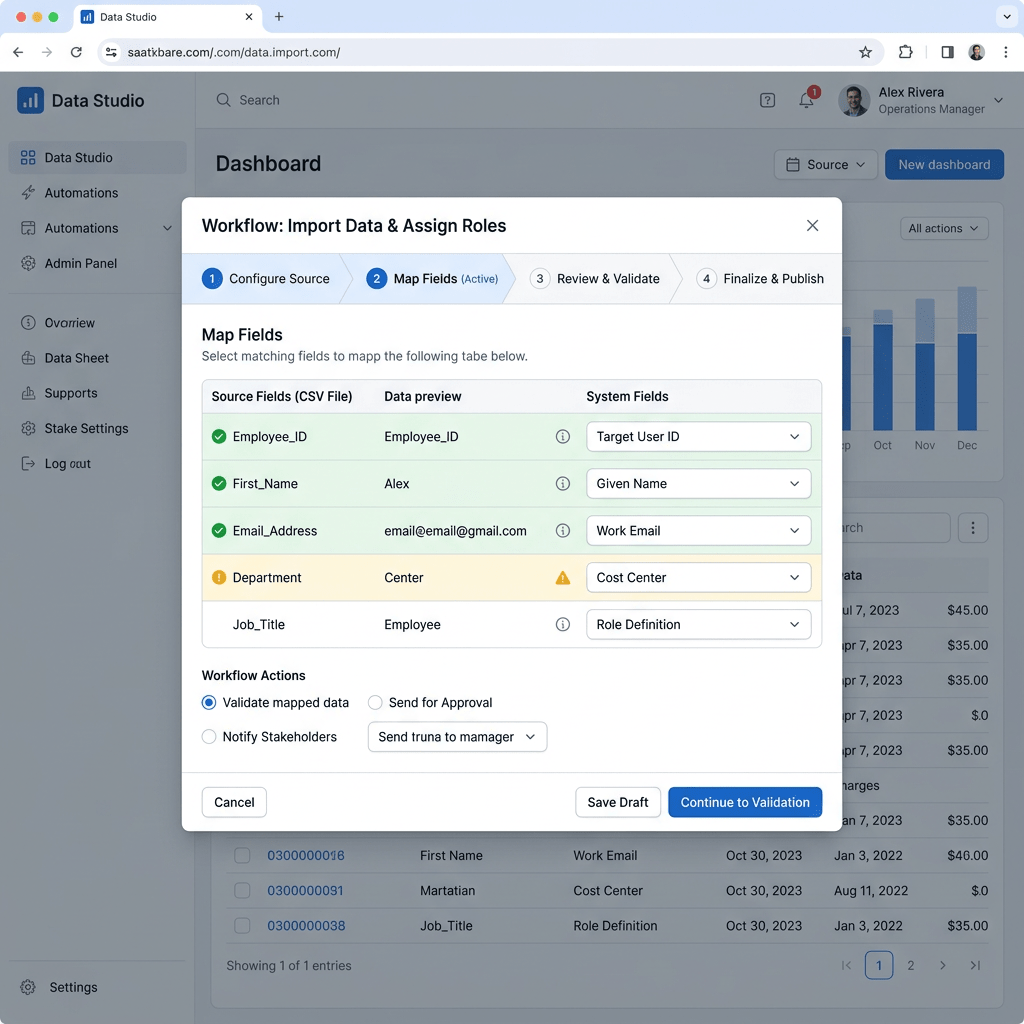
Technical Blog Article — App 44: Dialog Manager with React, TypeScript, Vite, and Fluent UI Introduction In App 44 — Dialog Manager, we build an enterprise-style modal dialog system using React, TypeScript, Vite, and Fluent UI. This app is part… Continue reading
-
App 43: Enterprise Tabs Navigation System with React, Fluent UI, TypeScript, and Vite
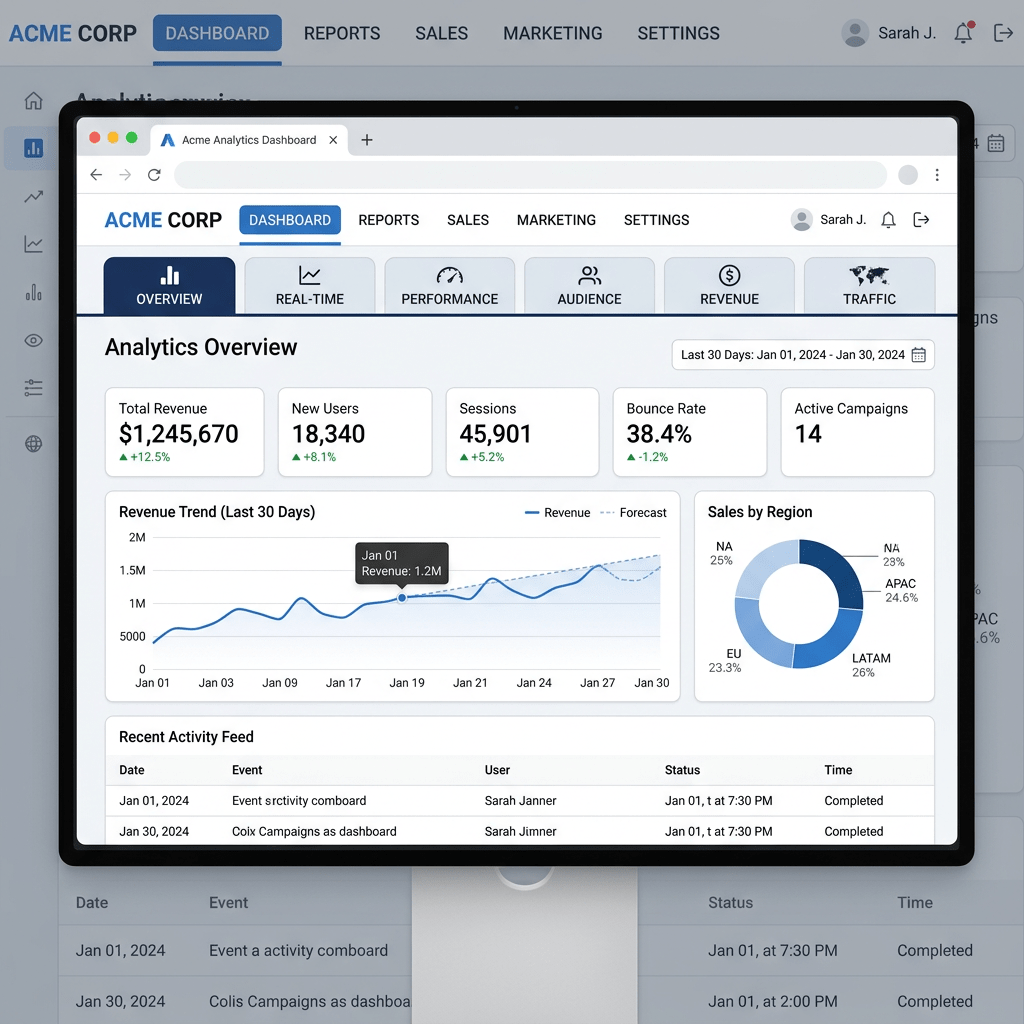
Technical Blog Article — App 43: Enterprise Tabs Navigation System with React, Fluent UI, TypeScript, and Vite Modern enterprise applications rarely display all information on a single screen. As systems grow, interfaces become more modular and organized into sections such… Continue reading
-
App 42: Corporate Form with React, Fluent UI, TypeScript, and Vite
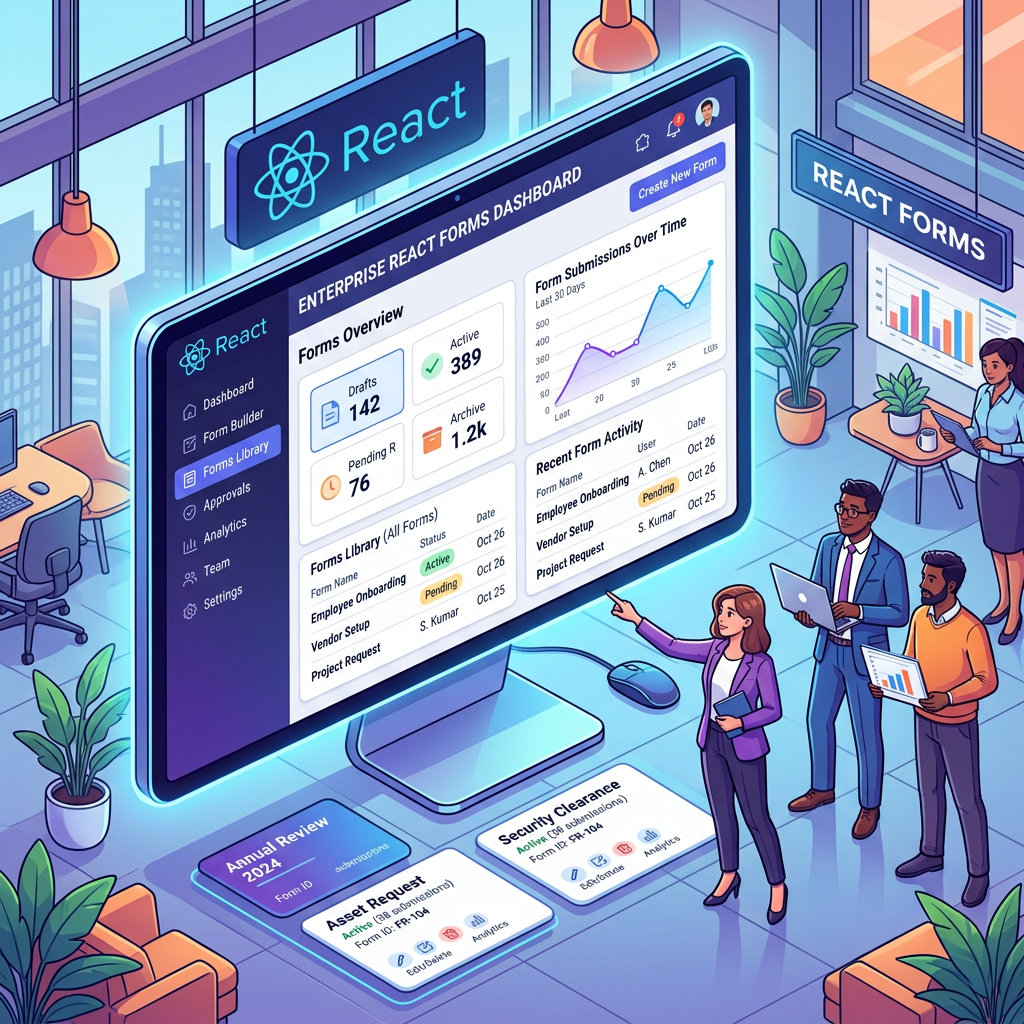
Technical Blog Article — App 42: Corporate Form with React, Fluent UI, TypeScript, and Vite Introduction In modern enterprise applications, forms are everywhere. Before users interact with dashboards, reports, workflows, APIs, or administrative systems, they usually begin by filling out… Continue reading
-
App 41: Microsoft Style Login with React, Fluent UI, TypeScript, and Vite
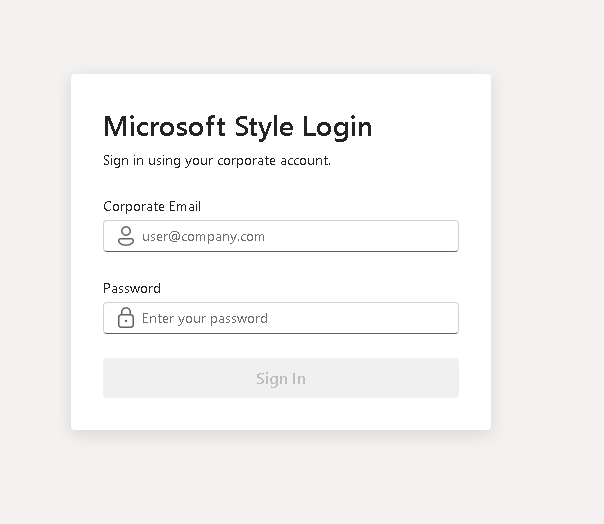
Technical Blog Article — App 41: Microsoft Style Login with React, Fluent UI, TypeScript, and Vite Modern enterprise applications almost always begin with one critical interface: authentication. Before users can access dashboards, administrative systems, SharePoint portals, CRMs, ERPs, analytics platforms,… Continue reading
-
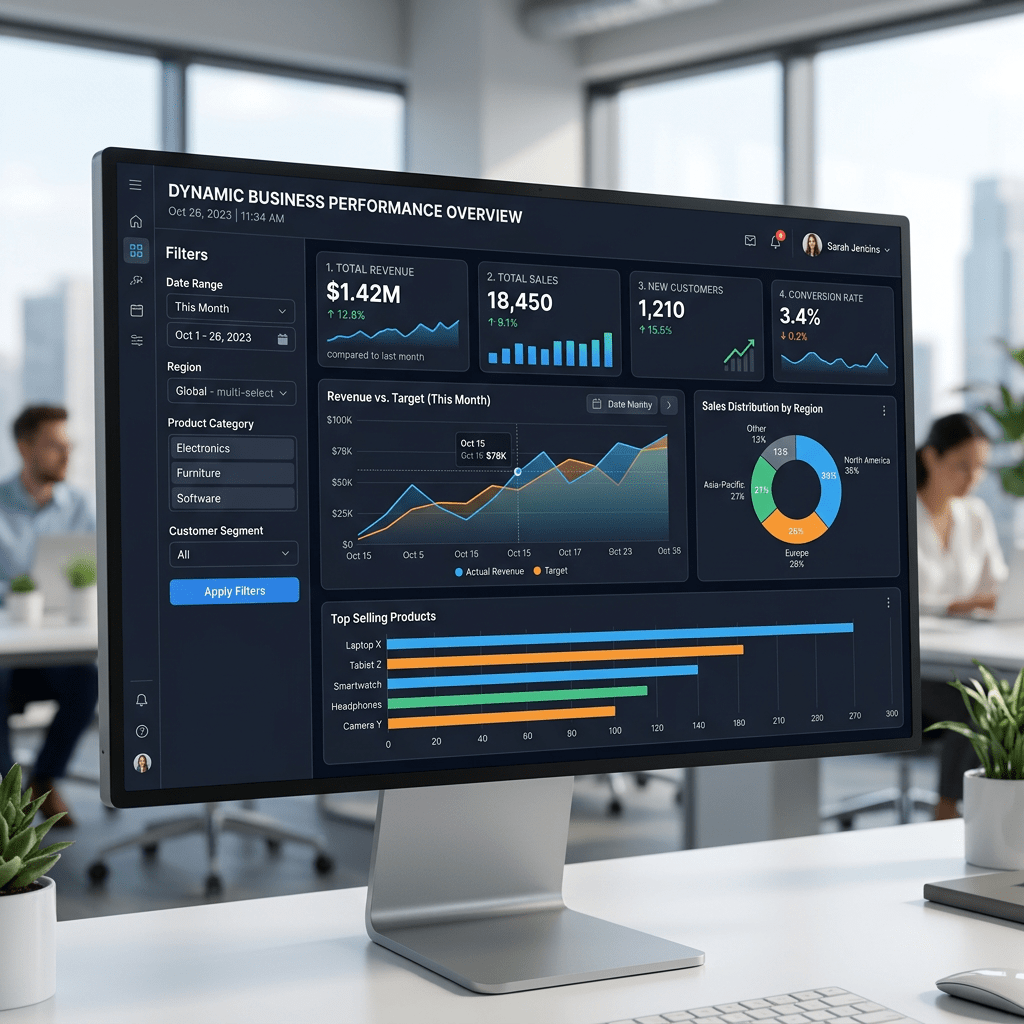
App 40: Dynamic Dashboard with React, TypeScript, Fluent UI, and Derived State
Technical Blog Article — App 40: Dynamic Dashboard with React, TypeScript, Fluent UI, and Derived State App 40 closes Block 2 — Interactivity and State of the ReactLab roadmap. This stage is extremely important because it represents the transition from… Continue reading
-
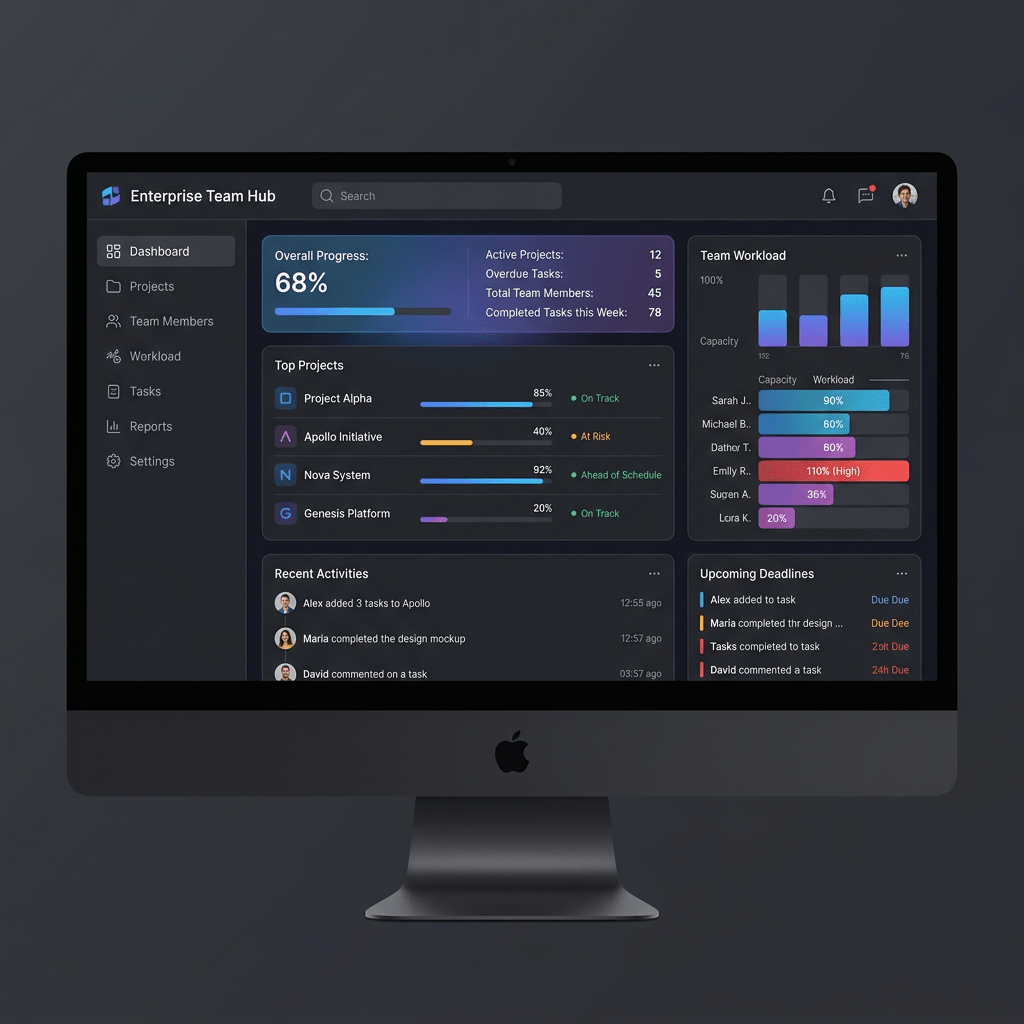
App 39: Team Manager with React, TypeScript, Fluent UI, and State Management
Technical Blog Article — App 39: Team Manager with React, TypeScript, Fluent UI, and State Management Introduction In App 39 — Team Manager, we reach one of the most important moments of the React learning roadmap: managing collections of dynamic… Continue reading
-
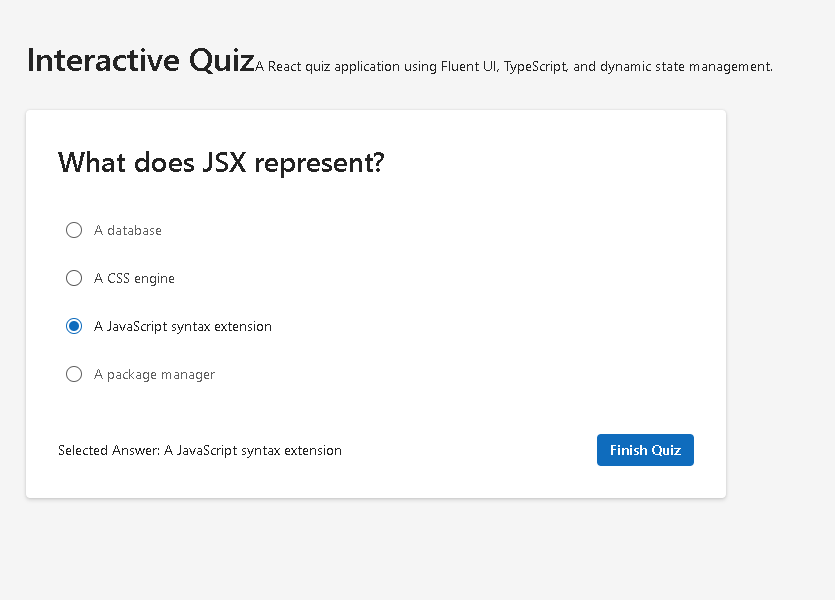
App 38: Interactive Quiz with React, TypeScript, Vite, and Fluent UI
Technical Blog Article — App 38: Interactive Quiz with React, TypeScript, Vite, and Fluent UI The React roadmap defined for this project contains 100 progressive applications focused on internalizing the React mental model through repetition, architecture, and practical implementation. App… Continue reading
-
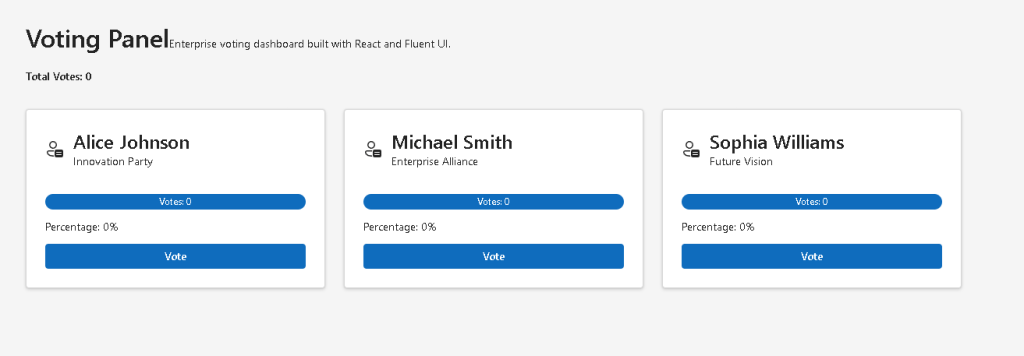
App 37: Voting Panel with React, TypeScript, Vite, and Fluent UI
App 37: Voting Panel with React, TypeScript, Vite, and Fluent UI App 37 is the Voting Panel, part of Block 2 — Interactivity and State, where the roadmap defines App 37 as “Painel de Votação / Voting Panel.” The corrected… Continue reading
-
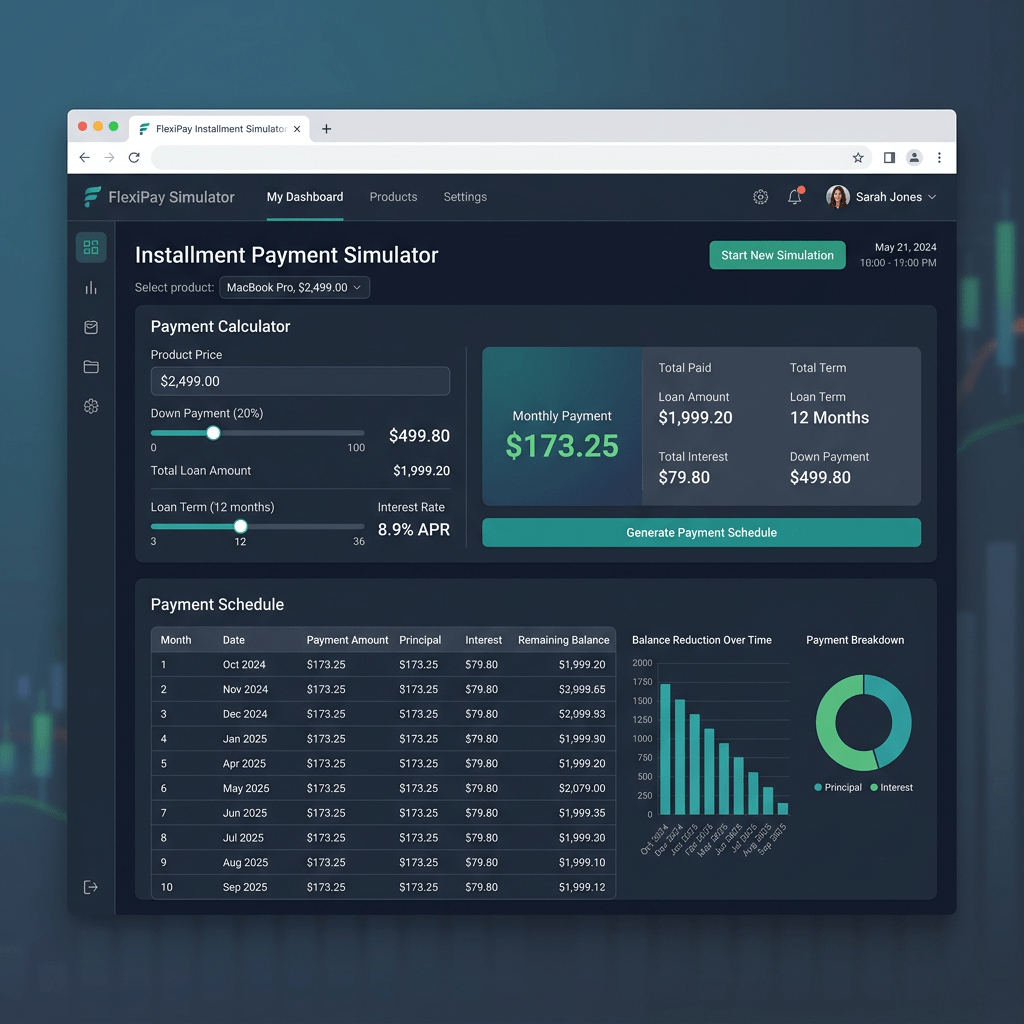
App 36: Installment Payment Simulator with React, TypeScript, Vite, and Fluent UI
Technical Blog Article — App 36: Installment Payment Simulator with React, TypeScript, Vite, and Fluent UI The thirty-sixth application in the React + Fluent UI roadmap is one of the most important applications in the entire “Managing State” learning phase… Continue reading
-
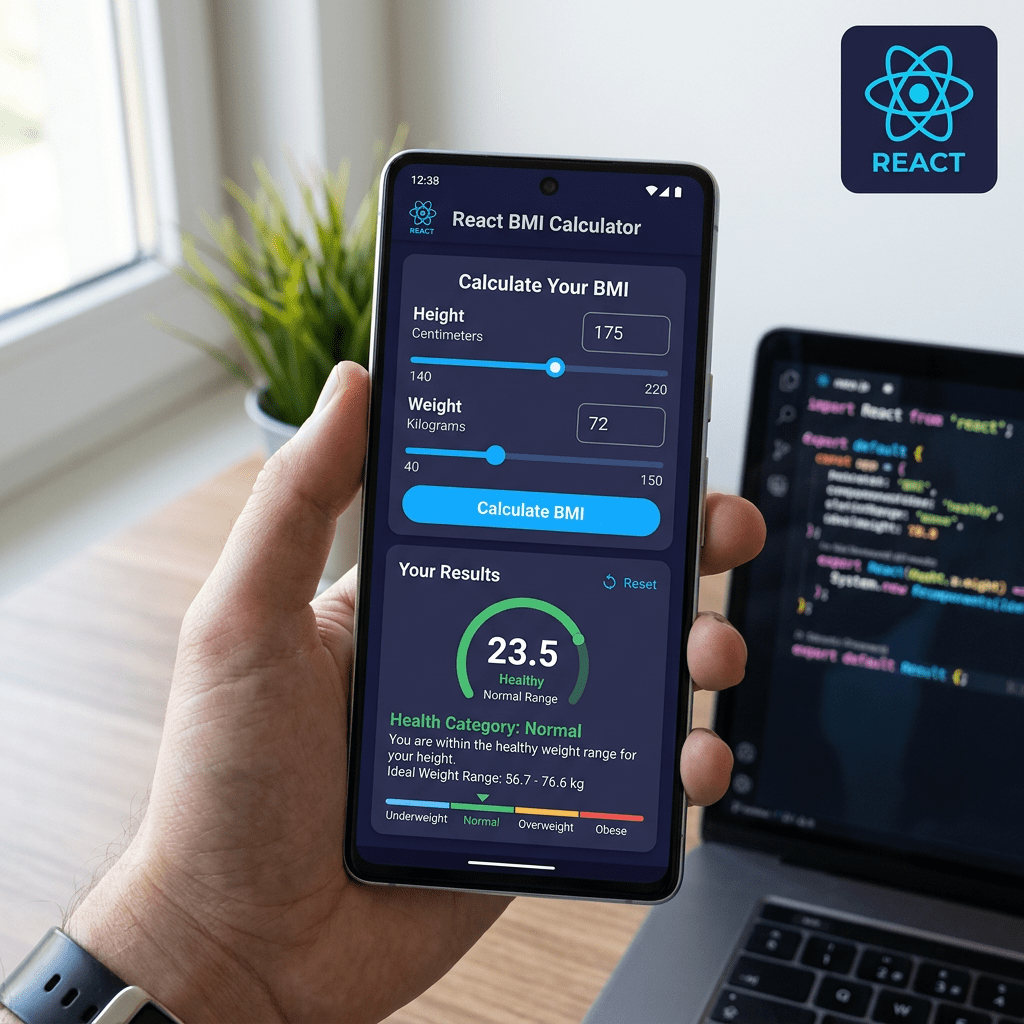
App 35: BMI Calculator with React, TypeScript, Vite, and Fluent UI
Technical Blog Article — App 35: BMI Calculator with React, TypeScript, Vite, and Fluent UI The BMI Calculator is one of the most important applications in the entire learning roadmap because it introduces one of the core principles of modern… Continue reading
-
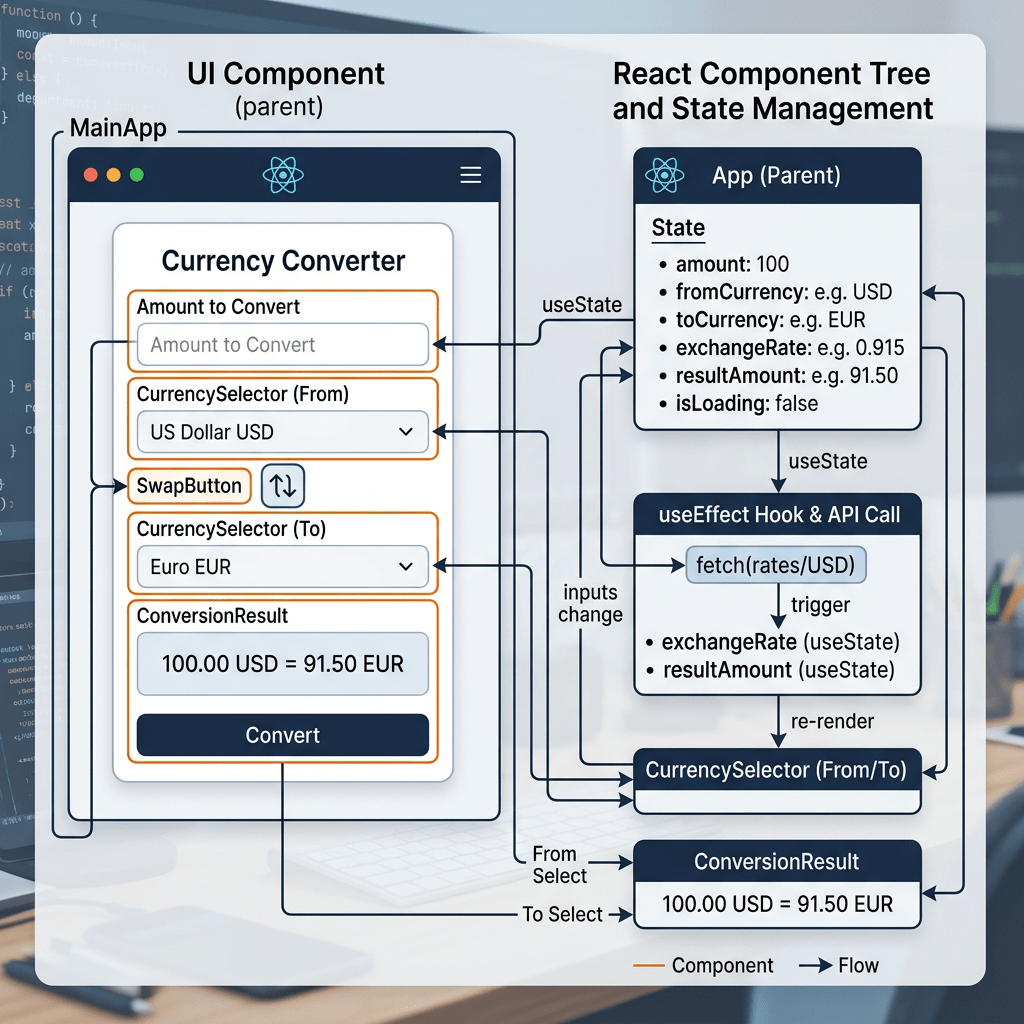
App 34: Building a Currency Converter with React, TypeScript, Vite, and Fluent UI
Technical Blog Article — App 34: Building a Currency Converter with React, TypeScript, Vite, and Fluent UI Modern React applications are fundamentally built around one central idea: The user interface is a function of state. App 34 — Currency Converter… Continue reading
-
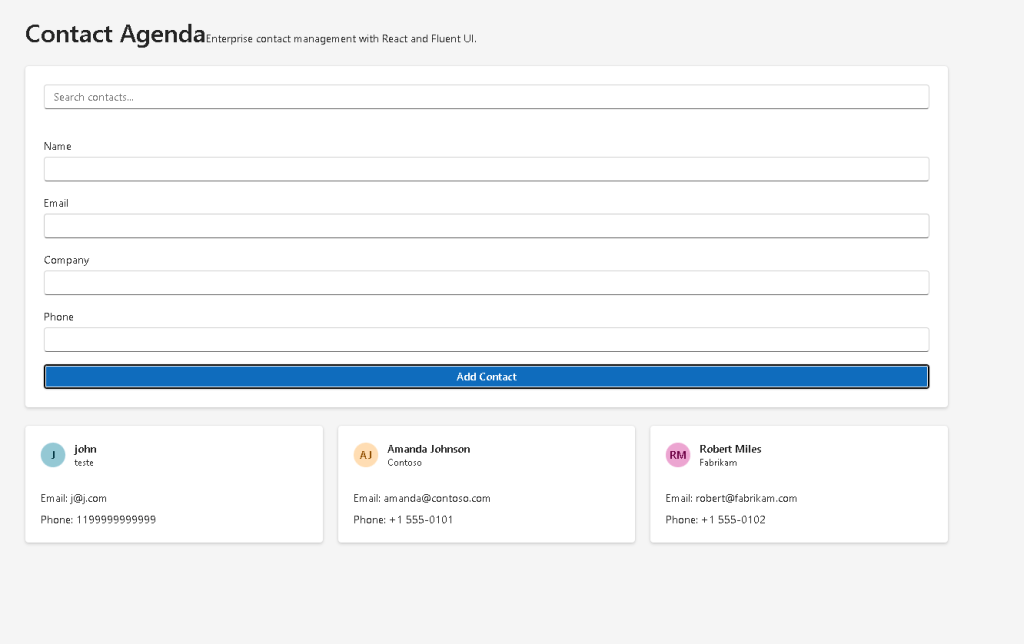
App 33: Building a Contact Agenda with React, TypeScript, Fluent UI, and Controlled Components
Technical Blog Article — App 33: Building a Contact Agenda with React, TypeScript, Fluent UI, and Controlled Components Modern React applications are fundamentally built around one central idea: This idea may sound simple initially, but it completely changes how frontend… Continue reading
-
App 32: Inventory Control with React, TypeScript, Vite, and Fluent UI
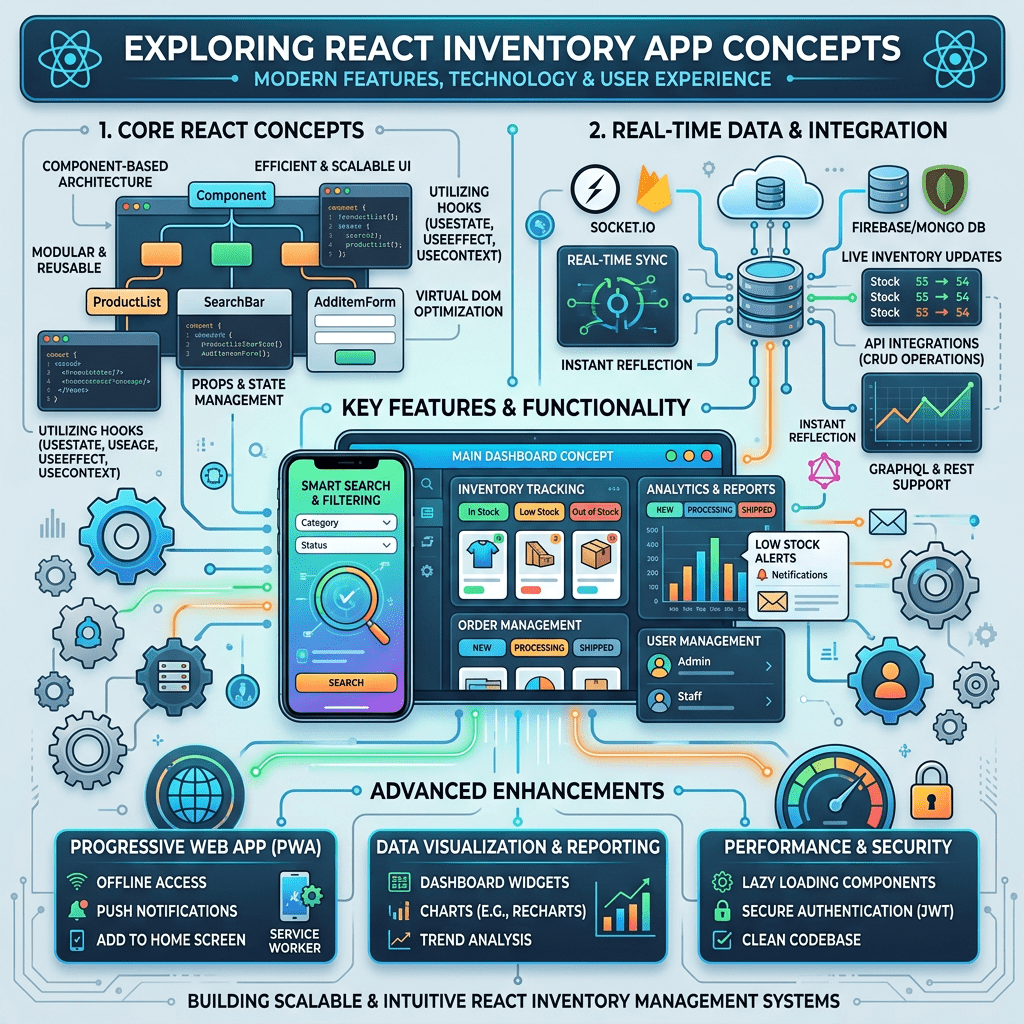
Technical Blog Article — App 32: Inventory Control with React, TypeScript, Vite, and Fluent UI Modern enterprise applications frequently revolve around one central concept: managing data visually and interactively. One of the most common examples is inventory management. Warehouses, stores,… Continue reading
-
App 31: Grade Simulator with React, TypeScript, Fluent UI, and Derived State
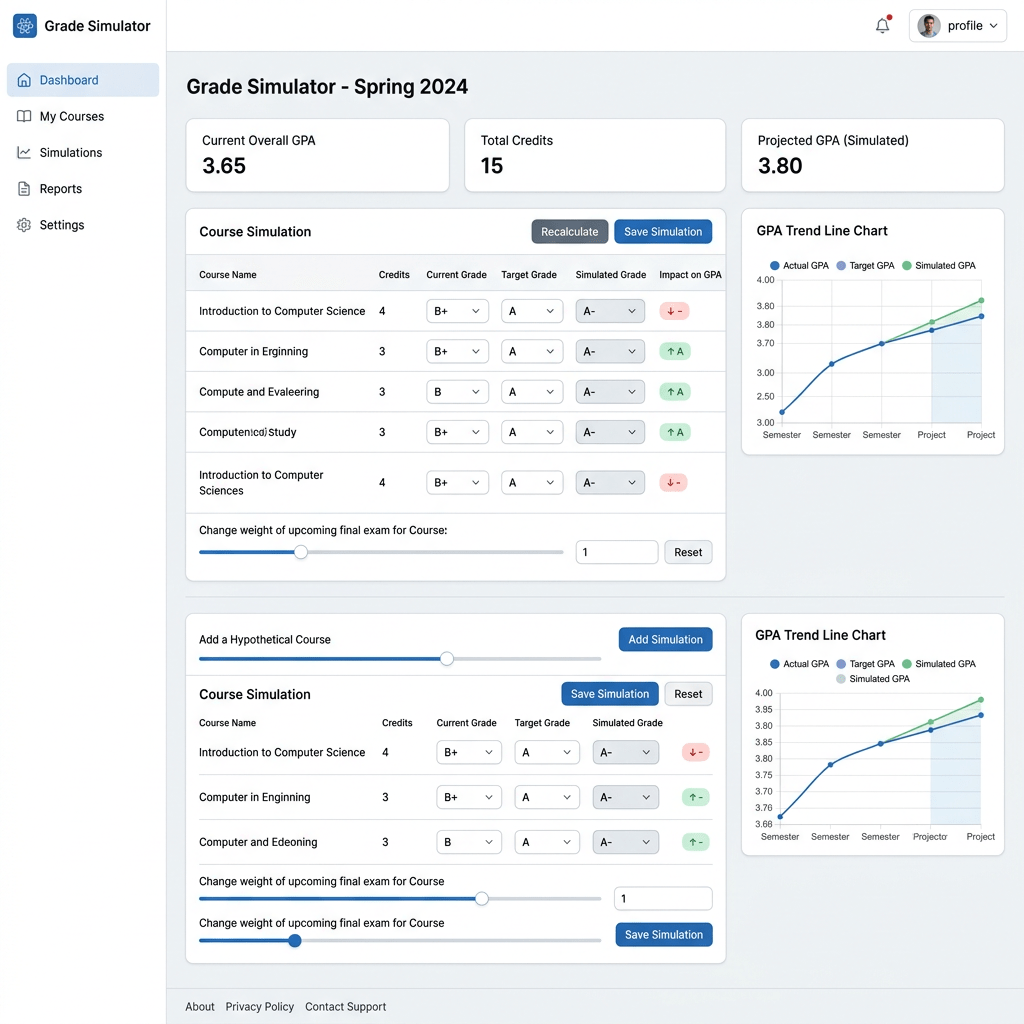
Technical Blog Article — App 31: Grade Simulator with React, TypeScript, Fluent UI, and Derived State Modern React applications are not built by manually manipulating the DOM or writing imperative UI logic. Instead, React applications are built by describing how… Continue reading
-
App 30: Building a Shopping Cart with React, TypeScript, Vite, and Fluent UI
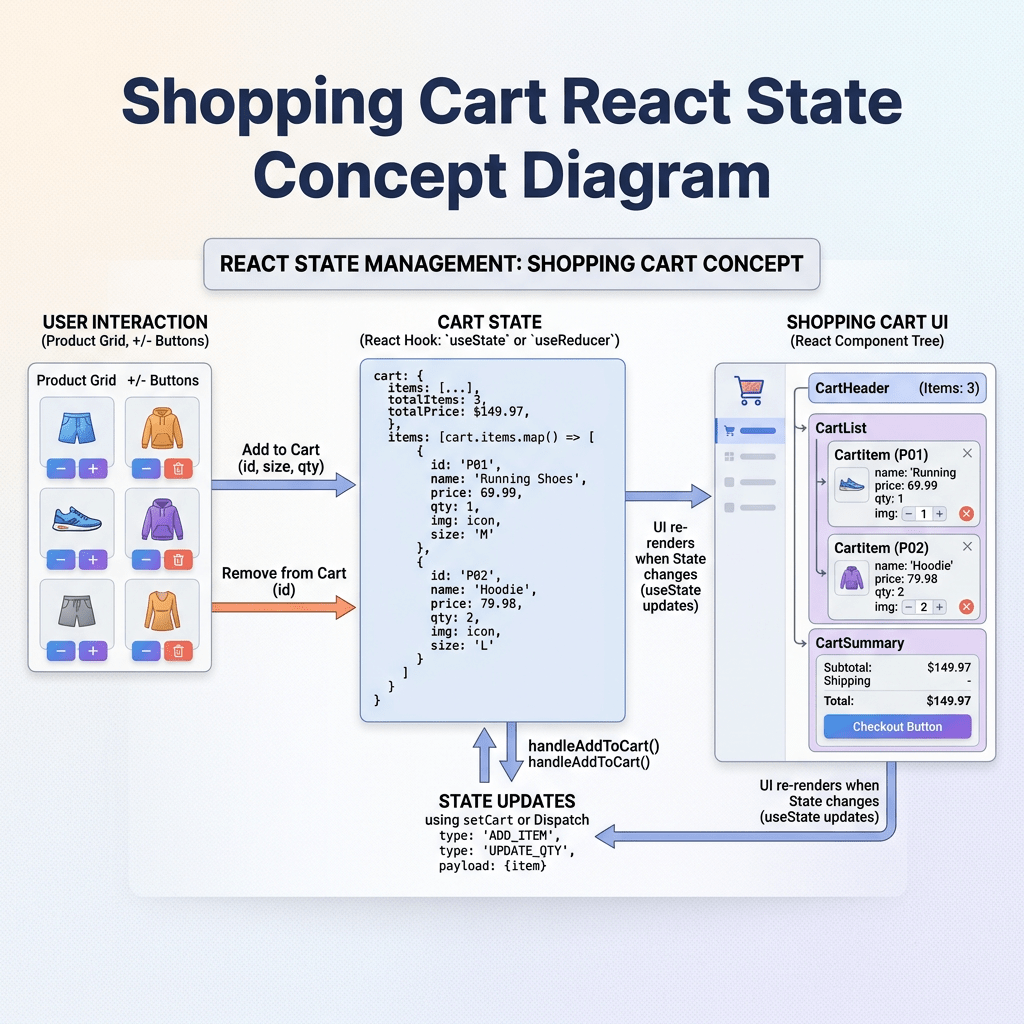
Technical Blog Article — App 30: Building a Shopping Cart with React, TypeScript, Vite, and Fluent UI The Shopping Cart is one of the most important exercises in frontend engineering because it introduces a central React concept: The interface is… Continue reading
-
App 29: Employee Search with React, TypeScript, Vite, and Fluent UI
Technical Blog Article — App 29: Employee Search with React, TypeScript, Vite, and Fluent UI App 29 — Employee Search is one of the most important applications in Block 2 — Interactivity and State because it introduces one of the… Continue reading

-
App 28: Product Filter with React, TypeScript, Vite, and Fluent UI
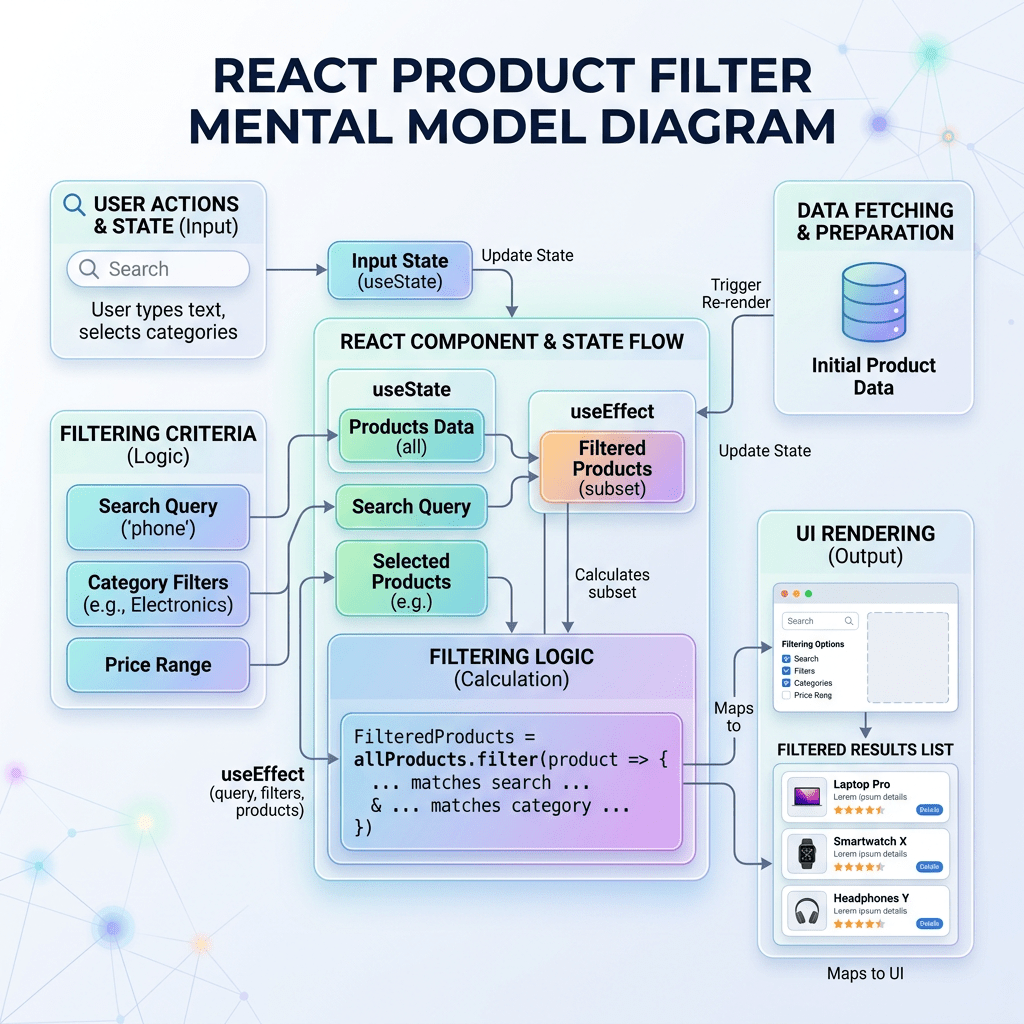
Technical Blog Article — App 28: Product Filter with React, TypeScript, Vite, and Fluent UI The Product Filter application is one of the most important milestones in the entire React learning roadmap because it introduces the true React mental model… Continue reading
-
App 27: Building a Shopping List with React State, map(), filter(), and Fluent UI
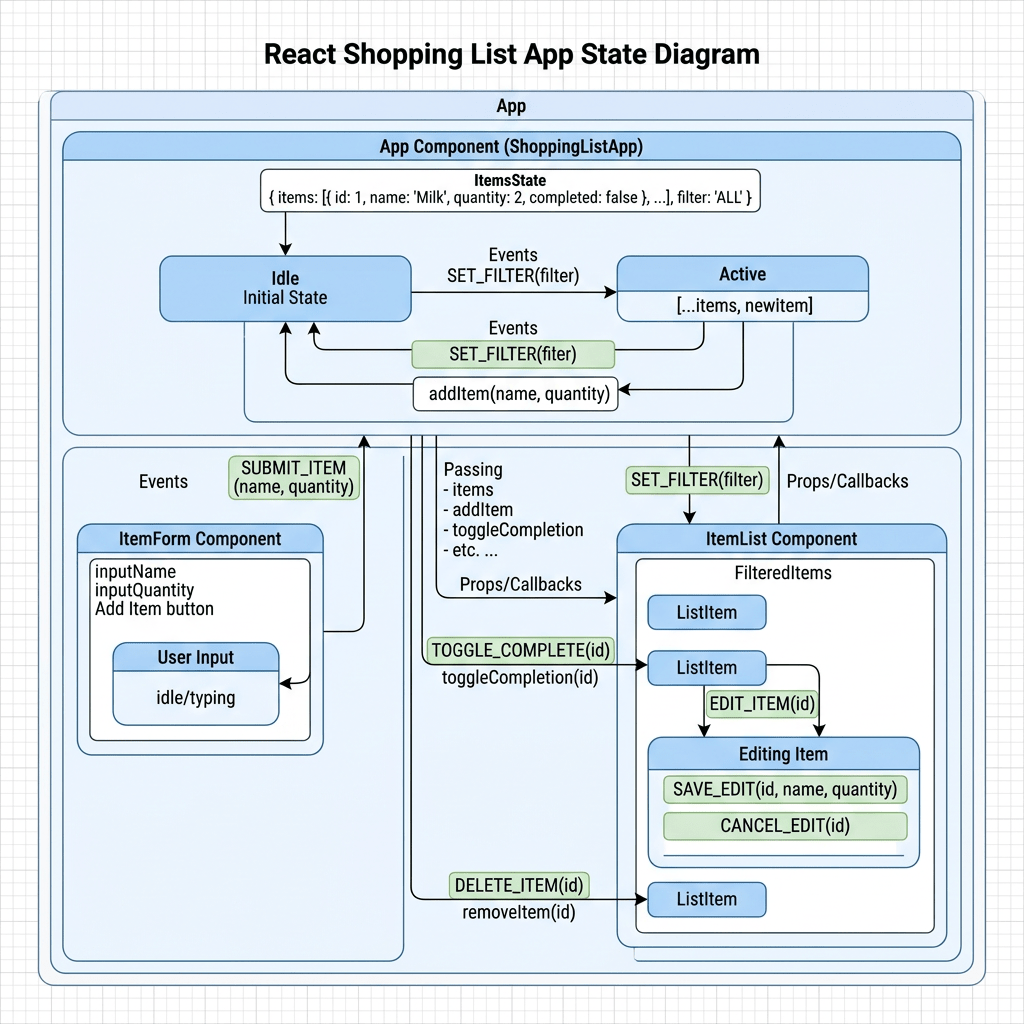
Technical Blog Article — App 27: Building a Shopping List with React State, map(), filter(), and Fluent UI The twenty-seventh application in the React + Fluent UI learning roadmap is App 27 — Shopping List. This application belongs to Block… Continue reading
-
Building a Complete Interactive ToDo List with React, TypeScript, Vite, and Fluent UI
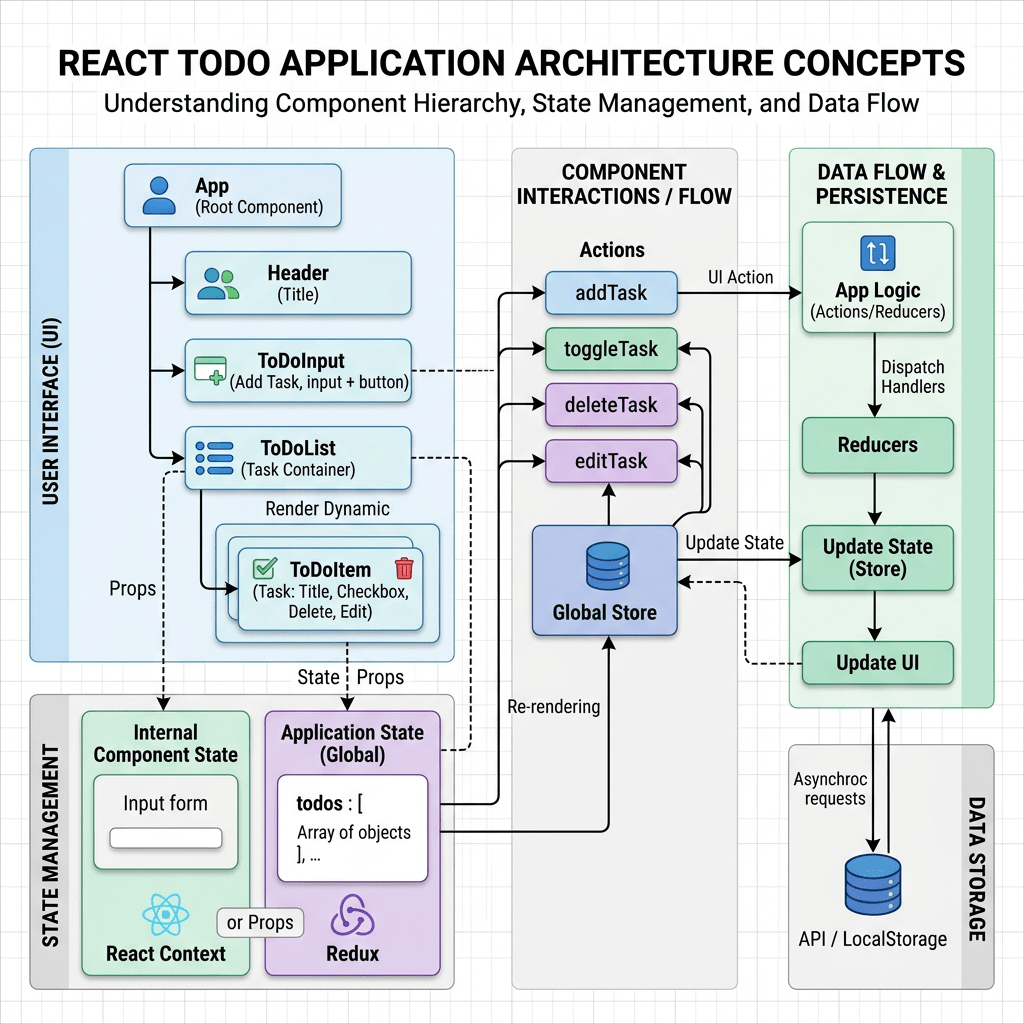
Building a Complete Interactive ToDo List with React, TypeScript, Vite, and Fluent UI Modern React development is not only about displaying static interfaces anymore. Real applications require interaction, state management, dynamic rendering, user input handling, and predictable UI updates. One… Continue reading
-
App 25: User Registration with React, TypeScript, Fluent UI, and Controlled Forms
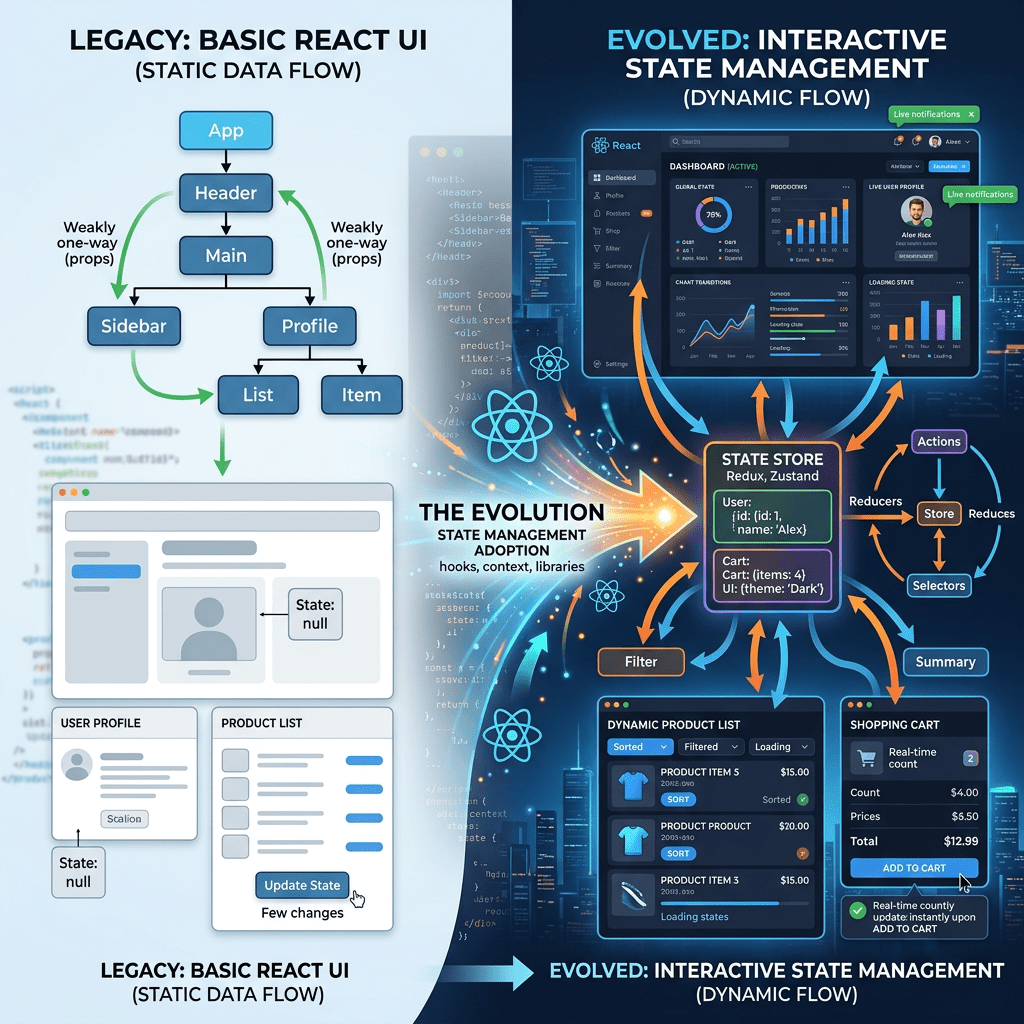
Technical Blog Article — App 25: User Registration with React, TypeScript, Fluent UI, and Controlled Forms App 25 — User Registration represents one of the most important transitions in the entire React learning roadmap. Until now, most applications in Block… Continue reading
-
Technical Blog Article — App 24: Login Form with React State, TypeScript, and Fluent UI
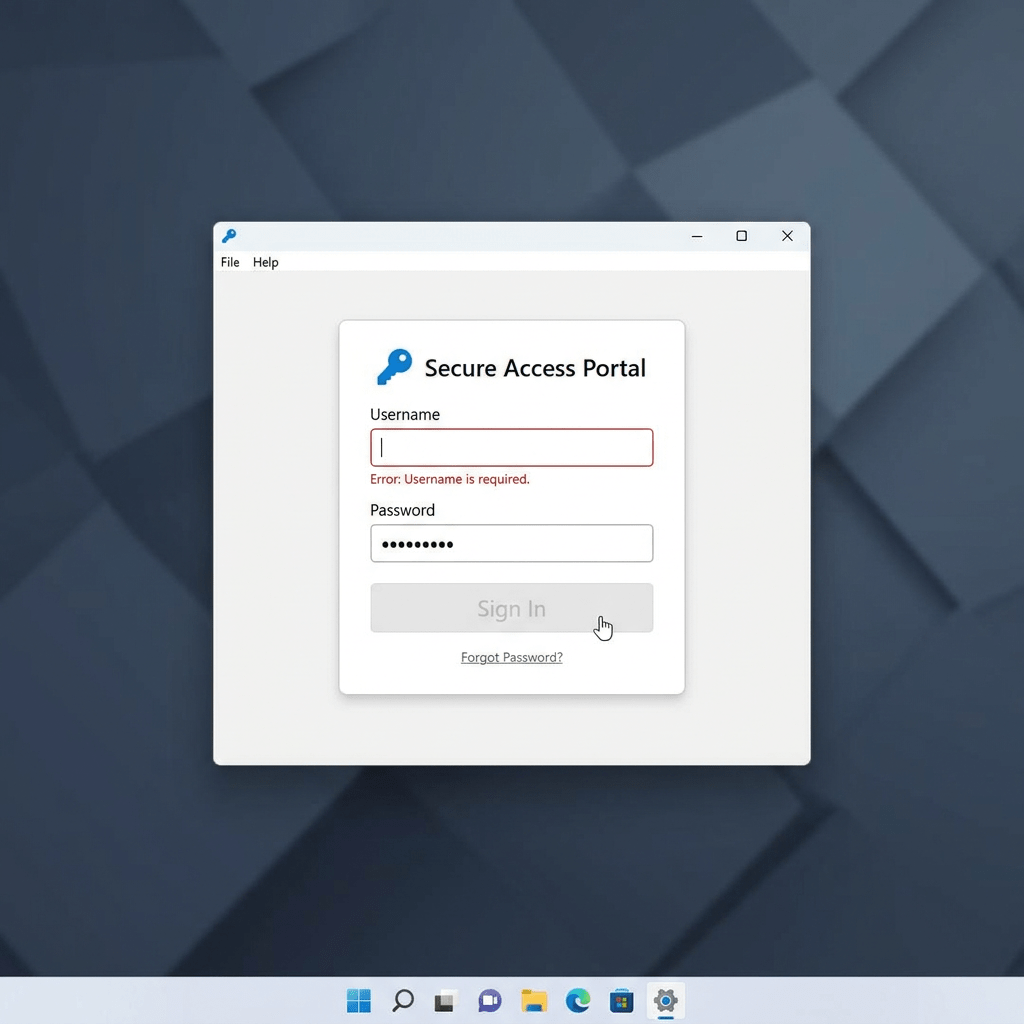
Technical Blog Article — App 24: Login Form with React State, TypeScript, and Fluent UI App 24 is one of the most important applications in the entire React learning roadmap because this is the moment where React stops being “static… Continue reading
-
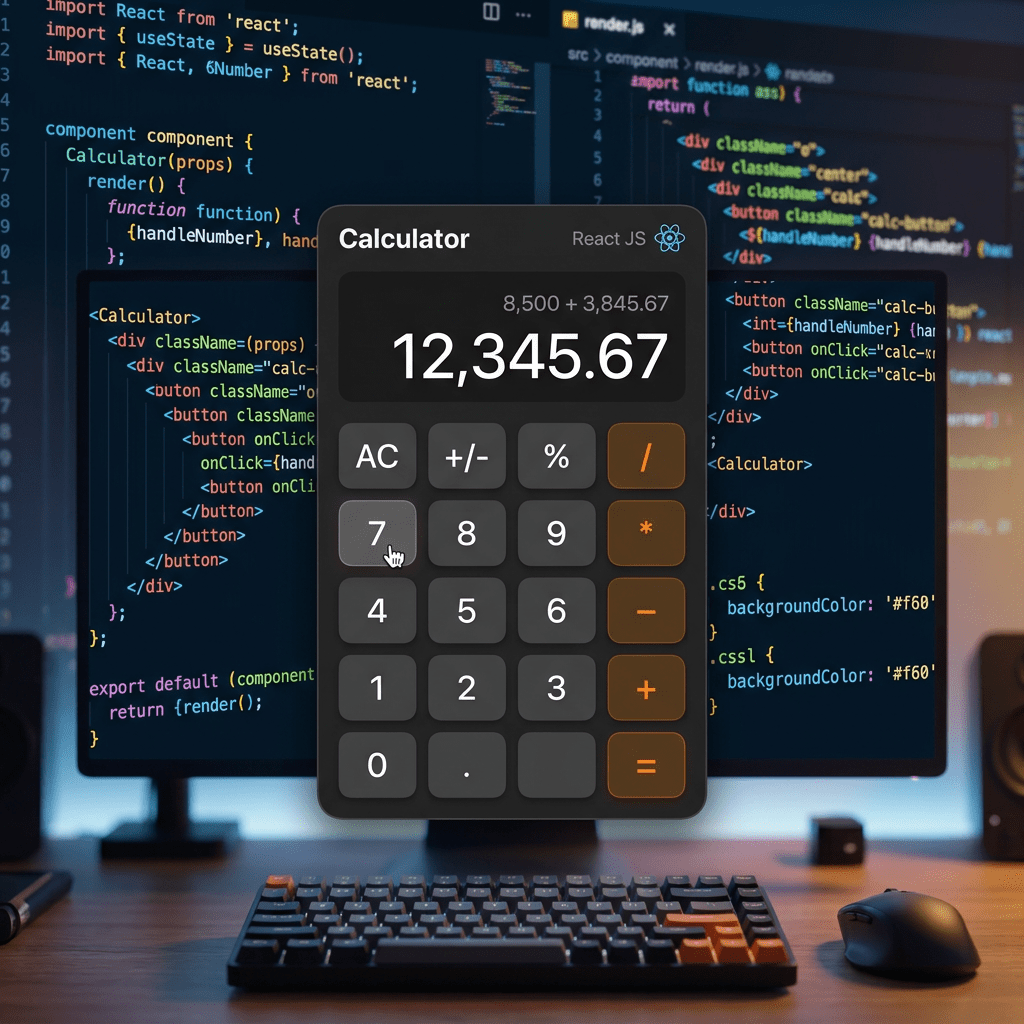
Building a React Calculator with React State, TypeScript, Vite, and Fluent UI
Building a React Calculator with React State, TypeScript, Vite, and Fluent UI The calculator is one of the most important learning exercises in frontend development because it forces the developer to understand how user interaction changes application state and how… Continue reading
-
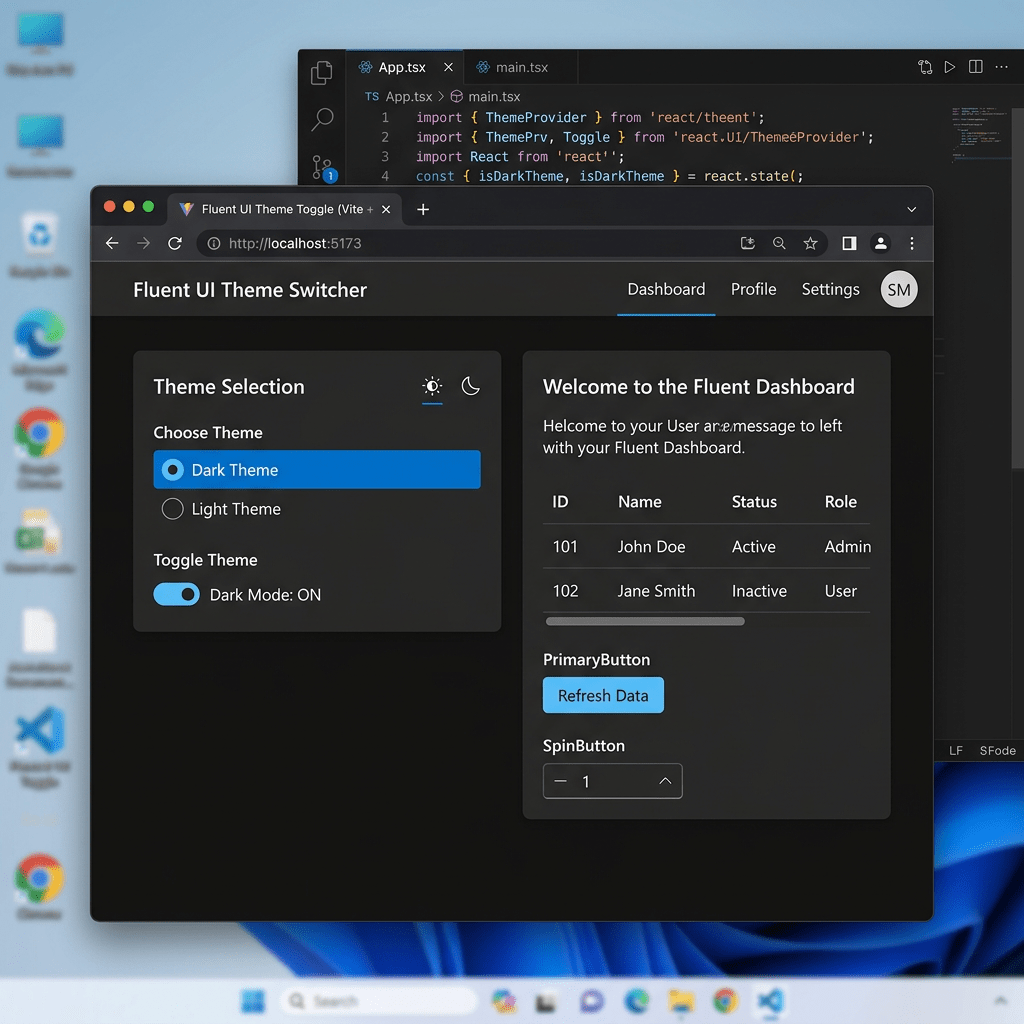
Building a Theme Toggle Application with React, TypeScript, Vite, and Fluent UI
Building a Theme Toggle Application with React, TypeScript, Vite, and Fluent UI Modern React applications are no longer static pages. One of the core ideas behind React is that the user interface changes dynamically according to application state. The moment… Continue reading
-
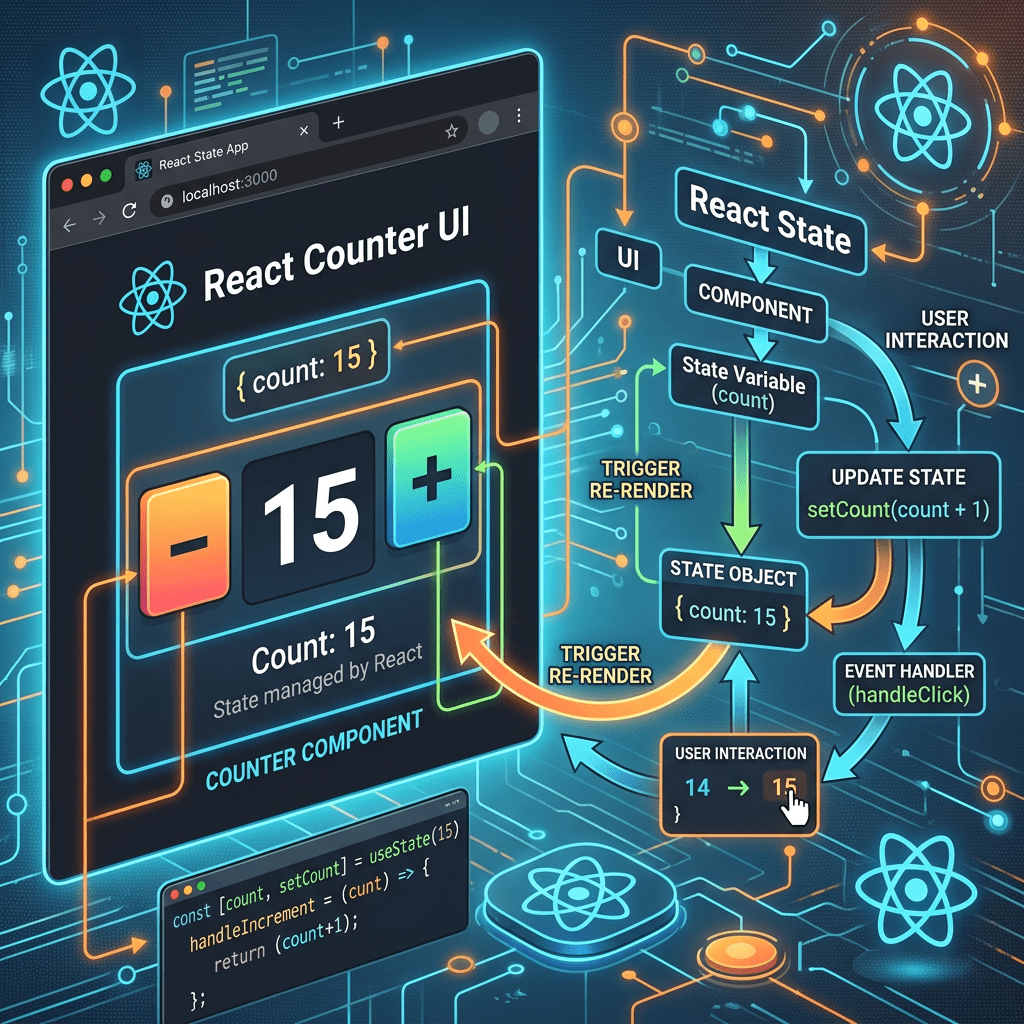
Building Your First Interactive React Application — Understanding State with App 21 Modern Counter
Building Your First Interactive React Application — Understanding State with App 21 Modern Counter The transition from Block 1 to Block 2 is one of the most important moments in the entire React learning journey. In Block 1, the applications… Continue reading
-
The Complete React + Fluent UI Learning Journey — 100 Enterprise Applications Explained
The Complete React + Fluent UI Learning Journey — 100 Enterprise Applications Explained The 100 React + Fluent UI Apps Project was designed as a complete roadmap for mastering modern React architecture using: The entire roadmap is based on the… Continue reading

-
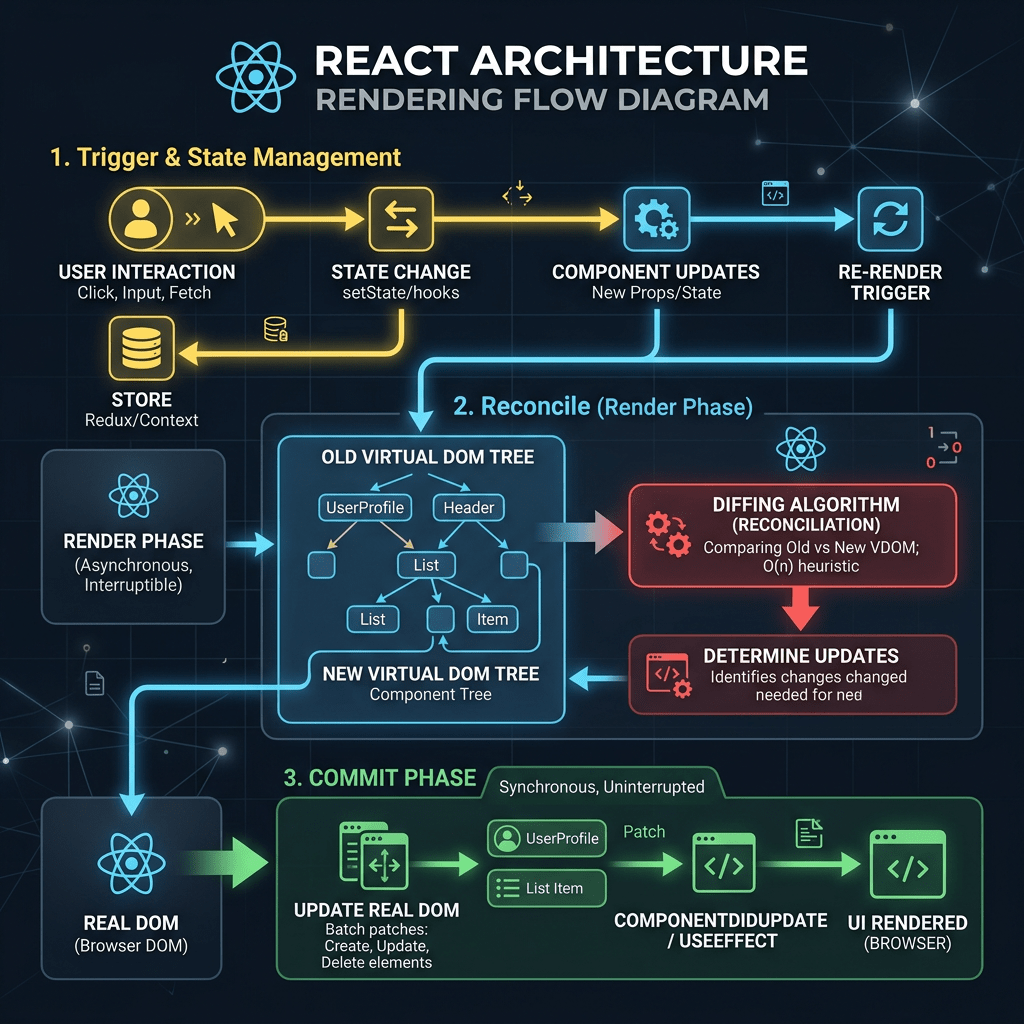
Closing Block 1 — Understanding the Complete React Rendering Flow
Closing Block 1 — Understanding the Complete React Rendering Flow Block 1 of the 100 React + Fluent UI Apps project established the architectural foundation of modern React development. The goal was never only to build visual interfaces, but to… Continue reading
-
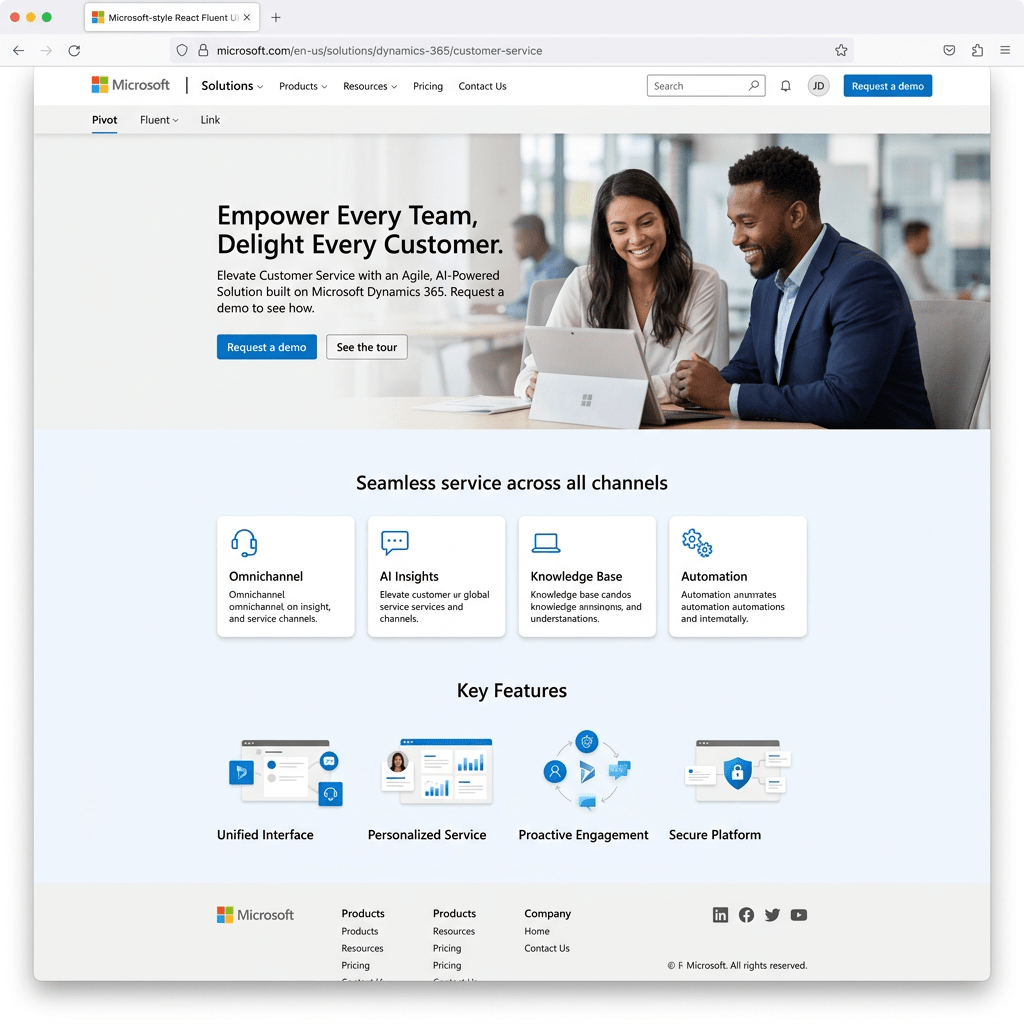
Building a Microsoft-Style Landing Page with React, Vite, TypeScript, and Fluent UI
Building a Microsoft-Style Landing Page with React, Vite, TypeScript, and Fluent UI Modern frontend applications are no longer simple collections of HTML pages connected with links and JavaScript snippets. Enterprise applications today require scalability, component architecture, design consistency, accessibility, maintainability,… Continue reading
-
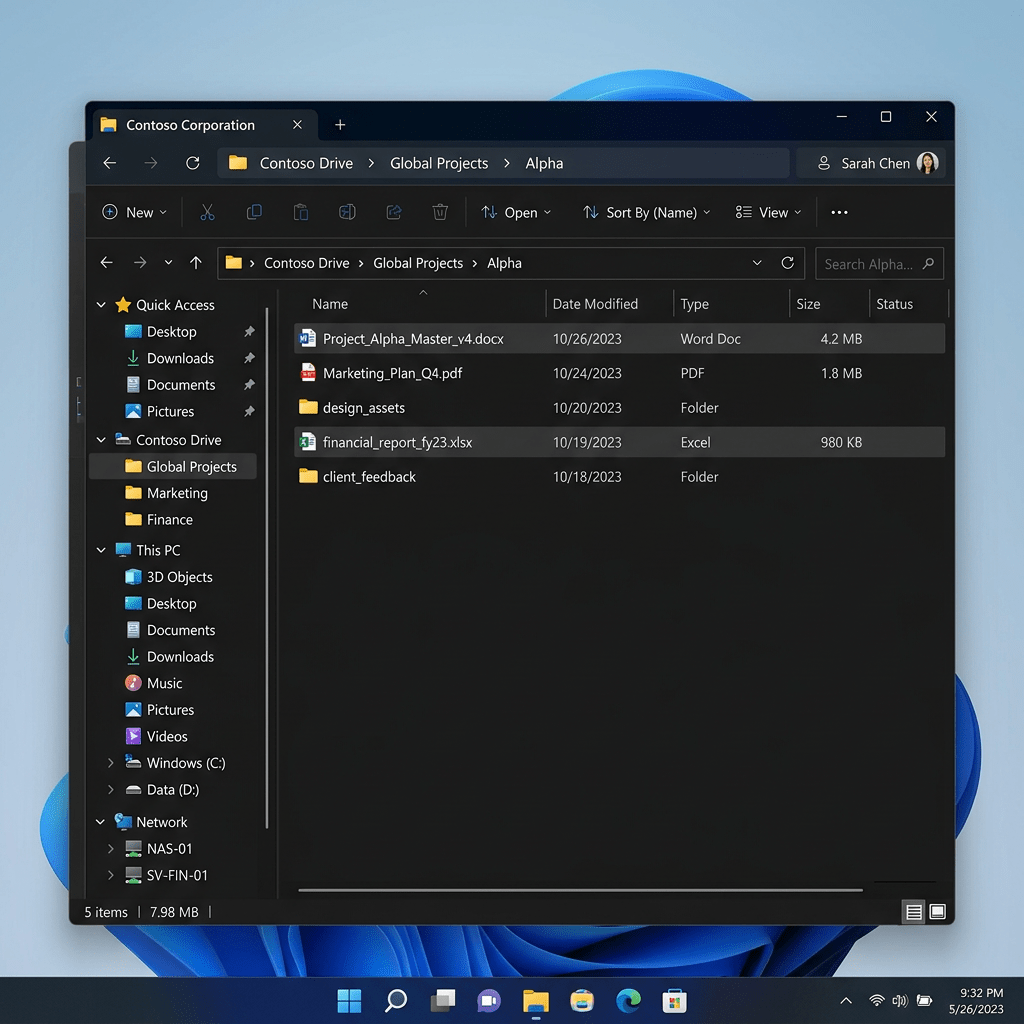
Building a Corporate File Explorer with React, TypeScript, Vite, and Fluent UI
Building a Corporate File Explorer with React, TypeScript, Vite, and Fluent UI The eighteenth application in the 100 React + Fluent UI Apps roadmap is App 18 — File Explorer. This project introduces one of the most common enterprise application… Continue reading
-
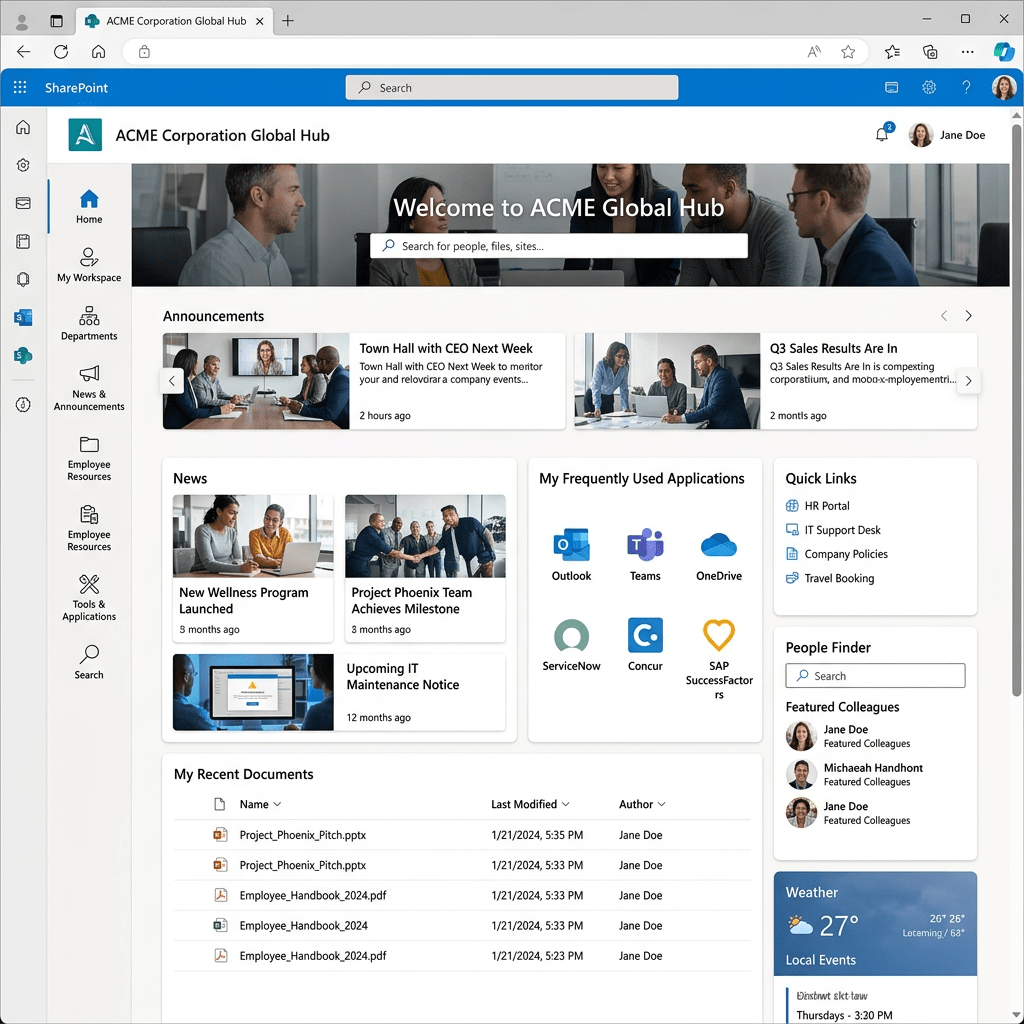
Building a SharePoint-Style Enterprise Portal with React, TypeScript, Vite, and Fluent UI
Building a SharePoint-Style Enterprise Portal with React, TypeScript, Vite, and Fluent UI Modern enterprise portals are no longer simple collections of HTML pages linked together manually. Platforms like Microsoft SharePoint Online introduced a new way of thinking about business applications:… Continue reading
 edvaldo b. guimarães filho